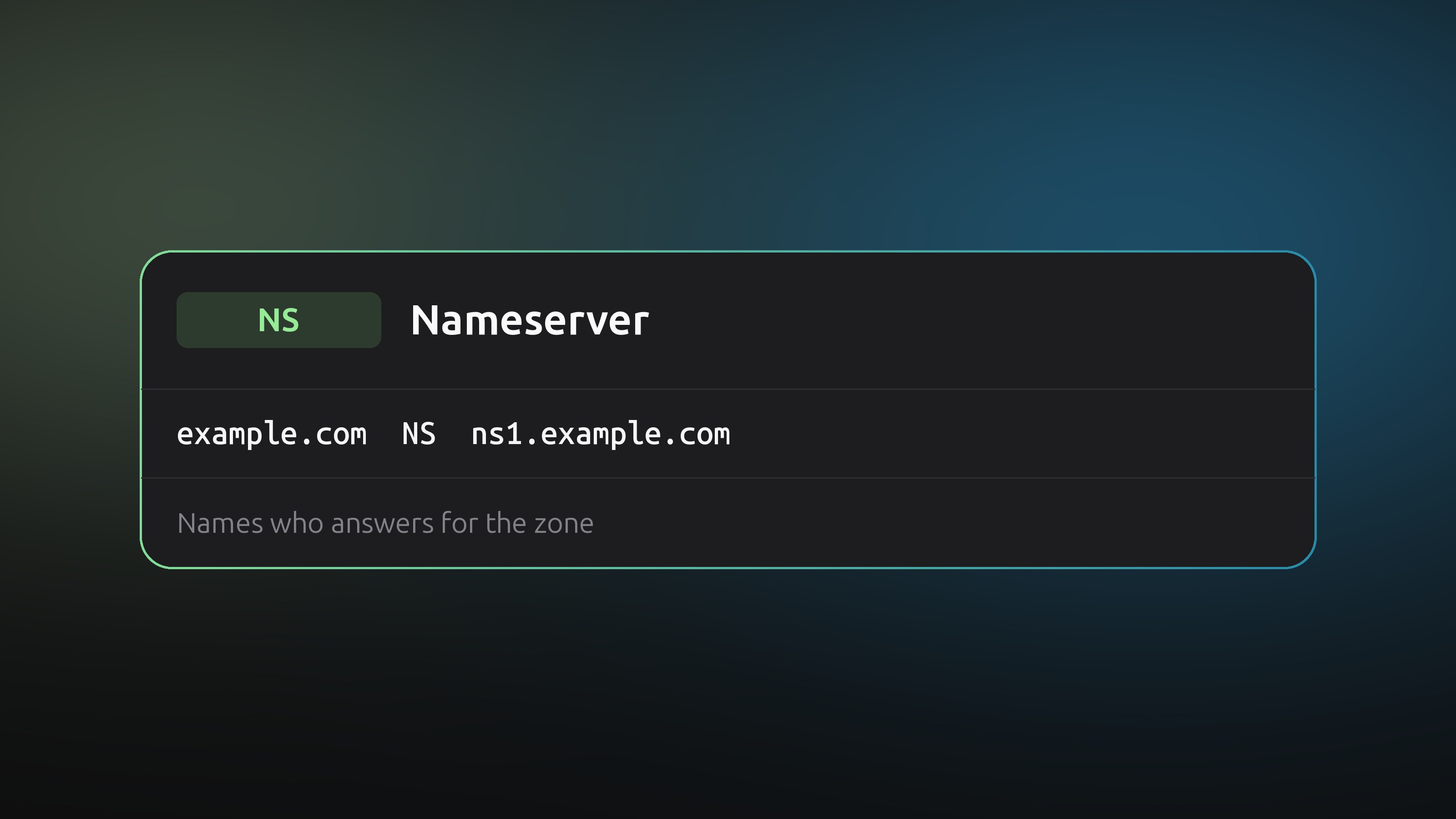
An NS record names a server that is allowed to answer DNS questions for a domain. Every domain has at least two. They decide where all your other records live, so changing them moves your whole zone.
Two places hold the same answer
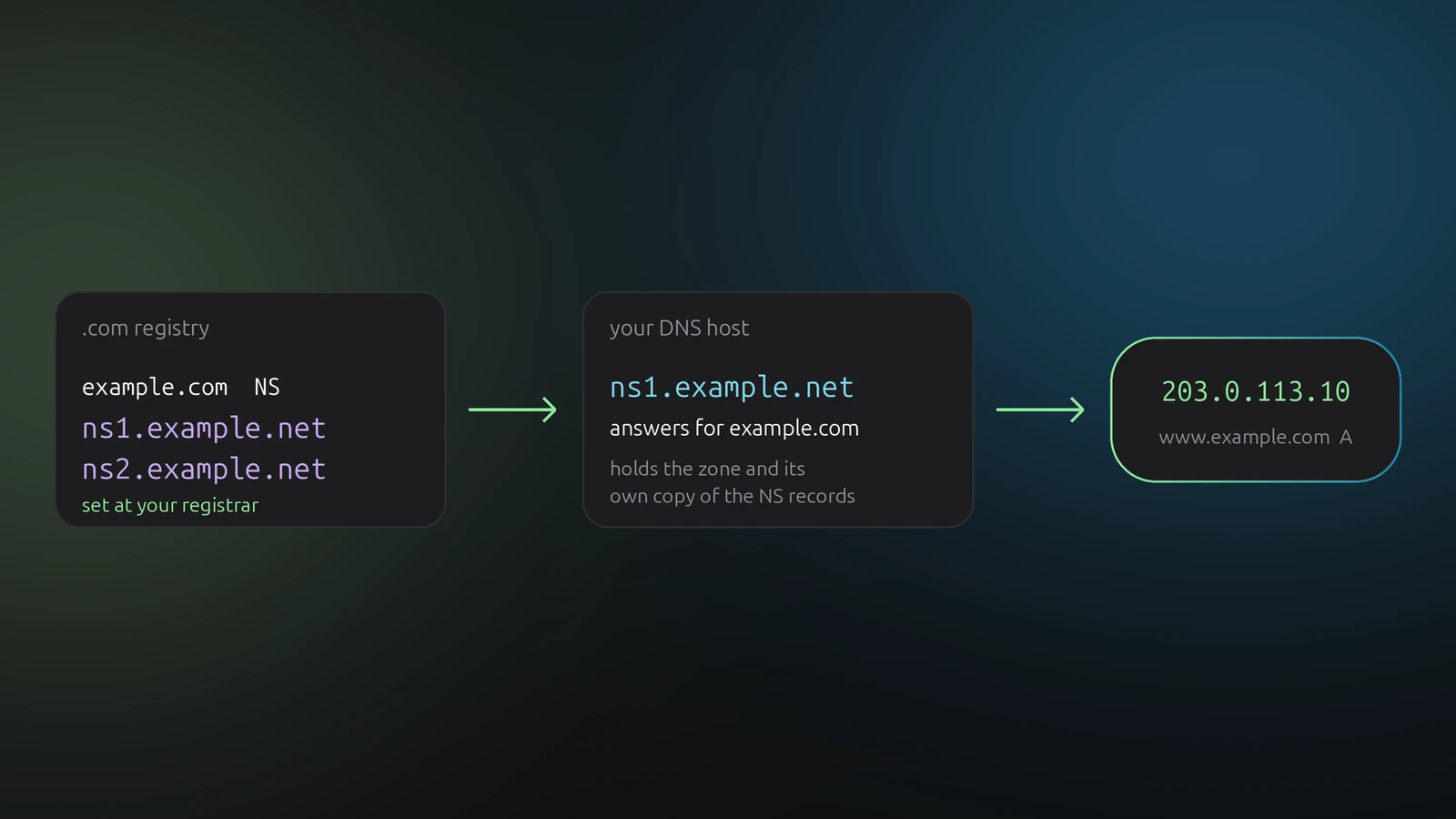
NS records exist at two levels, and both matter.
- At the parent. For
example.com, the .com registry stores the NS records. You set them at your registrar, usually as "nameservers". - In the zone. Your DNS host serves NS records for the domain itself, next to your A, MX and TXT records.
Resolvers follow the parent's records first. If the two sets disagree, some resolvers use one and some the other, and you get intermittent failures that are hard to reproduce. Keep them identical.
Use at least two nameservers
One nameserver is a single point of failure. Providers hand out two or more on different networks, such as ns1.example.net and ns2.example.net. Copy all of them, not just the first.
Glue records
If a domain uses its own nameservers, say ns1.example.com for example.com, a resolver has a chicken-and-egg problem: it needs the nameserver's address to ask about the domain that holds that address. The fix is a glue record, an A or AAAA record for the nameserver stored at the registry. You add glue at your registrar, not in the zone. Most people never need it, because their nameservers sit under their provider's domain.
Delegating a subdomain
NS records also hand a part of your domain to someone else. An NS record for shop.example.com pointing to another provider's nameservers means that provider answers for everything under shop.example.com.
Two things to know:
- Other records for the delegated name in your own zone are ignored. Remove them to avoid confusion.
- A name cannot have a CNAME and an NS record at the same time.
Changing nameservers safely
Moving to a new DNS host is the one change where the order matters.
- Create the zone at the new provider and copy every record. Check MX and TXT records, since a missing one breaks mail.
- Compare old and new answers for your important names.
- Only then change the nameservers at the registrar.
- Leave the old zone in place for at least two days.
Delegation records are cached for a long time, often 24 to 48 hours, regardless of the TTL on your other records. That is why a nameserver change takes the longest to settle.
Check what the world sees
dig NS example.com +short
dig NS example.com @ns1.example.net +short
The first asks your resolver. The second asks one of the nameservers directly. If they differ, or one nameserver does not answer, you have a broken delegation.
NS records and DNSense
DNSense manages the records in your zones at each provider through its API. The NS and SOA records that every zone carries at the apex are maintained by your DNS host, and DNSense does not manage them. Nameservers for a domain are changed at your registrar. DNSense shows the zone as the provider holds it, so you can check that the records on both sides match before you switch.