One record table, whatever the provider

Every panel has its own idea of what a record looks like. DNSense puts one editor in front of all of them and translates each change into whatever that provider expects.

Start for free
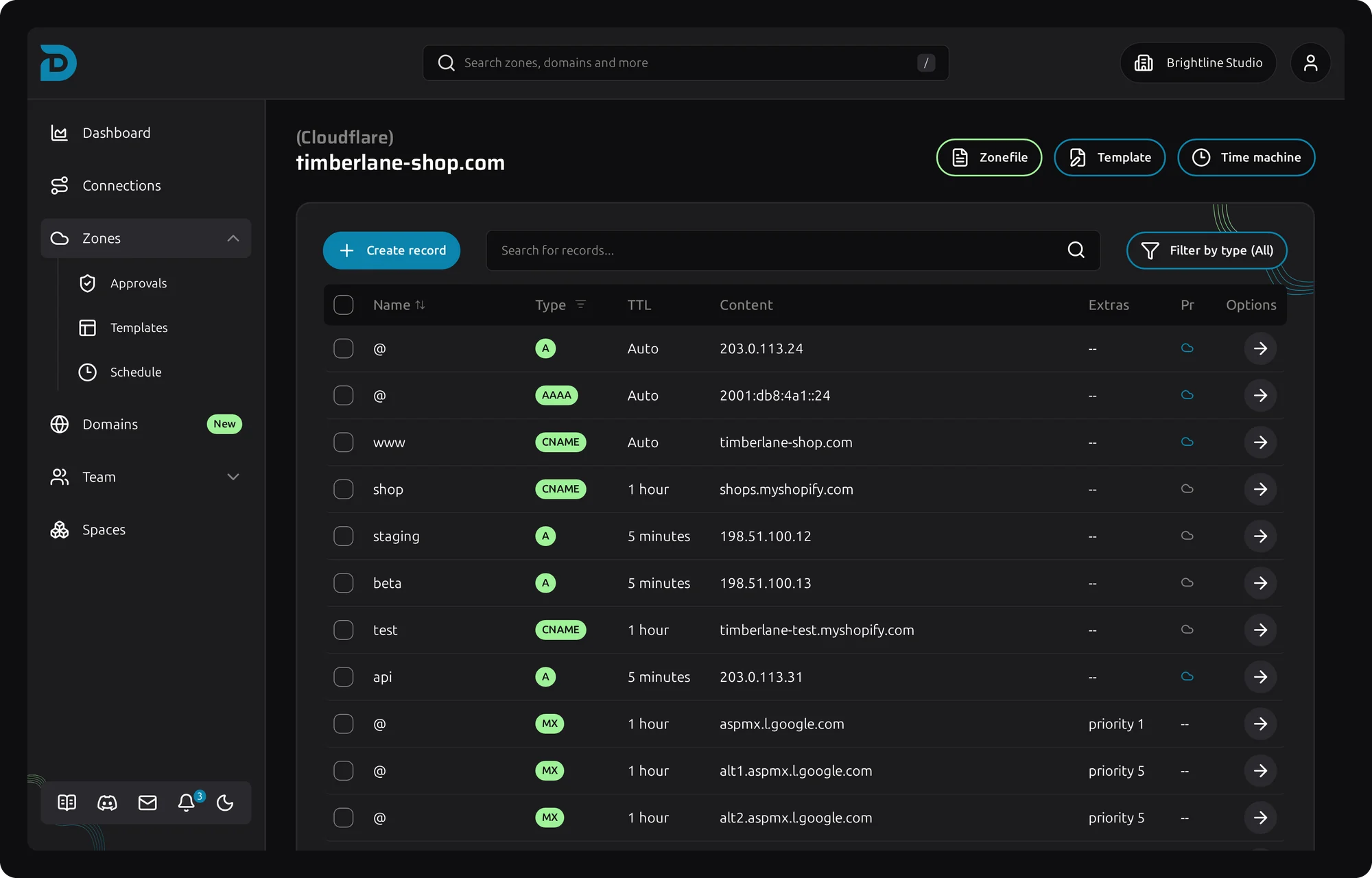
DNS record table of a zone at Cloudflare
DNS manager

Less clicking per record, fewer mistakes per zone

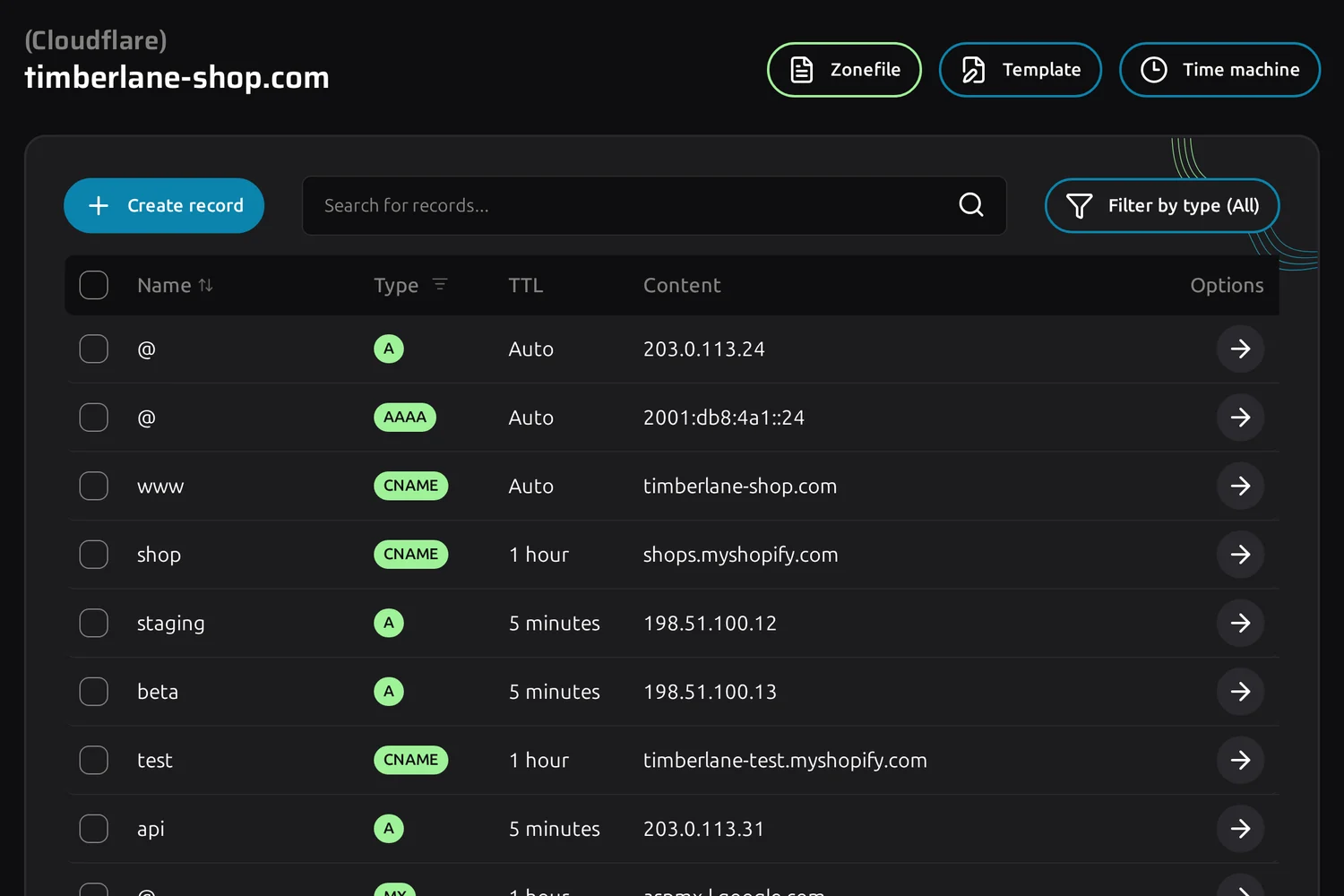
Record table with A, AAAA, CNAME and MX records

The same table for every zone

Cloudflare, TransIP and DirectAdmin name the same field differently and disagree on what a valid TTL is. In DNSense an MX record looks the same everywhere, and the provider quirks are our problem.

  • A, AAAA, CNAME, MX, TXT, CAA, SRV and TLSA records, entered the same way at every provider
  • Filter by record type and search by name or content
  • Cloudflare proxy status visible per record
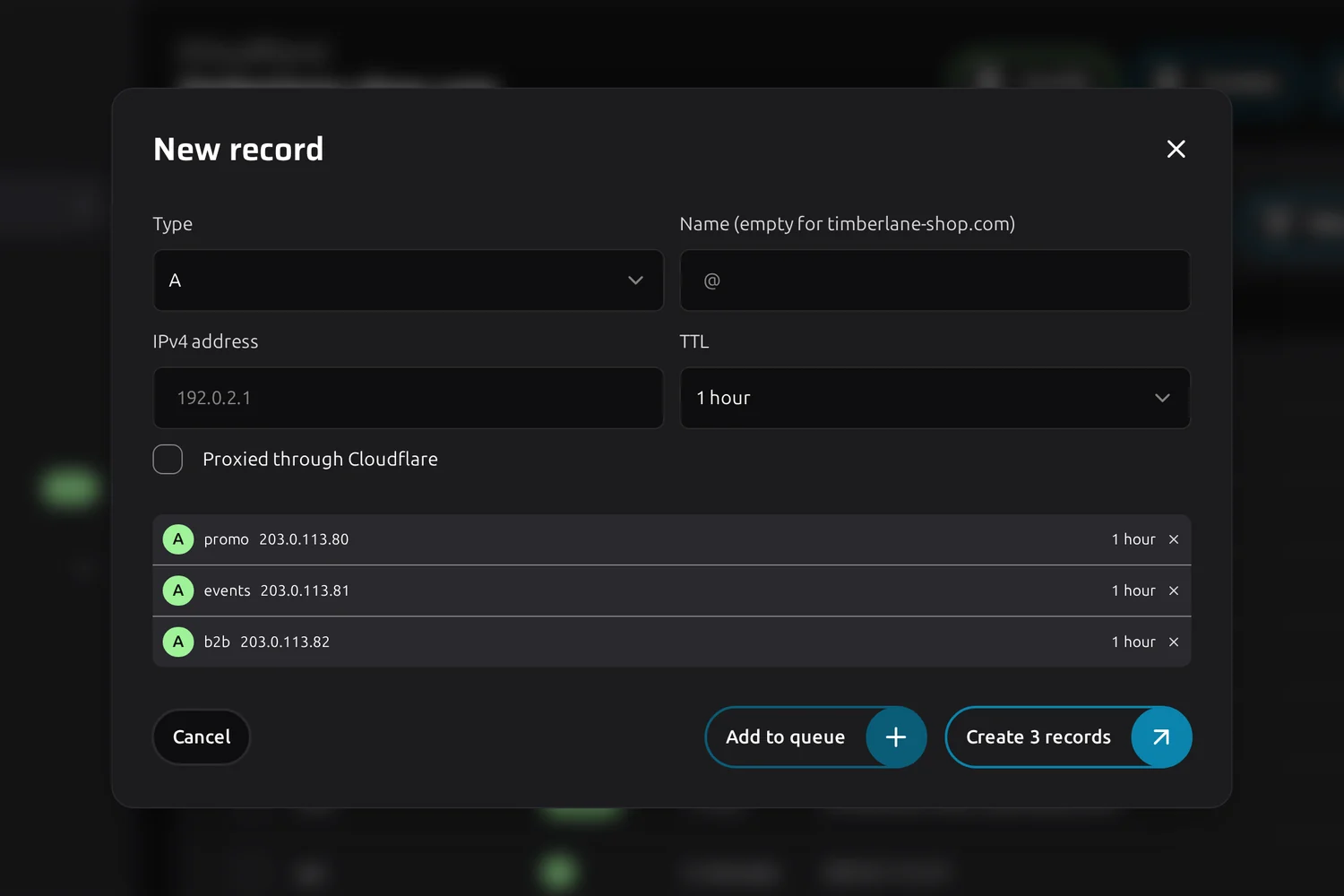
New record dialog with three queued records ready to create

A full mail setup in one submit

Google Workspace is three MX records, an SPF, a DKIM and a DMARC. Add each one to the queue and create them together, instead of opening the same dialog six times.

  • Queue records of different types in one dialog
  • Check the list before anything is sent to the provider
  • Or skip the typing and apply a template
More about templates
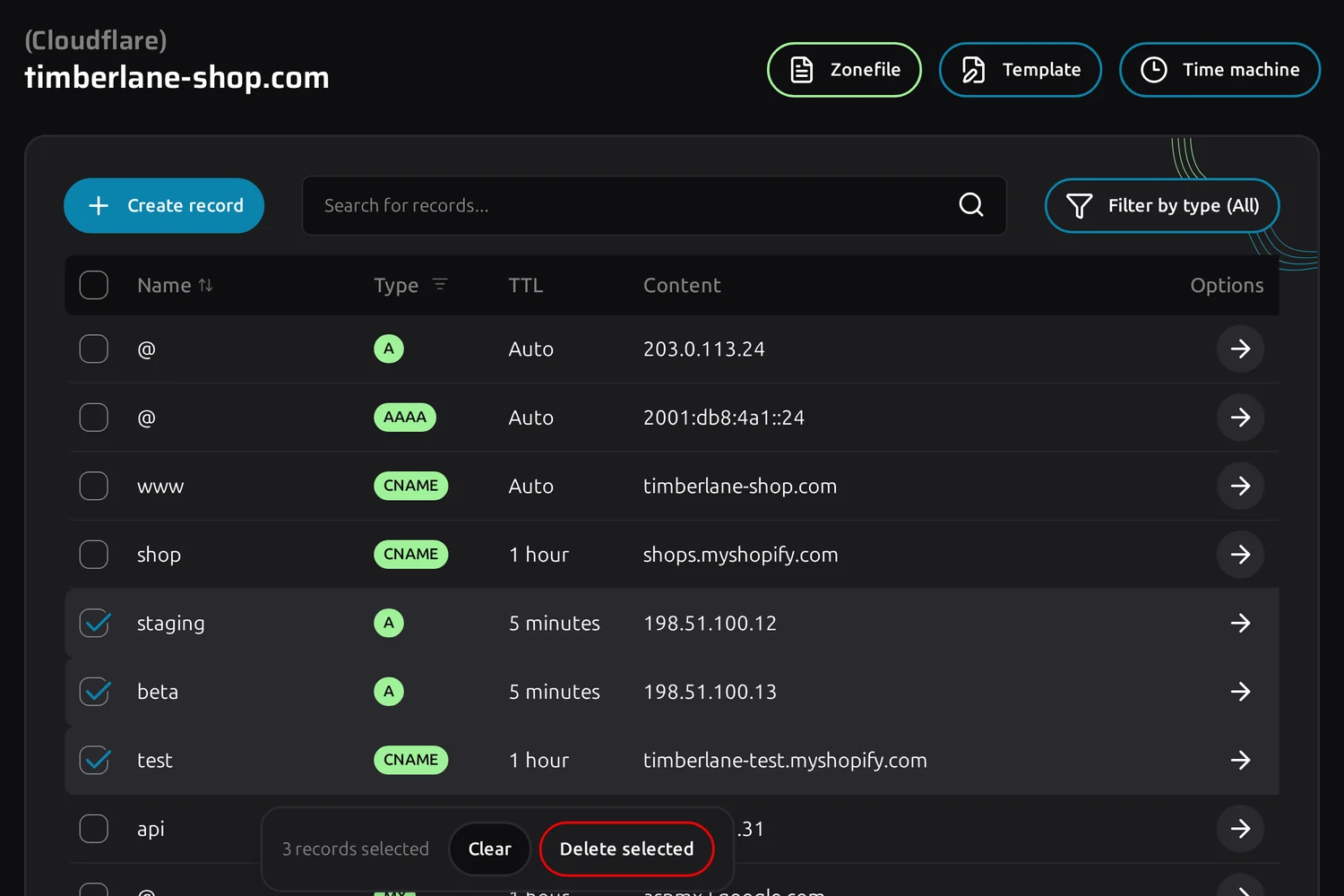
Three selected records with the delete selected bar

Clean up a zone in one go

A zone that has run for five years collects old staging hosts and records for services nobody uses. Tick them, check the count and delete them together.

  • Select across the whole table, clear the selection in one click
  • Each deletion goes to the provider as its own change, so one failure does not block the rest
  • Every deletion lands in the zone history, ready to restore
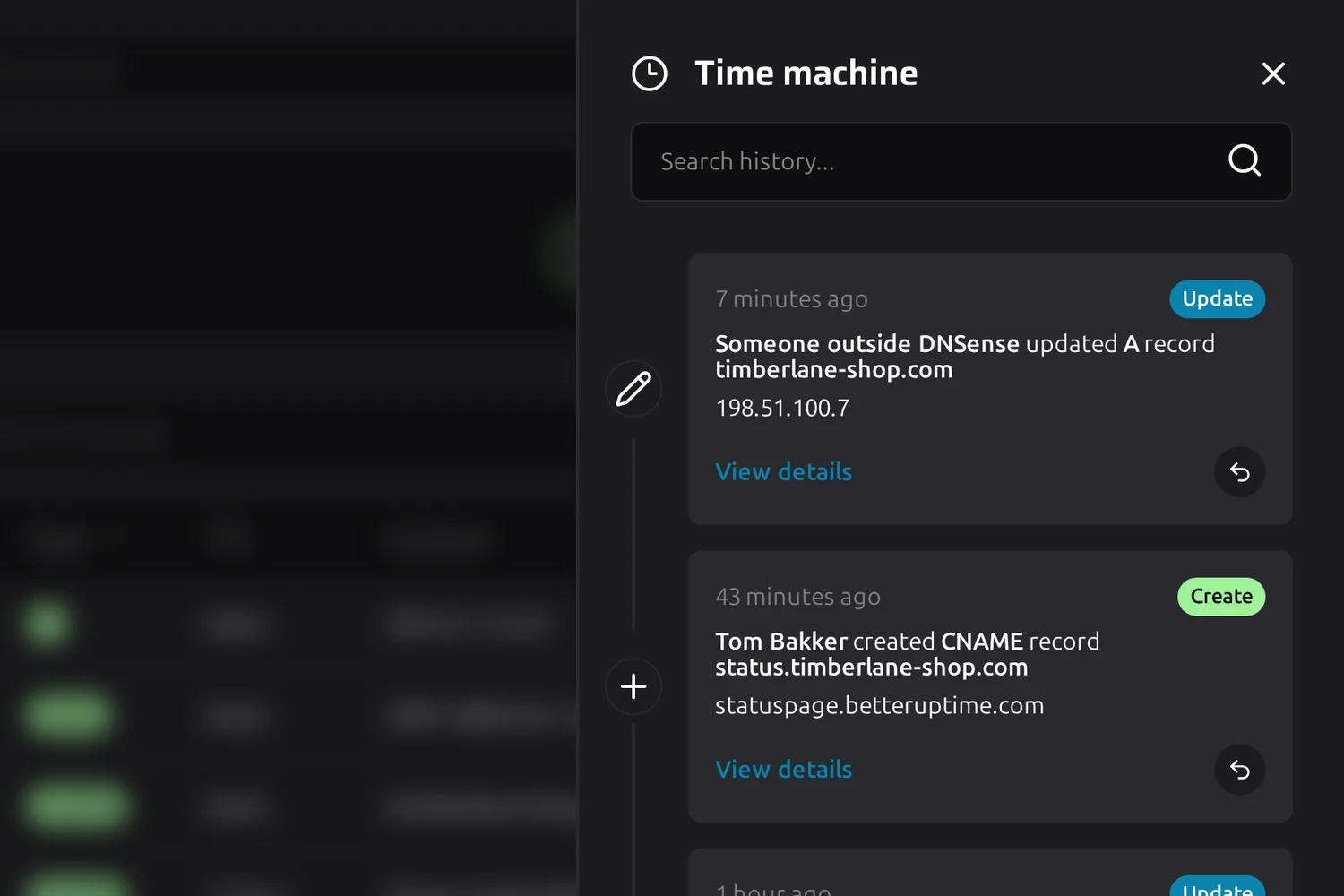
Time machine panel with the change history of a zone

Every change can be undone

Time machine keeps every change with the record before and after, who made it and when. When mail stops arriving on a Friday afternoon, you find the change and revert it from the same screen.

More about Time machine
Questions

Frequently asked questions about the DNS manager

No. Your domains stay registered and hosted where they are. DNSense connects to the provider over its API and writes your changes there.

Yes. Zones from every connection sit in the same overview, and the record table works the same whichever provider is behind it.

It is never dropped quietly. You get a notification with the provider's own error message and the record it would have written.

Yes. Give their role the "Changes require approval" permission and their record changes wait in Approvals until someone allowed to approve lets them through.