
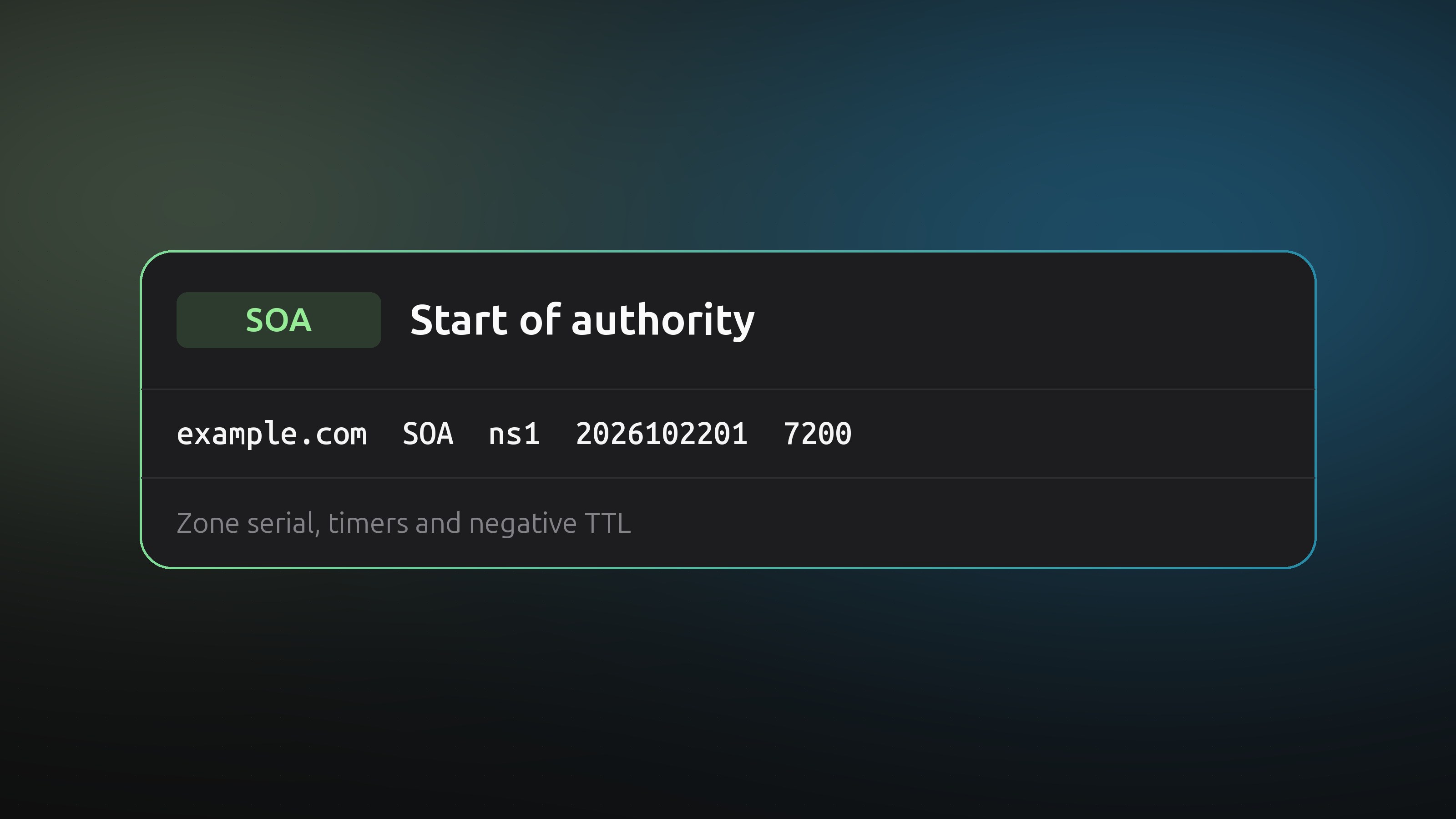
Every DNS zone starts with one SOA record, the Start of Authority. It names the zone's primary server, gives a contact and carries the timers that nameservers use to stay in sync. You rarely edit it, but it explains a few odd behaviours.
The seven fields
Look at one with dig:
dig SOA example.com +short
ns1.example.net. hostmaster.example.com. 2026102201 7200 3600 1209600 3600
| Field | Example | Meaning |
|---|---|---|
| MNAME | ns1.example.net. | The primary nameserver for the zone |
| RNAME | hostmaster.example.com. | The contact address, written with a dot instead of @ |
| Serial | 2026102201 | Version number of the zone |
| Refresh | 7200 | How often a secondary server checks for a new version, in seconds |
| Retry | 3600 | How long a secondary waits before trying again after a failed check |
| Expire | 1209600 | How long a secondary keeps answering if it cannot reach the primary |
| Minimum | 3600 | How long resolvers cache a "this name does not exist" answer |
The serial number
A secondary nameserver compares its serial with the primary's. If the primary's is higher, it downloads the zone. If you change records without raising the serial, secondaries keep serving the old data.
Many hosts use the date plus a counter, YYYYMMDDnn, so 2026102201 is the first change on 22 October 2026. Others use a plain counter or a Unix timestamp. Any scheme works as long as the number only goes up.
Managed DNS providers raise the serial for you on every change. Only if you run your own zone files do you have to do it by hand.
The last field matters most
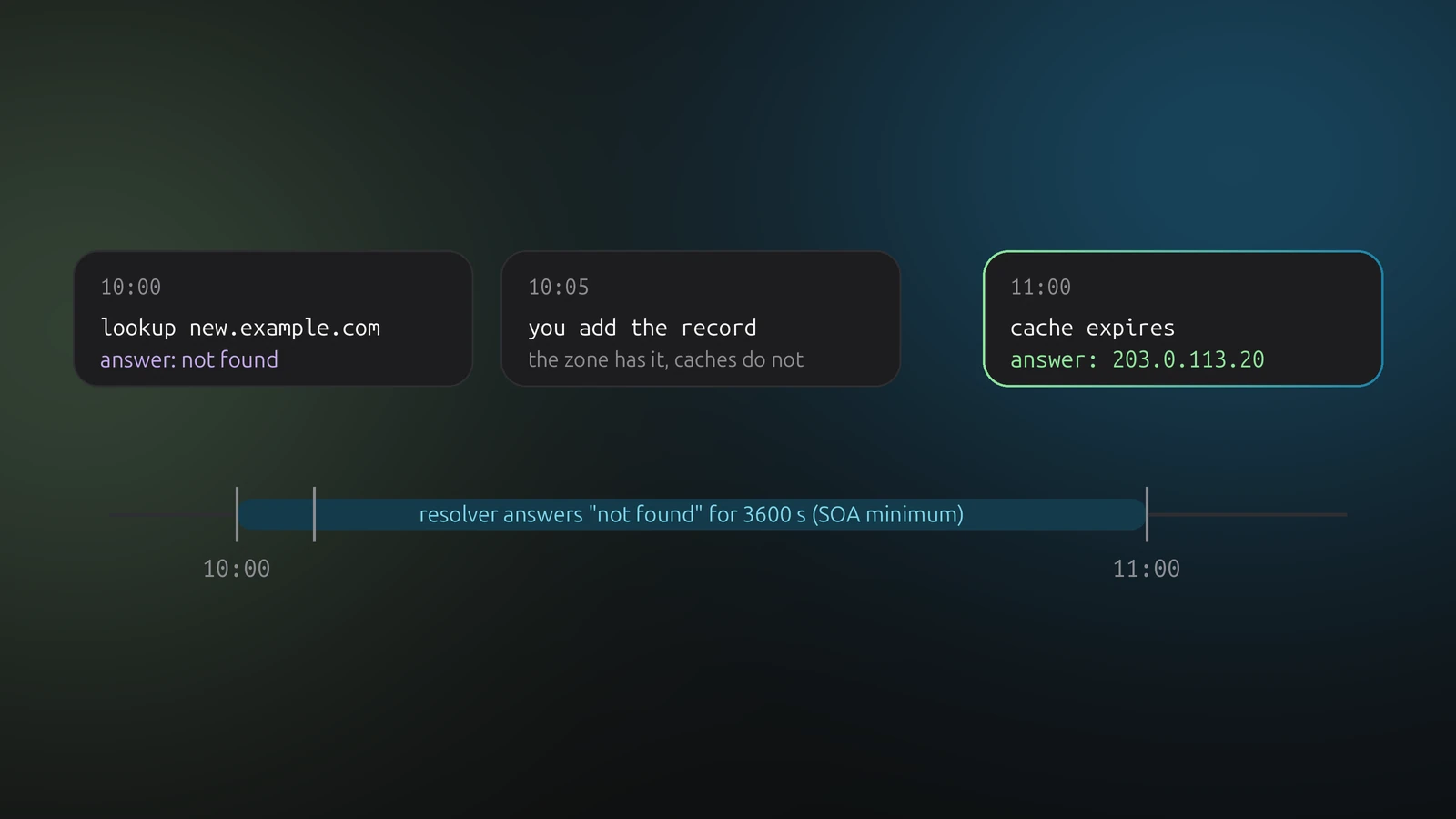
The final field is the negative caching time. When a resolver asks for a name that does not exist, it remembers that answer for the lower of this value and the SOA record's own TTL.
This causes a classic surprise. You query a new hostname before you create it, get "not found", then add the record. Your resolver keeps saying "not found" until the negative answer expires. Create records first, then test, and keep this value modest, an hour or less, if you add names often.