A copy of your zone from before it broke

Someone deletes the wrong record, an import overwrites a mail setup, and nobody remembers what the zone looked like on Monday. DNSense backs up every zone on a schedule, so you can compare and restore.

Start for free
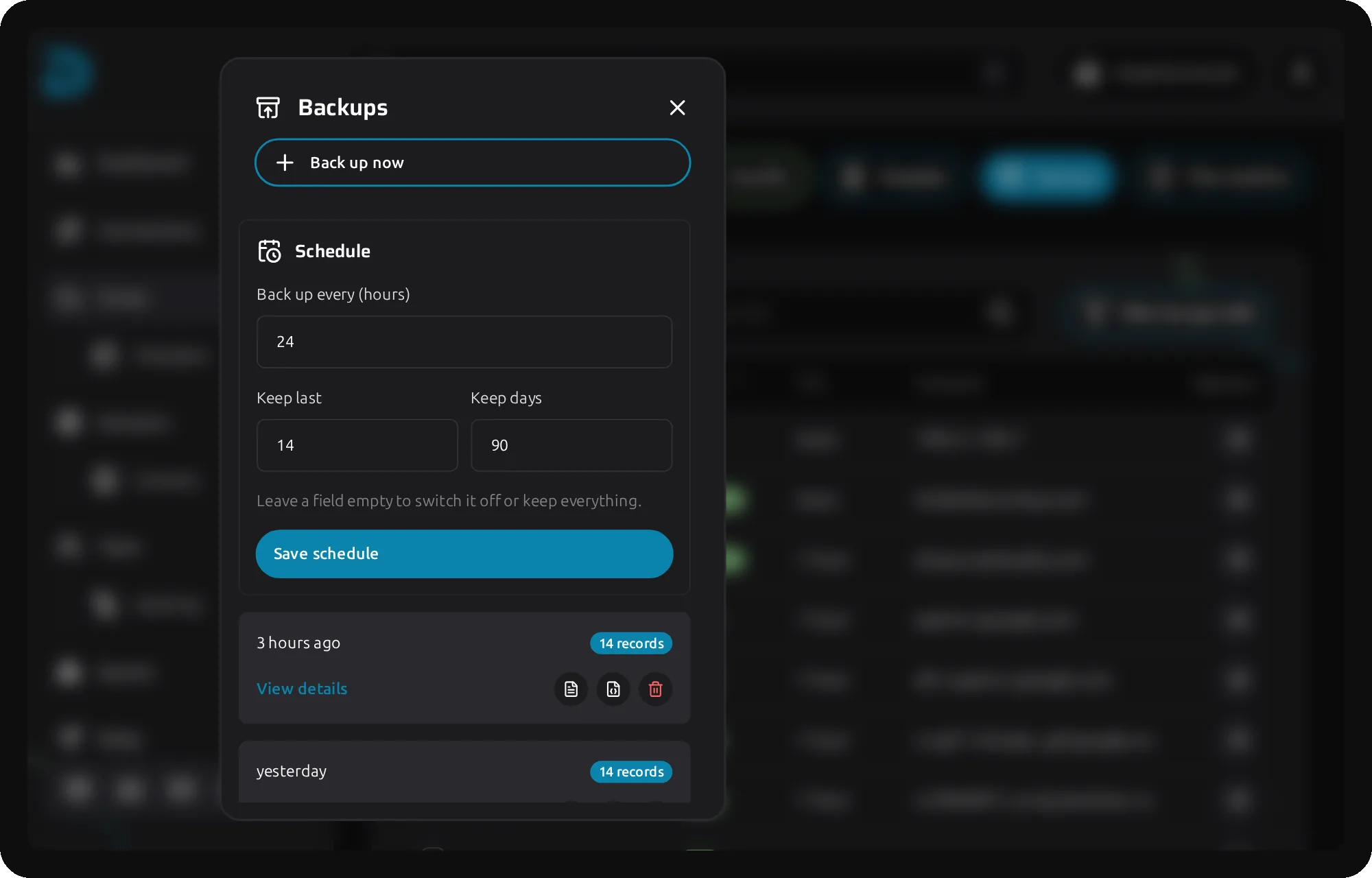
Zone with the Backups panel open, showing the schedule and a list of backups
DNS backup

Back up, compare, restore. Without opening the provider panel

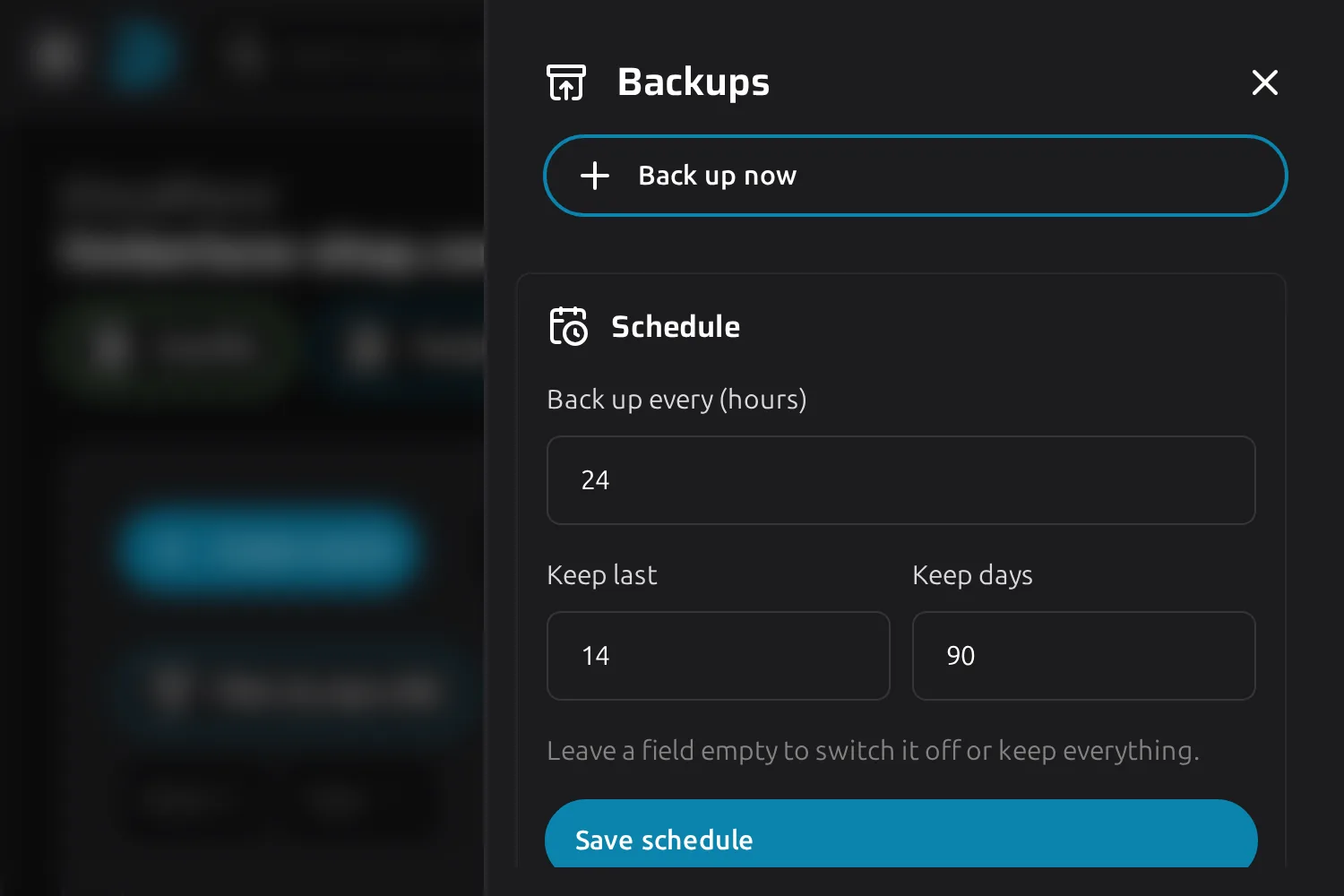
Backup schedule with an interval of 24 hours, keeping the last 14 backups for 90 days

Backups that run without you

Set an interval in hours and a rotation, then leave it alone. When the interval has passed, DNSense reads the zone from the provider and keeps the copy. It is a live read of what the provider serves, not a cached list, so a backup holds what was really online at that moment.

  • Back up every 1 to 8,760 hours, so anywhere between hourly and once a year
  • Keep the newest backups, drop the ones past a number of days, or use both
  • Back up now before a risky migration, outside the schedule
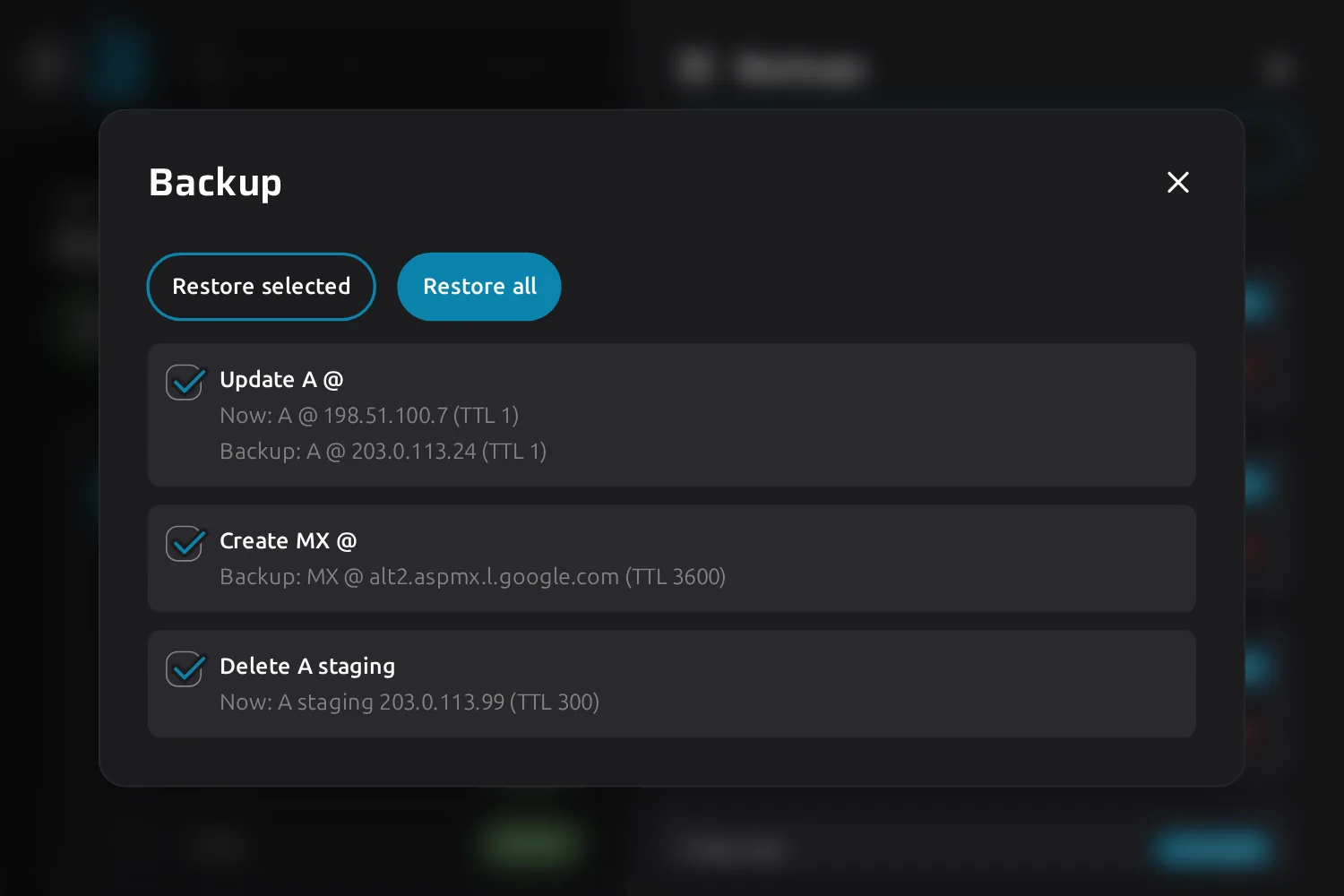
Comparison of a backup with the live zone, listing an updated A record, a created MX record and a deleted A record

See exactly what a restore would change

Pick a backup and compare it with the zone as it is today. You get every record that would be created, updated or deleted, with its value now and its value in the backup. Tick what you want back, or restore all of it.

  • Restore a single record without touching the rest of the zone
  • Deletes run first, then updates, then creates, so a record that changes type never meets its old self
  • If the zone changed since you compared, DNSense asks you to compare again instead of writing stale values
  • A record the provider refuses is reported with its reason, and the others still go through
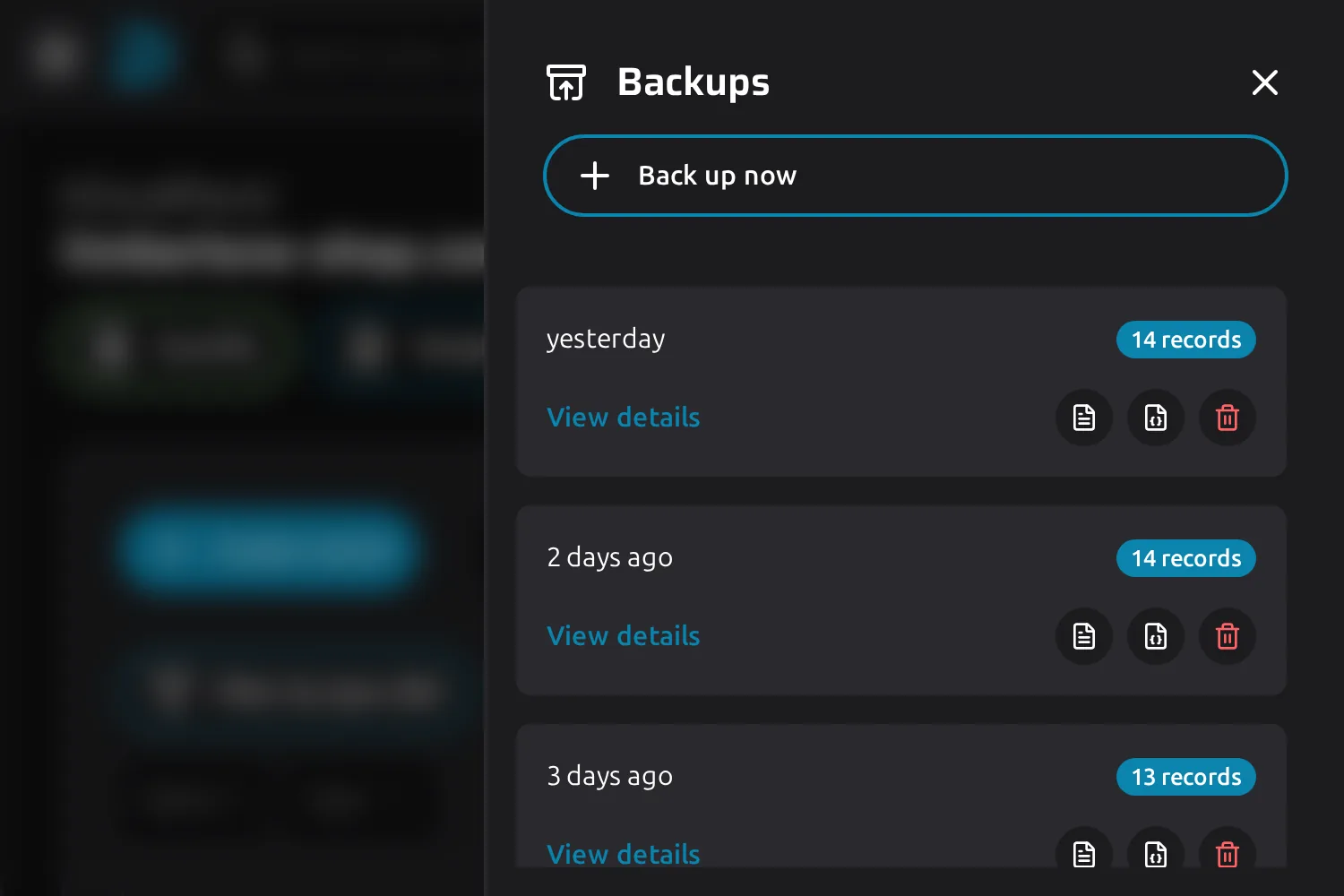
List of backups with the number of records and buttons to export a zone file, export JSON or delete

A copy you can take with you

Every backup downloads as a BIND zone file or as JSON. Open one to read its records without restoring anything. Handy as proof of what a client's zone held, or as the starting point for a zone at another provider.

  • The zone file holds your records only, no SOA or NS, so nameservers stay a matter for your registrar
  • JSON carries every field of every record
  • Delete a backup you no longer need, and the rotation removes old ones by itself
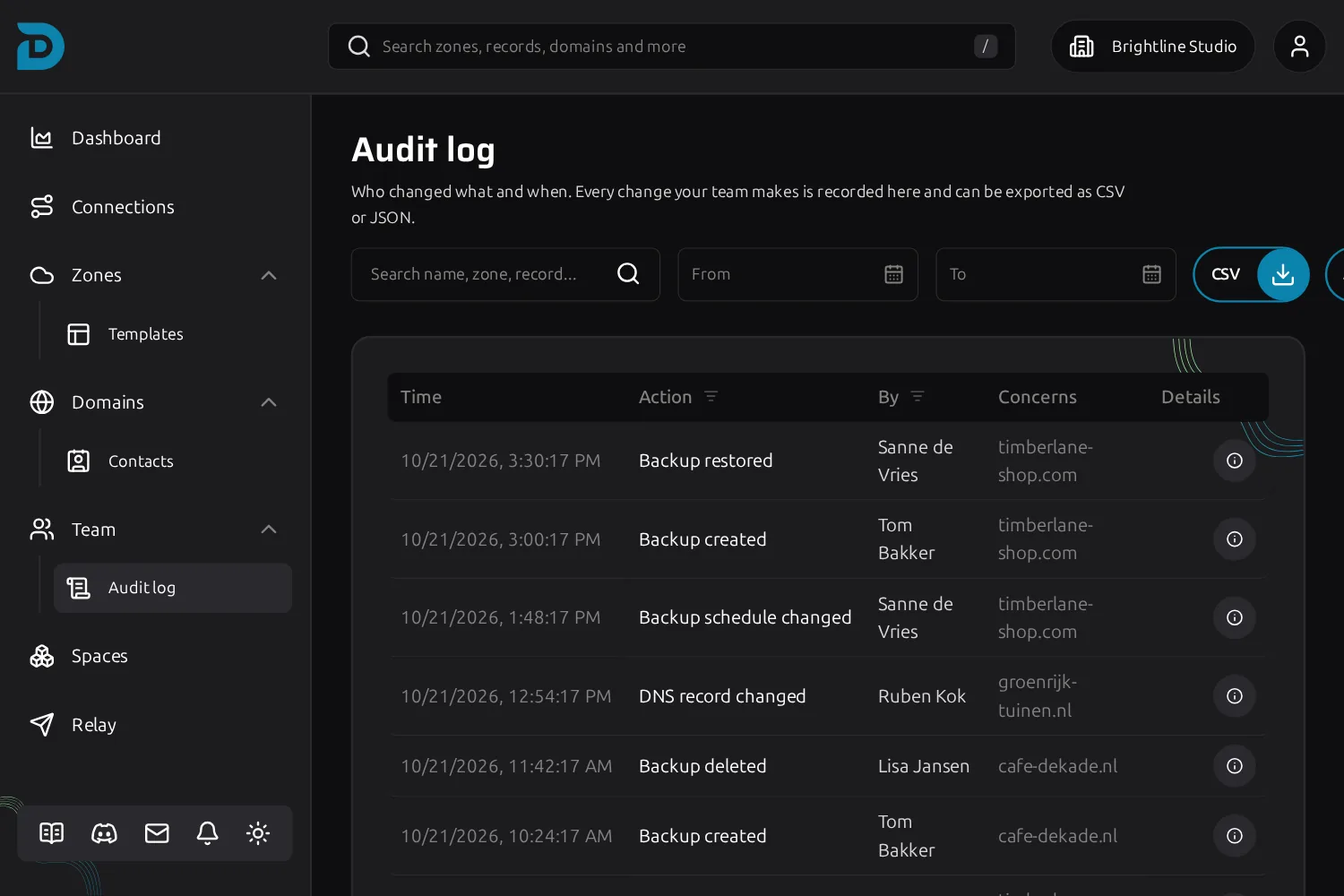
Audit log with entries for a restored backup, a created backup and a changed backup schedule

Restoring follows the same rules as any change

A restore is queued like every other DNS change. Roles apply, approvals apply, and nothing happens quietly. The person who restored is on the record, and so is every record they touched.

  • Viewing backups and changing the schedule are separate permissions
  • A restore needs create, update and delete rights for the kinds of change it contains
  • A role that needs approval sends the restore to Approvals first
  • Every restored record lands in Time machine, and backups created, deleted, restored and schedule changes land in the audit log
More about team roles
Questions

Frequently asked questions about DNS backups

A DNS backup is a saved copy of all the records in a DNS zone at one point in time. If a record is deleted or changed by mistake, you can compare the copy with the live zone and put the records back.

Open a zone, choose Backups and set how often it should be backed up and how long to keep each copy. DNSense then reads the zone from your provider on that interval. For a one-off copy, for example before a migration, use Back up now.

As often as you set it, from every hour up to once a year. DNSense checks every five minutes which zones are due. A zone that cannot be reached at that moment is tried again at the next check.

Open the backup, compare it with the live zone and review the list of records that would be created, updated or deleted. Restore all of them or only the ones you tick. The restore is queued like any other change and the result is reported per record.

Yes. The comparison lists every difference separately, so you can restore one record and leave the rest of the zone as it is.

Yes. Every backup downloads as a BIND zone file or as JSON. The zone file contains the records DNSense manages, so it has no SOA or NS records.

No. A backup holds the DNS records of a zone, such as A, AAAA, CNAME, MX, TXT, CAA, SRV and TLSA. Nameservers, contacts and the registrar lock are not part of it.

No. Time machine records each single change with the record before and after. A backup is a full copy of the zone at a set moment. Time machine tells you what changed, a backup gives you the whole zone as it was.

Every provider you connect. DNSense reads the records over the provider's own API, so a Cloudflare zone and a TransIP zone are backed up the same way.

That is set per role. Viewing backups and changing the schedule are separate permissions, and a restore also needs the create, update and delete rights for the changes it makes.

All of them. Nothing in DNSense is locked behind a plan, so backups are there from your first zone on the free tier.