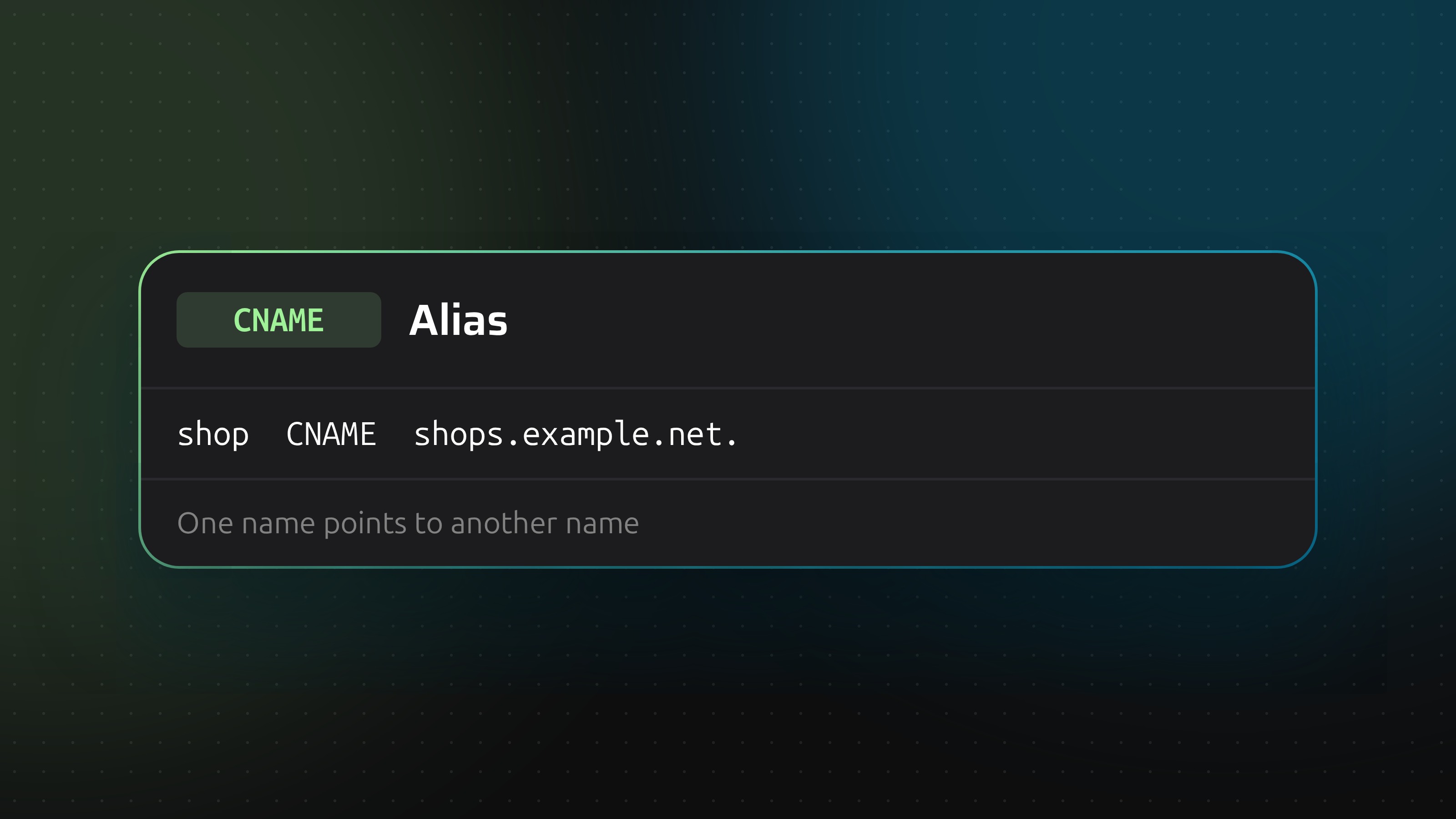
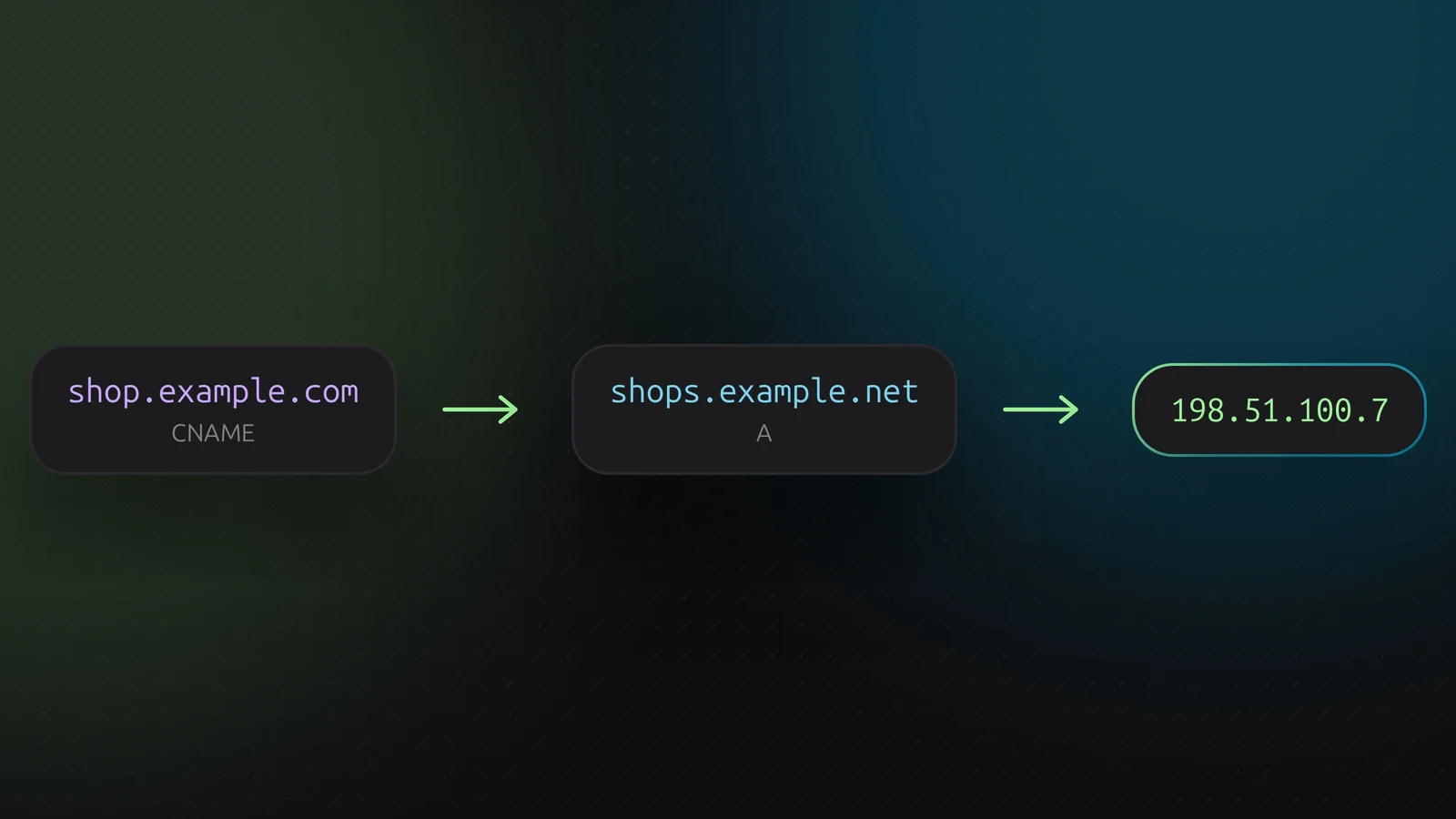
A CNAME record says: this name is an alias, go and ask for that other name instead. It is how shop.example.com can follow a hosted shop service without you ever knowing its IP address, even when that address changes.
How it works
The resolver asks for shop.example.com, finds a CNAME to shops.example.net, and then repeats the lookup for that name. Whatever record type it was asking for, the answer comes from the target. The target can be a CNAME again, but long chains cost lookups. Keep them short.
The target is a name, not an address
The content of a CNAME is a hostname. DNSense rejects an IP address there with "expects a hostname, not an IP address". If you have an address, you want an A or AAAA record.
Two rules that catch people out
A name with a CNAME cannot have any other record. No A, no MX, no TXT beside it. The CNAME says the whole name is an alias, so anything else would contradict it. Adding a TXT record for domain verification on a name that already has a CNAME is the classic way to hit this.
The root of the domain cannot be a CNAME. The apex always carries NS and SOA records, so a CNAME there would break the first rule. If a service tells you to point example.com at a hostname, use www as the CNAME and redirect the bare domain, or check whether your DNS provider offers CNAME flattening or an ALIAS record. Cloudflare flattens apex CNAMEs automatically. Not every provider does.
Mail and CNAME
An MX record must point at a name that has address records, not at a CNAME. Pointing mail at an alias works with some servers and fails with others. Use the real hostname.
Adding one in DNSense
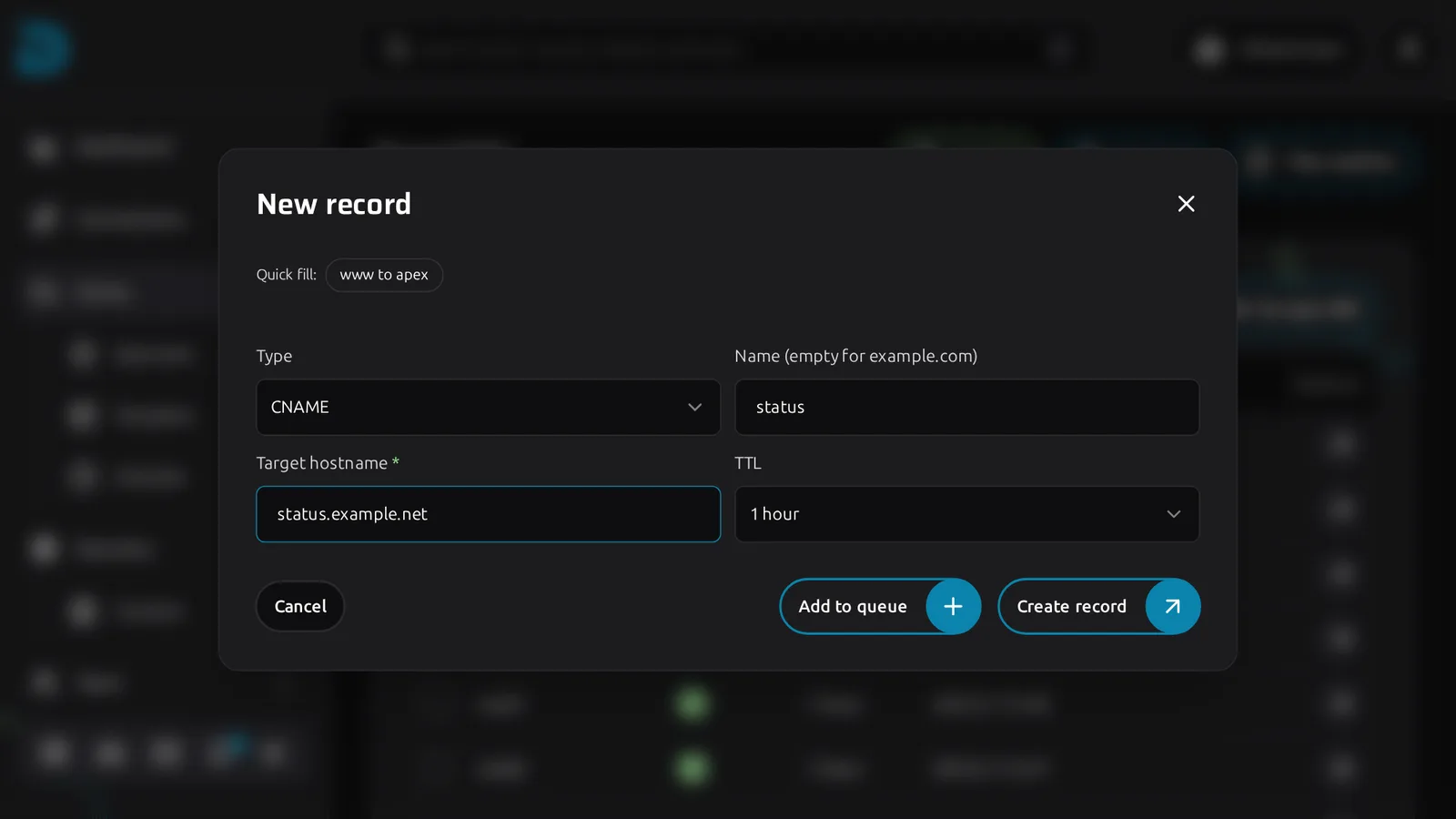
Click Create record, choose CNAME, enter the name (shop) and the target hostname (shops.example.net). A trailing dot is fine. The form also has a www to apex quick fill for the most common case.
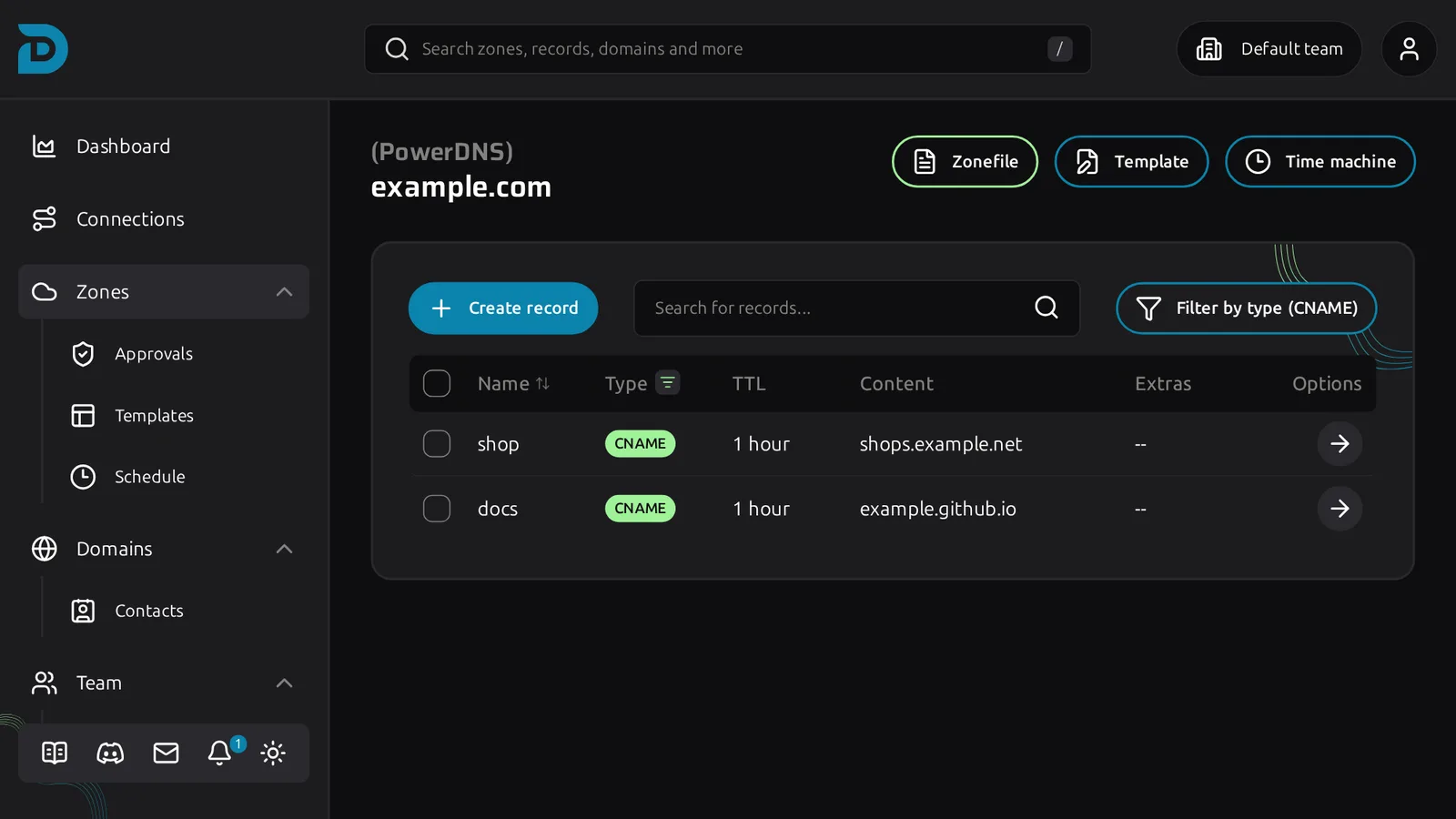
Filtering the zone on CNAME shows every alias at once, which helps when you suspect one is shadowing another record.
A wildcard CNAME such as *.example.com catches every name that has no record of its own. Handy for a platform that serves customer subdomains. Careful with it: it also catches typos.