Let your tools work in DNSense

A deploy script that adds a record. A colleague asking Claude which domains expire this month. API keys and MCP give them access to your account, with the same permissions you have and every change in your history.

Start for free
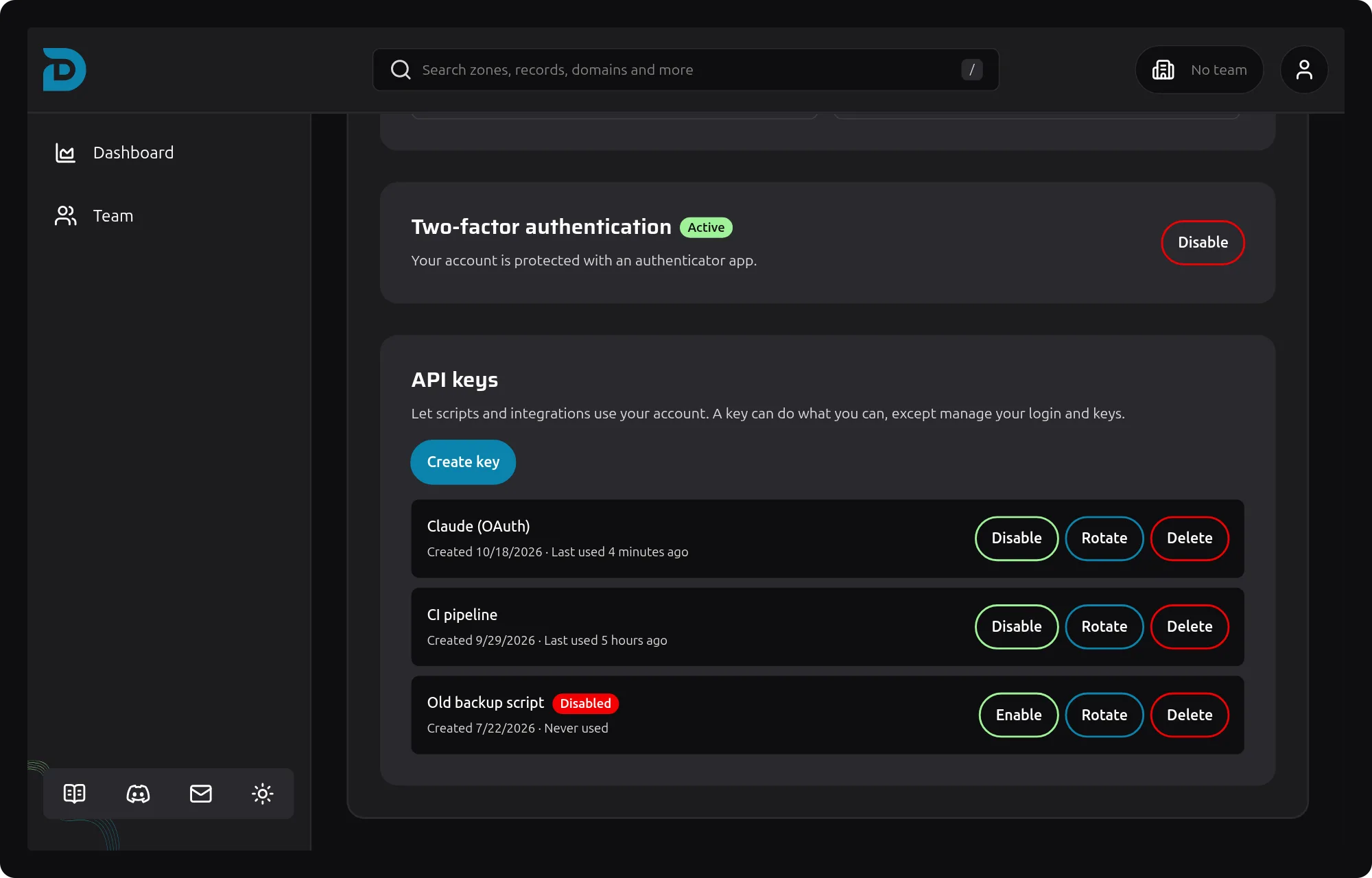
API keys list on the account page of DNSense
API keys and MCP

Automation that stays inside your rules

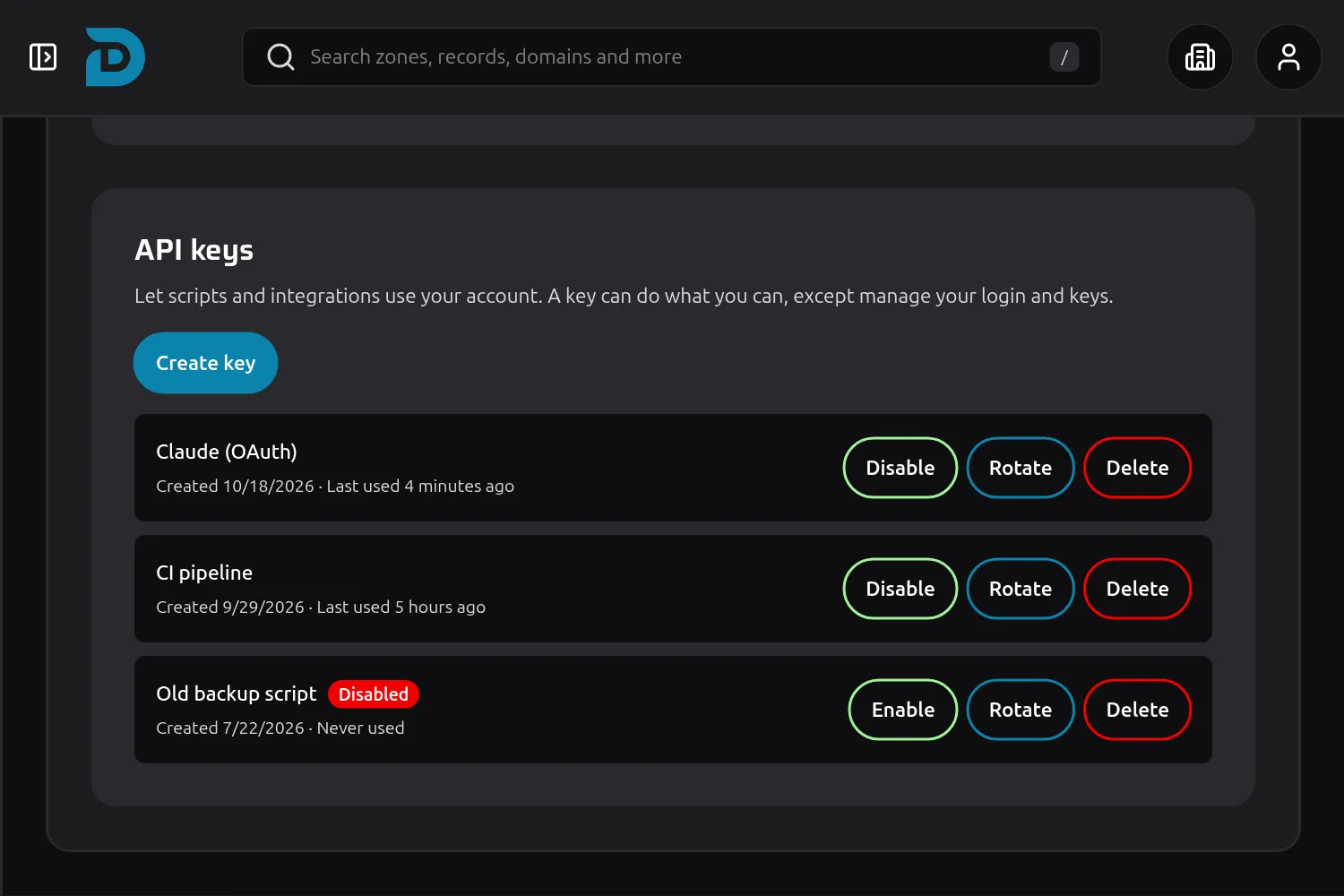
List of API keys with last used time and disable, rotate and delete buttons

API keys for scripts and pipelines

Create a key under Account, name it after where it runs and send it as a Bearer token. Anything you can do in DNSense, a script can do, from creating a record to rolling back a change.

  • Name every key after its job, so you know what breaks when you remove it
  • Last used and created dates on every key, so unused ones stand out
  • Disable a key to pause it, enable it again when you need it back
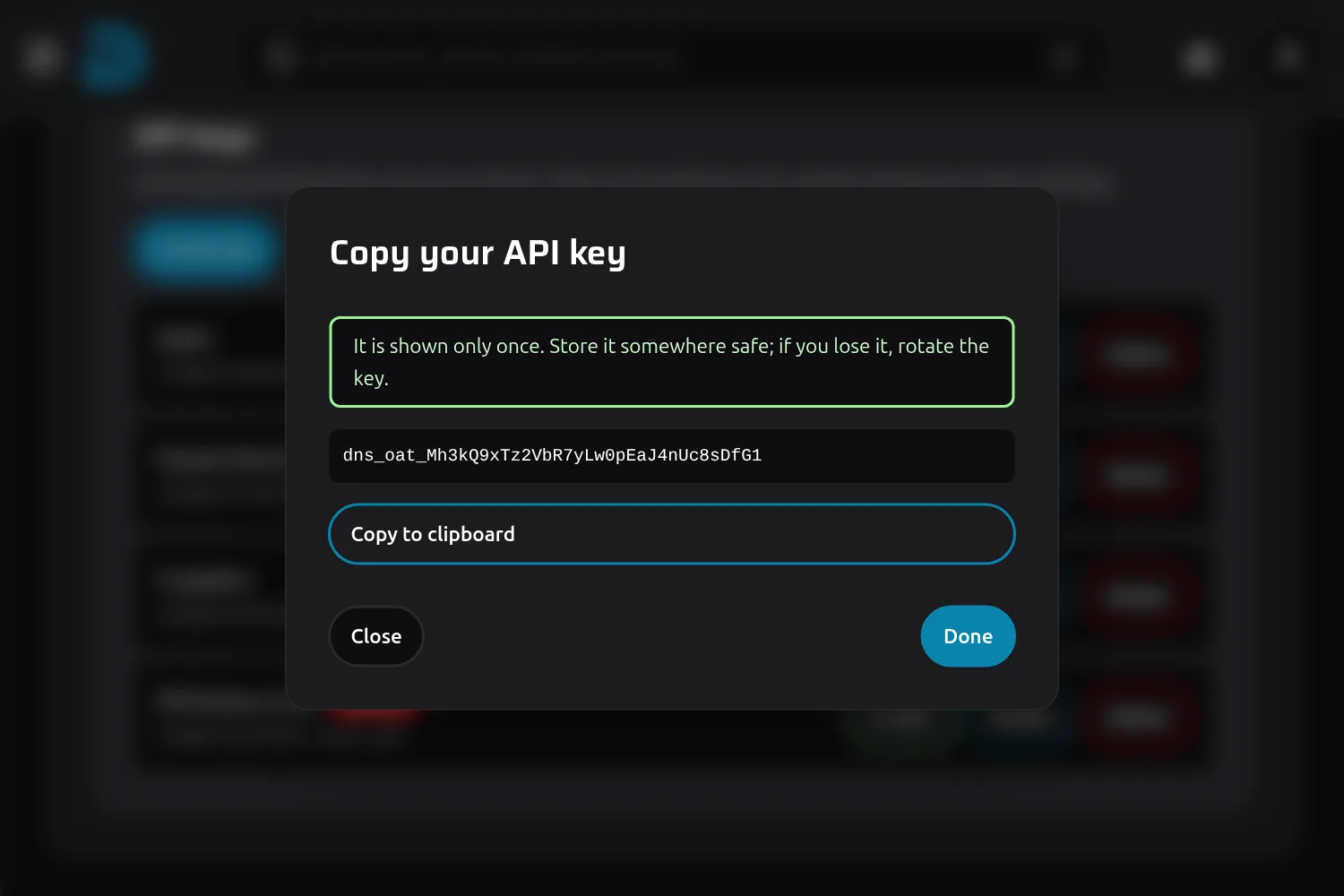
Dialog showing a new API key secret with a copy button

A secret you see once

The secret is shown when you create the key and never again. Lost it? Rotate the key. The new secret replaces the old one at once, and anything still using the old one stops working.

  • A key cannot change your password, two-factor or other keys, so a leaked key cannot make itself permanent
  • Creating, rotating, disabling and deleting a key all land in the audit log
  • Delete a key and it stops working immediately
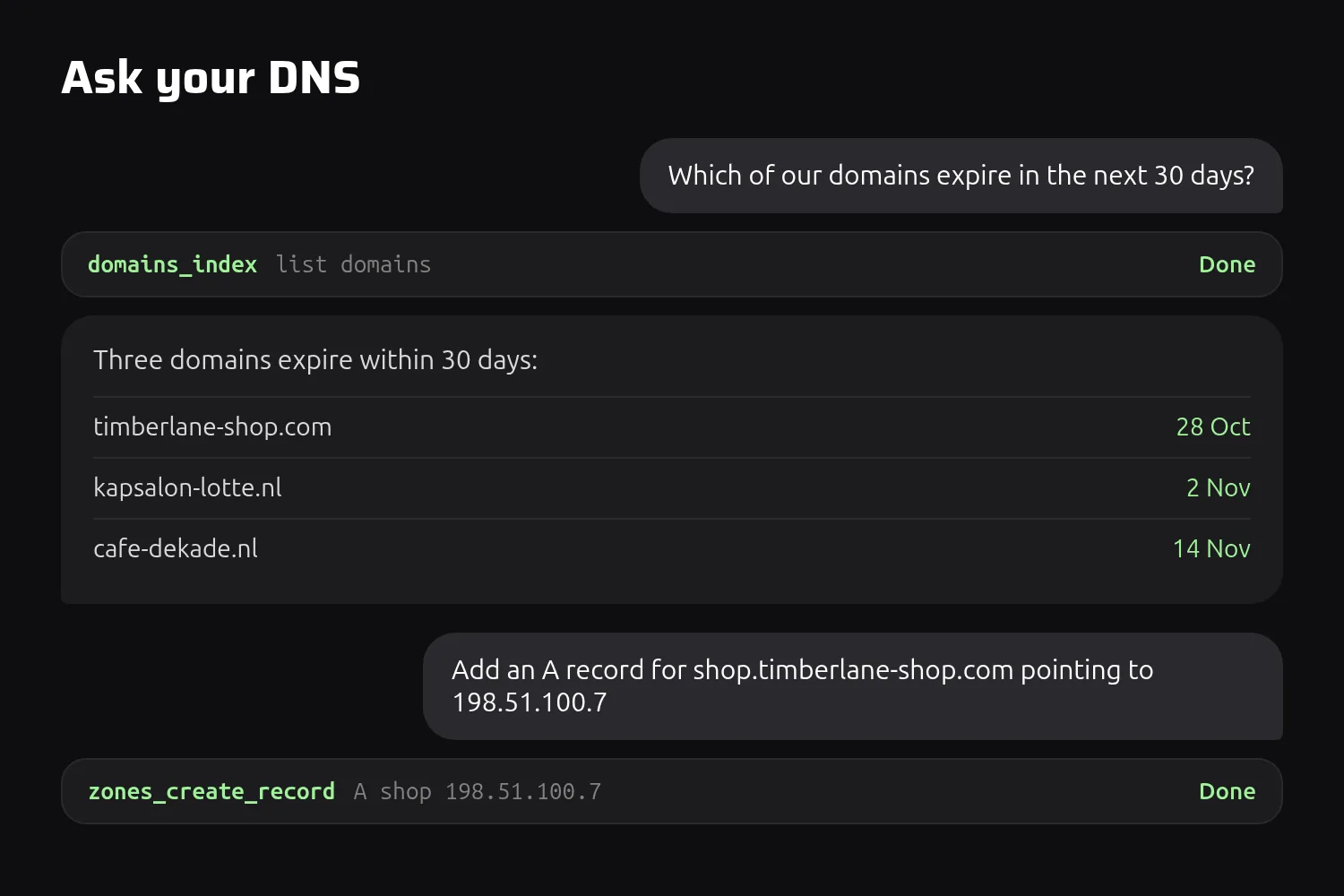
A conversation where an assistant lists expiring domains and adds a DNS record

Connect Claude and other AI assistants

DNSense speaks MCP, the standard AI assistants use to work with other software. Add the server to Claude or ChatGPT, approve the connection once, and ask in plain language.

  • Every action in the DNSense API is available to the assistant as a tool
  • Roles, permissions and approvals apply, because the assistant acts as you
  • Changes it makes show up in the history and the audit log like any other
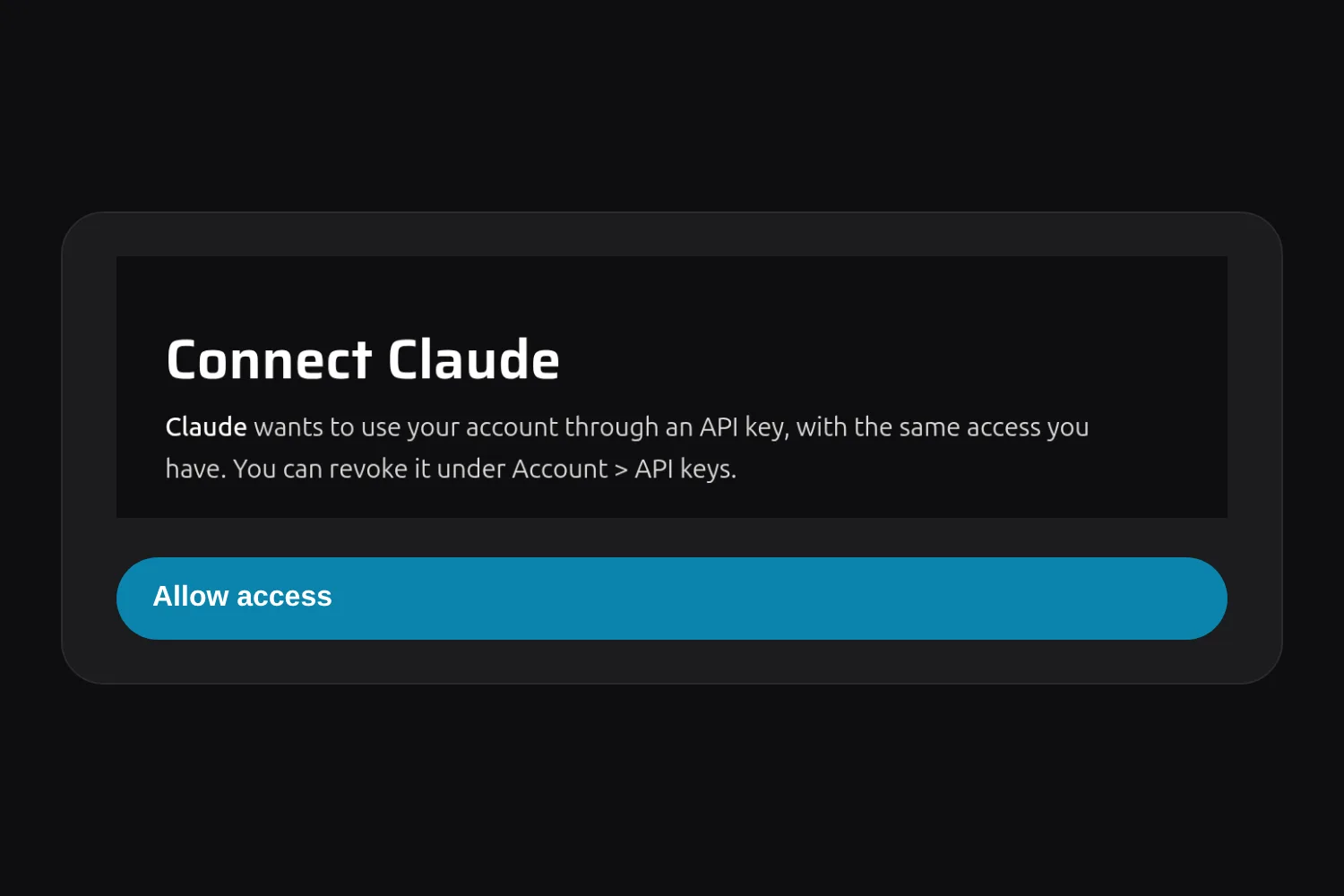
Consent screen asking to connect Claude to a DNSense account

You approve it, you can revoke it

An assistant asks for access on a screen in DNSense. You see which application it is and who you are signed in as, and you decide. The connection becomes an API key in your list.

  • No password or key to paste into the assistant, you sign in to DNSense and approve
  • The connection is named after the application, for example Claude (OAuth)
  • Delete that key and the assistant is out, with no other account to clean up
Questions

Frequently asked questions about API keys and MCP

Whatever you can do, within your team role. It cannot manage your login, two-factor or API keys. Those need you to be signed in to the app.

A key belongs to your user account and acts as you, so it follows the permissions of your role in the team you are working in.

Model Context Protocol, an open standard that lets AI assistants call tools in other software. DNSense offers its API through MCP, so an assistant can read and change your DNS the way a script would.

No. It uses your own key, so a Viewer cannot make changes through Claude, and a change that needs approval still waits for approval.

Rotate the key. You get a new secret and the old one stops working at once. Then update wherever the key was used.

Delete its key under Account, API keys. It is named after the application, for example Claude (OAuth). Disable it instead if you may want it back.

All of them. Nothing in DNSense is locked behind a plan.