
Most teams do not choose one DNS provider. A registrar holds the domains, Cloudflare serves one zone, a hosting panel serves another, and a client's domain sits somewhere else entirely. At some point you have to decide how to manage all of it. There are three realistic approaches.
1. Each provider's own panel
You log in where the zone lives and edit it there.
Good for: one to three domains at a single provider. There is nothing to set up and nothing extra to pay for.
Where it breaks down:
- Every provider has a different interface, different record names and different limits.
- Access means sharing a login or adding people to each account separately.
- Few panels show who changed what, and fewer let you undo it.
- Changing the same record at five providers means five sessions.
2. DNS as code
Tools such as Terraform, OctoDNS and DNSControl describe your zones in files. You review changes in Git and a pipeline applies them.
Good for: engineering teams who already run infrastructure as code. Changes are reviewed, versioned and repeatable, and the files are the documentation.
Where it breaks down:
- Everyone who changes DNS has to work with Git and the tool. Support staff, account managers and clients usually cannot.
- A quick fix during an incident has to go through the pipeline, or someone edits the panel by hand and the code drifts from reality.
- You build and maintain access control, history views and notifications yourself.
- Providers differ in what their APIs support, and you handle those gaps in your configuration.
3. A DNS manager
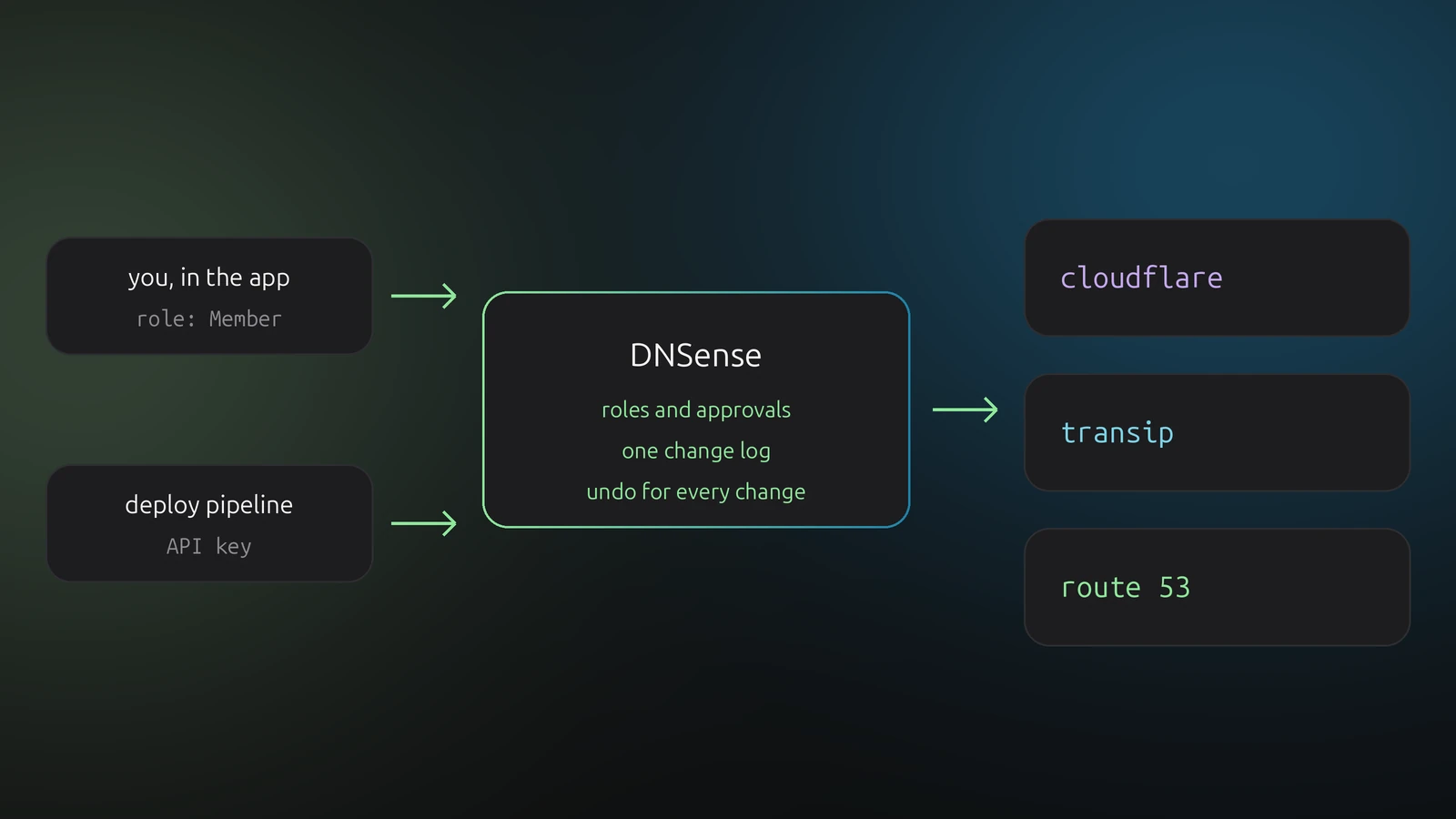
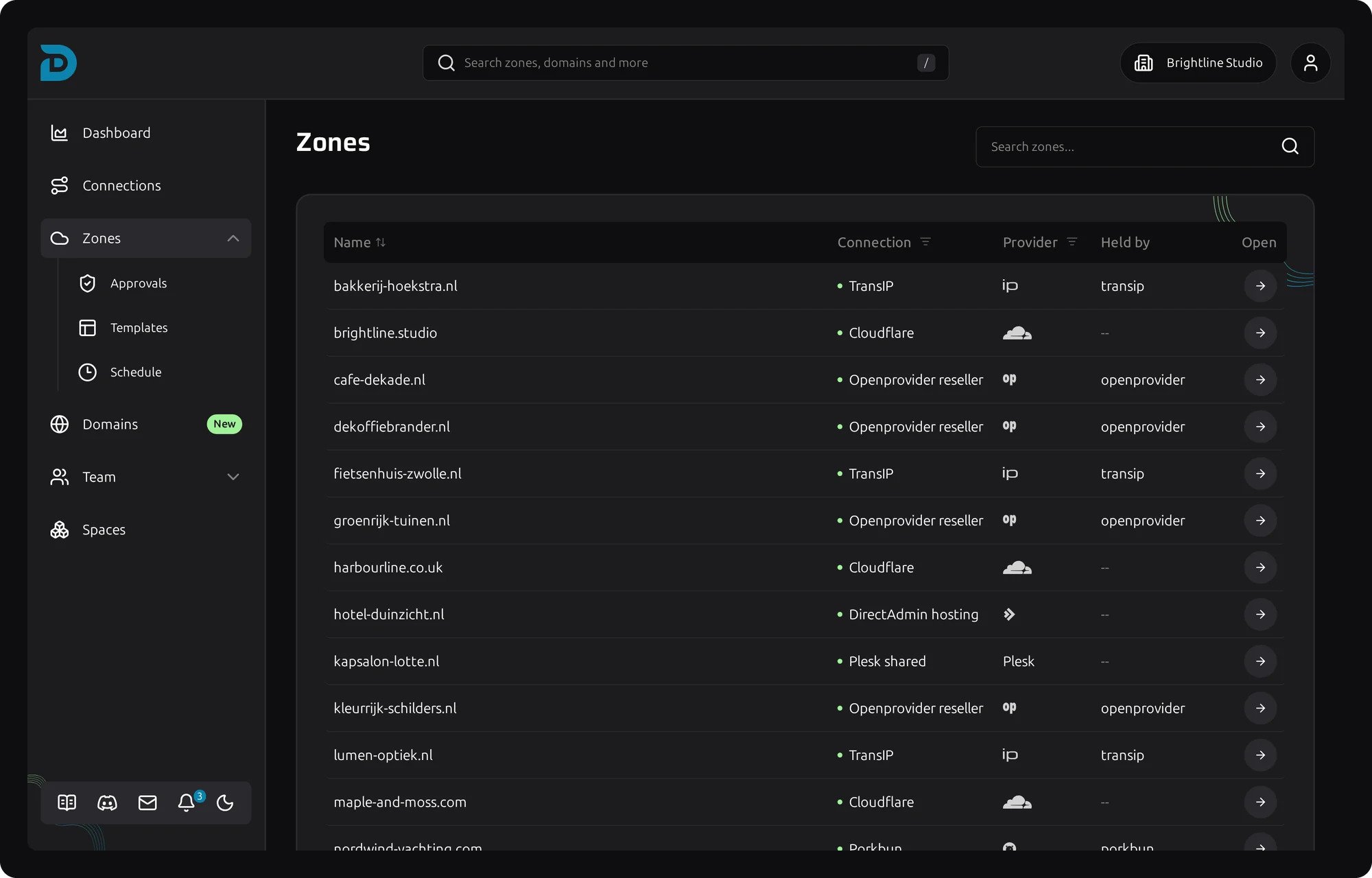
A DNS manager connects to your providers through their APIs and shows every domain and zone in one interface. DNSense is one of these. Your zones stay at the providers, and DNSense edits them there.
Good for: teams and agencies with many domains across several providers, and mixed groups where not everyone is an engineer.
What DNSense adds on top of the providers:
- One record table for every provider, with bulk changes across zones.
- A history with undo. Every change is recorded and can be reverted in one click, see monitoring and change history and the audit log.
- Access control with roles and approvals, so people get access to zones without receiving provider credentials. See team roles.
- Sharing zones with people outside your team, such as clients.
- Scheduled changes, templates and backups.
- An API and MCP server, so scripts and AI assistants can work through the same permissions.
Where it does not fit: if your whole workflow is pull requests and you want DNS reviewed like code, a DNS-as-code tool is the better core. DNSense does not replace Git review.
Side by side
| Provider panels | DNS as code | DNS manager | |
|---|---|---|---|
| Setup | None | Real, per provider | Connect an API key per provider |
| Who can use it | Anyone with a login | People comfortable with Git | Anyone you give a role |
| History and undo | Depends on the provider | Git history, you apply the revert | Built in, one click |
| Access without sharing logins | Rarely | Through your repo and CI | Yes |
| Review before apply | No | Yes, pull requests | Approvals for team roles |
| Works across providers | No | Yes | Yes |
They combine well
You do not have to pick one for good. A common setup keeps a DNS manager for day-to-day changes, client access and history, and uses the API from a pipeline for the records that deploys create. Both go through the same permissions, and both end up in the same change log.