DNS lookup

Every common DNS record of a domain in one lookup: addresses, mail servers, name servers, text records and more. Answers come from public resolvers.

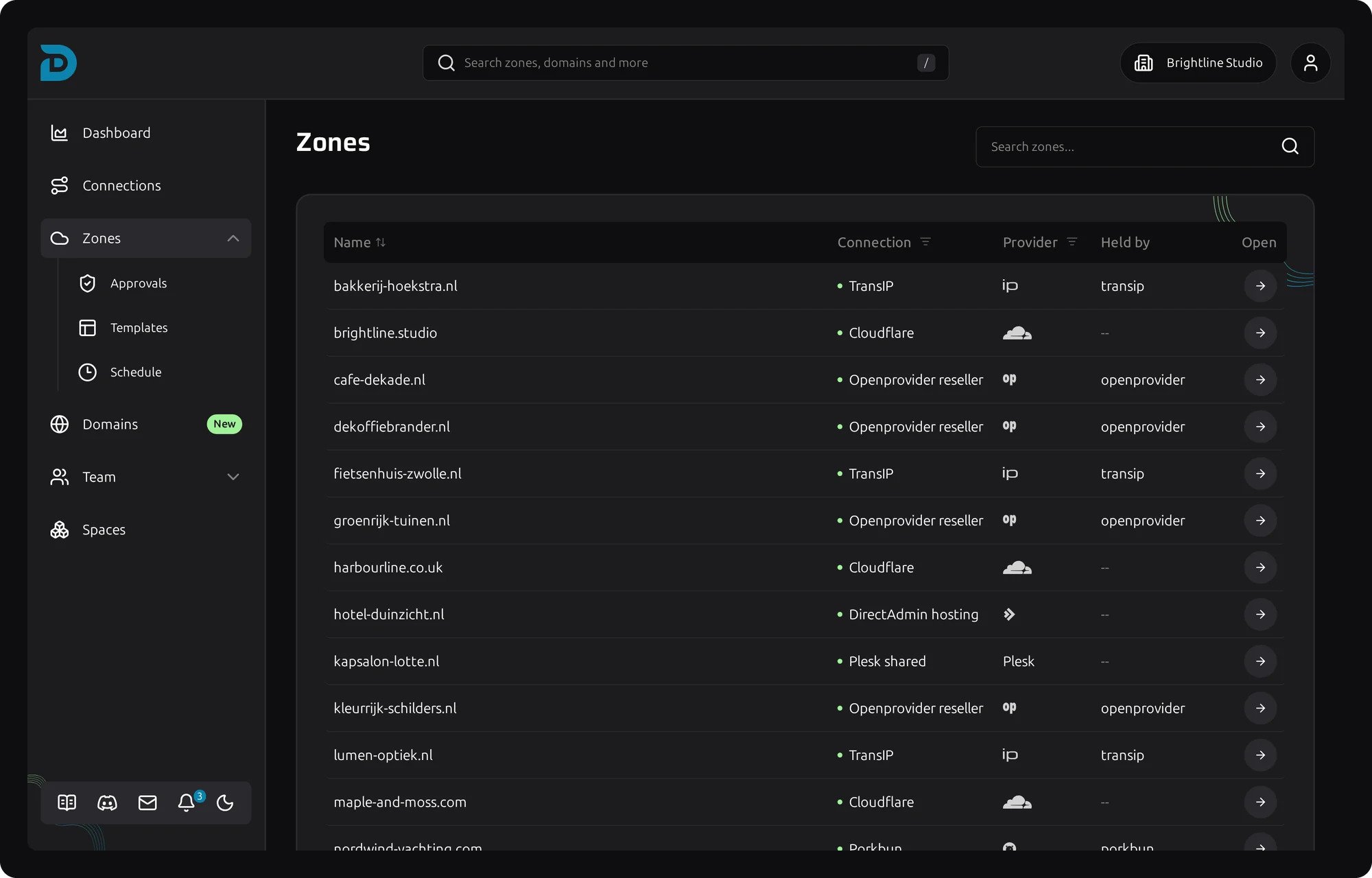
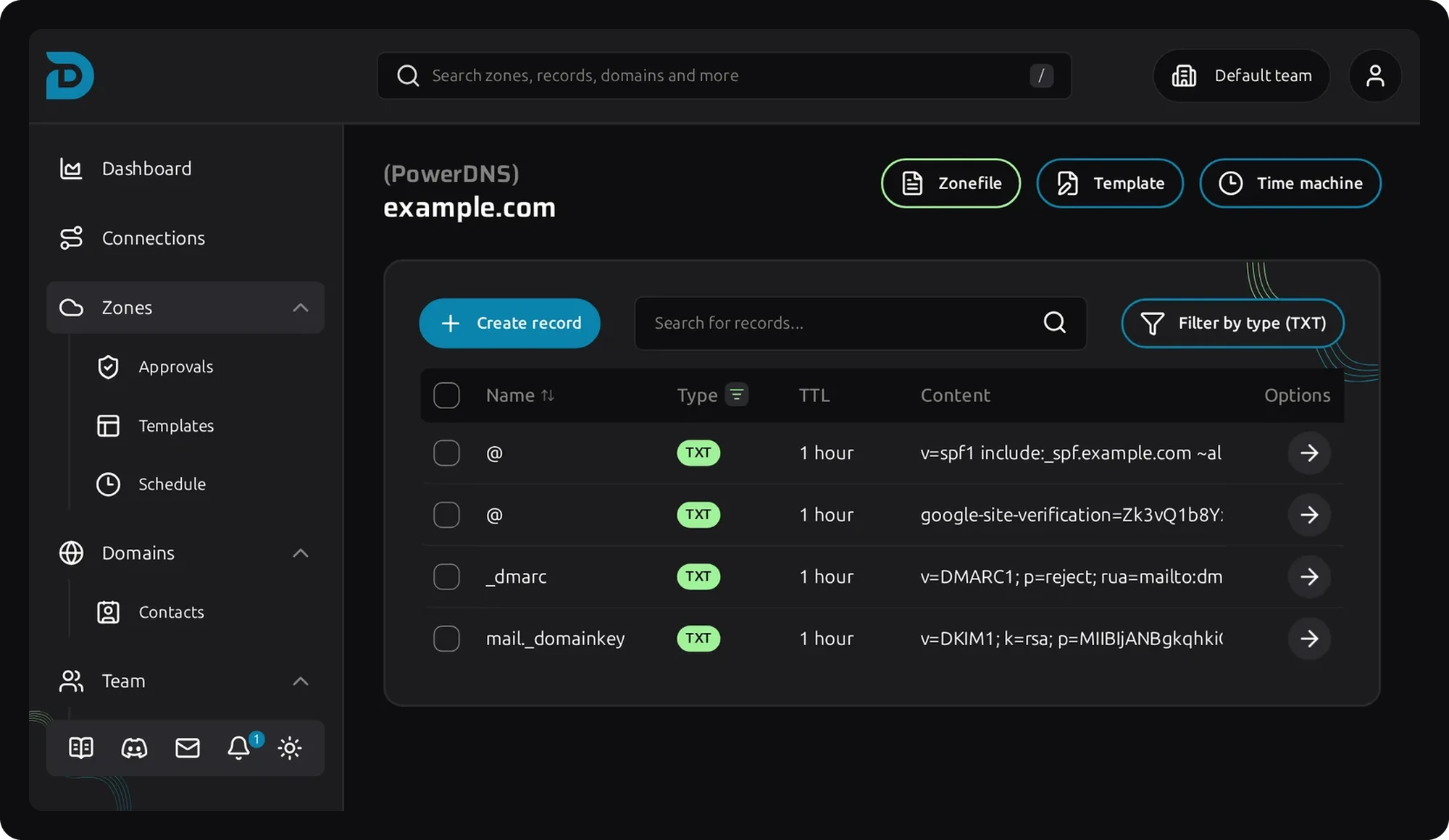
Screenshot of DNS records in the DNSense DNS manager
Free DNS tool

Look up the DNS records of a domain

Guide

Which DNS records a domain has

Every domain name is backed by DNS records that say where its website, mail and other services live. This lookup asks public resolvers for the types you will need most.

TypeWhat it holds
A, AAAAThe IPv4 and IPv6 addresses of the domain.
CNAMEAn alias to another name.
MXThe mail servers, with a priority. See the MX lookup.
NSThe name servers that answer for the domain.
TXTFree text, used for SPF, DKIM, DMARC and domain verification.
SOAThe zone's primary name server, contact and timers.
CAAThe certificate authorities allowed to issue certificates.

The answers come from public resolvers, so they can still show an old value until the TTL of the previous record has passed. See how long DNS changes take.

To change records, edit them in your DNS zone. With DNSense you can do that for every provider from one table.

Questions

Frequently asked questions about DNS lookups

A DNS lookup asks a DNS server for the records of a domain name, such as the IP address of its website or the servers that receive its mail.

A, AAAA, CNAME, MX, NS, TXT, SOA and CAA. Types the domain does not have are left out.

Resolvers cache an answer until its TTL runs out. Wait for the TTL of the old record to pass, then look it up again.

The domain may not exist or may not be registered, or its name servers are not set up for it. Check the registration and the name servers at your registrar.

No. A name with a CNAME cannot have other record types, which is why you cannot put a CNAME on the root of a domain.

No. The lookup reads public DNS records for the domain you enter and shows the result.