
DKIM (DomainKeys Identified Mail) signs every message you send with a private key. The matching public key is published in DNS, so receivers can check that the message really came from your domain and was not changed on the way. DKIM is one of the two checks behind DMARC, next to SPF.
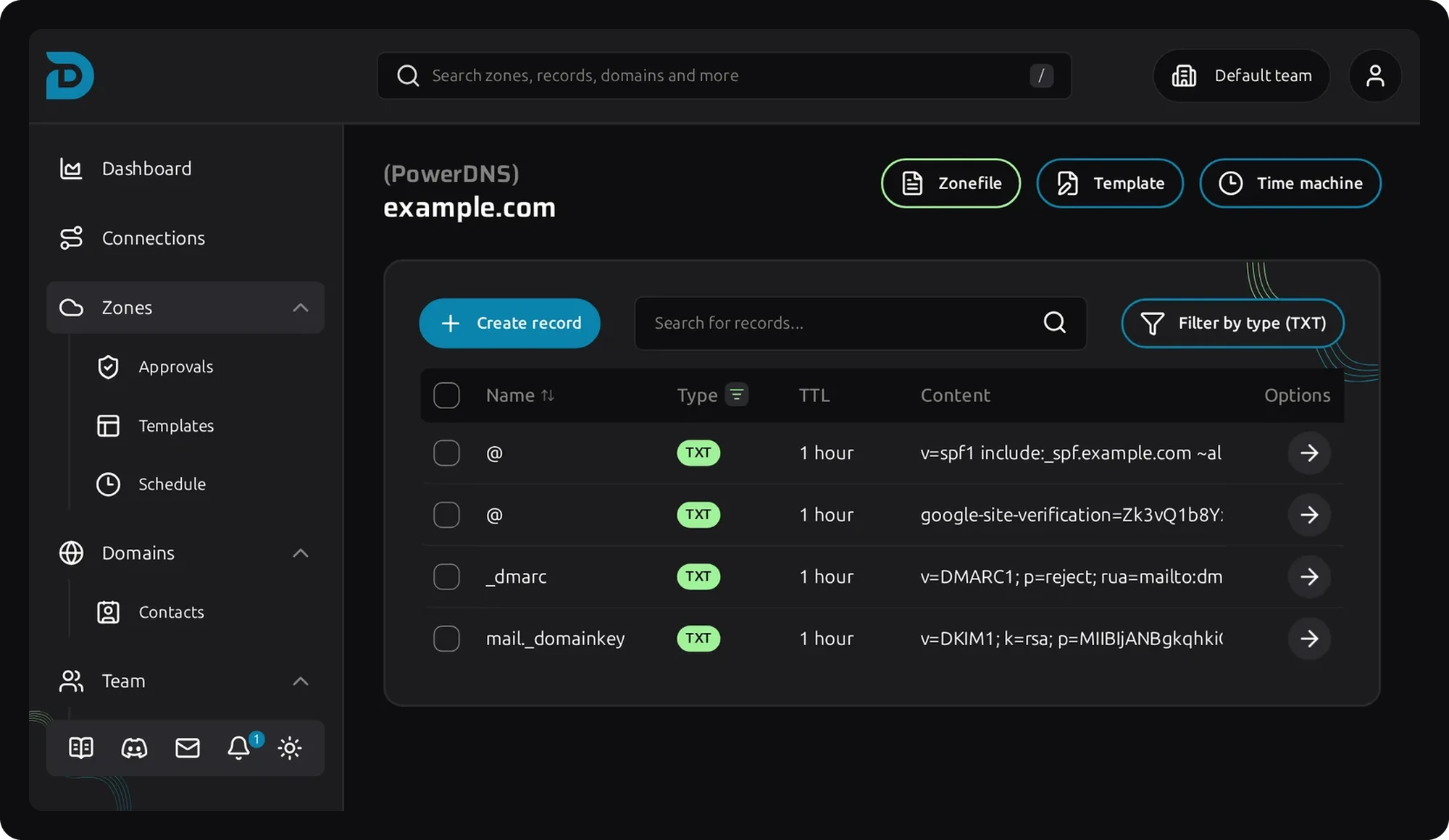
The public key lives in a TXT record on selector._domainkey.yourdomain.com. The selector is a name your mail provider chooses, so one domain can have several keys at once, one per sending service.
To find your selector, send a mail to yourself and open the original message. In the DKIM-Signature header, the s= tag is the selector and d= is the domain. Common ones are google for Google Workspace and selector1 and selector2 for Microsoft 365.
| Tag | Meaning |
|---|---|
v=DKIM1 | Marks the record as DKIM. |
k=rsa | The key type. rsa is the default, ed25519 is also supported. |
p= | The public key. An empty value means the key is revoked. |
t=y | Testing mode. Remove it once DKIM works. |
Use 2048 bit RSA keys. Keys of 1024 bit still work, but are no longer recommended.