MX lookup

Look up the mail servers of any domain by priority, with their IP addresses, and see what could make mail bounce.

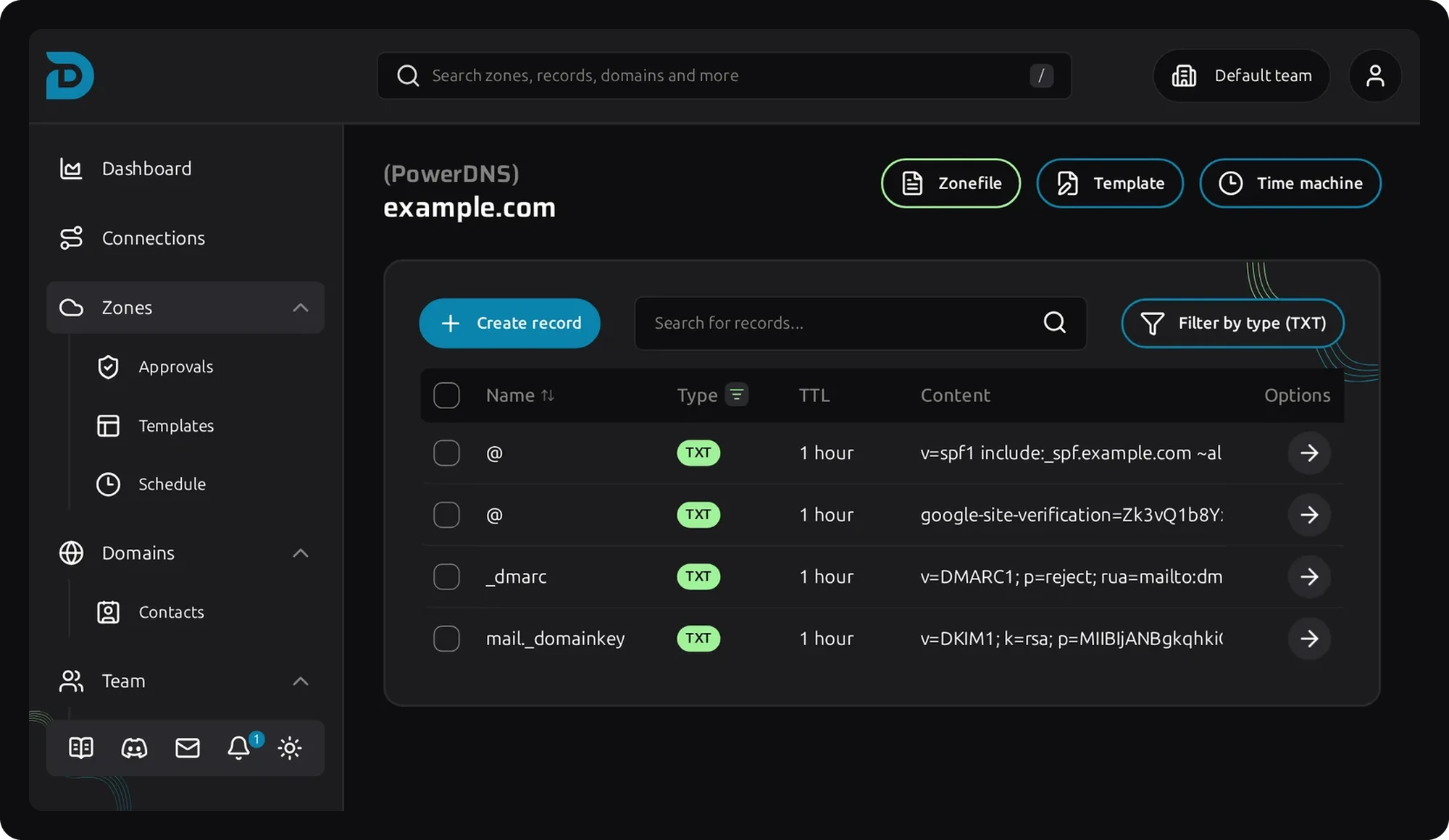
Screenshot of DNS records in the DNSense DNS manager
Free MX tool

Look up the MX records of a domain

Guide

How MX records route your email

An MX (mail exchanger) record tells other mail servers where to deliver email for your domain. Every record has a priority and a host name. A sender tries the host with the lowest number first, and moves to the next one when it cannot connect. Hosts with the same priority share the load.

The host name must have an A or AAAA record. It must not be a CNAME or an IP address. If a domain has no MX records at all, senders fall back to its A record, which rarely is a mail server, so mail gets lost.

A domain that never receives mail can publish a single "null MX": priority 0 and a dot as the host. Senders then stop trying right away.

MX records are DNS records at the root of your domain. Mail that arrives also needs to be trusted, which is what SPF, DKIM and DMARC are for.

Questions

Frequently asked questions about MX records

An MX record is a DNS record that names the mail server that receives email for a domain, with a priority number. Senders look it up before they deliver a message.

Enter the domain in the lookup. It lists the mail servers in order of priority with their IP addresses, and warns about hosts that cannot be reached.

The lowest number is tried first. Higher numbers are backups that senders use when the first server is unavailable. Equal numbers share the load.

No. An MX record must point to a host name that has an A or AAAA record. Pointing to an IP address or a CNAME breaks delivery at many receivers.

Senders cache the old records until their TTL runs out. Check that the new records are live with this lookup, and wait for the old TTL to pass.

No. The lookup reads public DNS records for the domain you enter and shows the result.