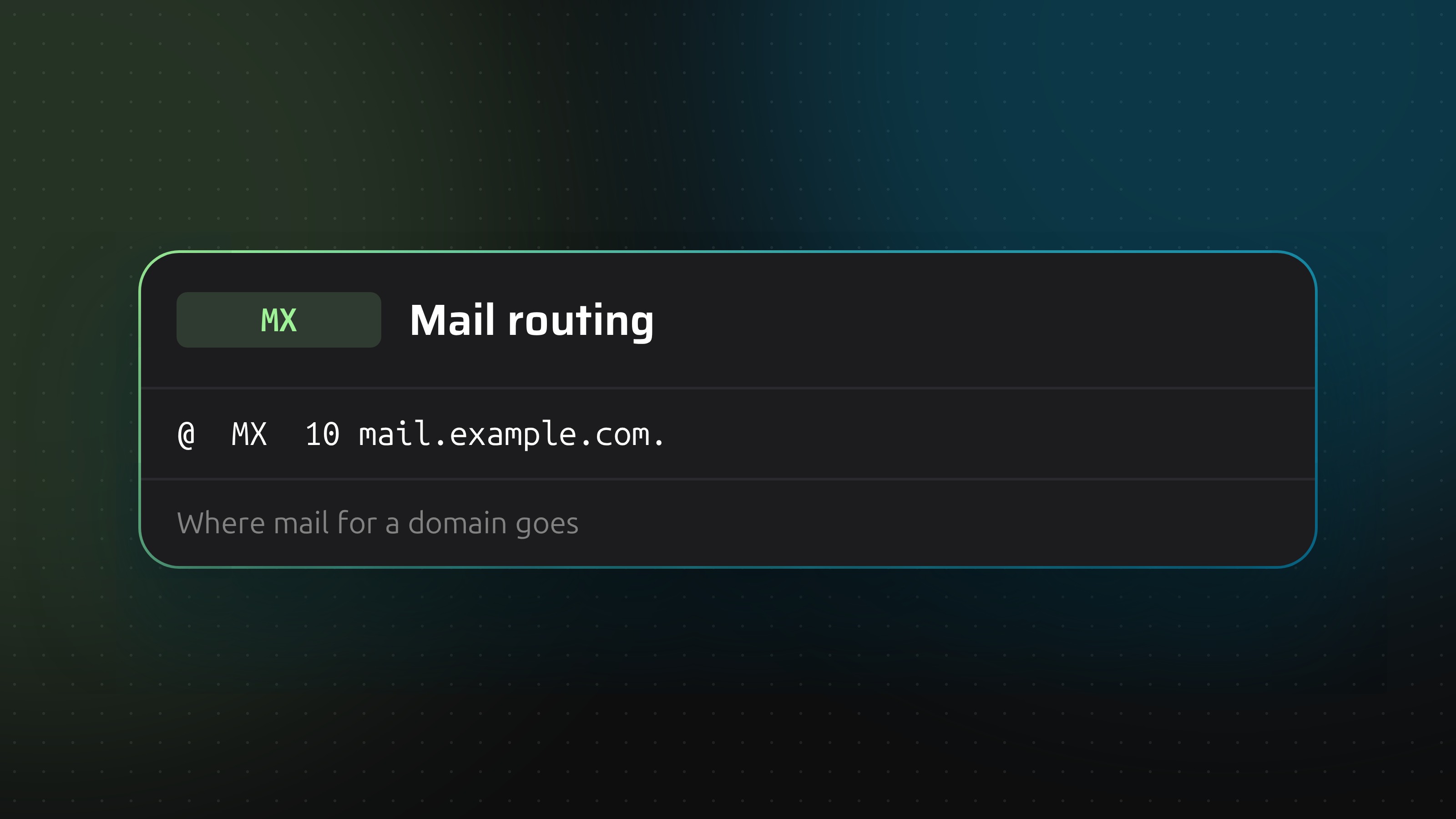
An MX record names the server that accepts email for a domain. Without one, mail to [email protected] has nowhere to go. A wrong one sends it to a stranger.
Priority decides the order
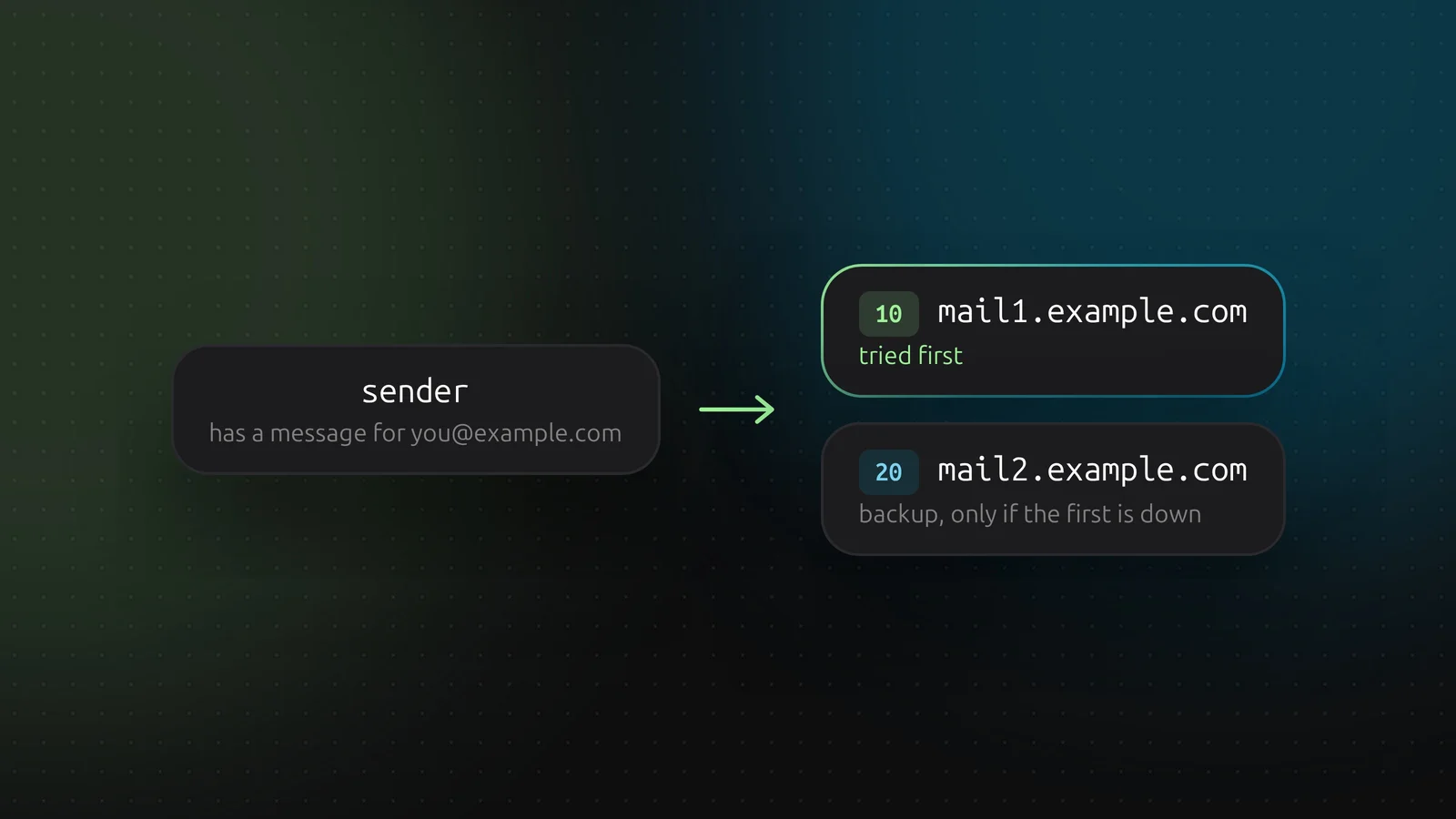
Every MX record has a priority number and a target hostname. The sender tries the lowest number first. If that server does not answer, it moves on to the next.
Two records with the same priority share the traffic. Different priorities give you a primary and a fallback. The numbers themselves mean nothing. Only their order does, so 10 and 20 work as well as 1 and 2.
Rules for the target
- It must be a hostname, not an IP address. DNSense says so when you paste an address.
- That hostname needs its own A or AAAA record.
- It must not be a CNAME. Some mail servers follow the alias, others bounce the message.
Hosted mail
Google Workspace, Microsoft 365 and other mail providers give you a set of MX records to copy. Remove the old ones when you switch. A leftover MX record at a higher number is still a valid destination, and some mail will keep arriving at the old provider.
If a domain sends no mail
Say so with a null MX: priority 0, target .. Senders then fail immediately instead of retrying for days. DNSense checks MX targets as hostnames, so set a null MX at your provider if it supports one.
Adding one in DNSense
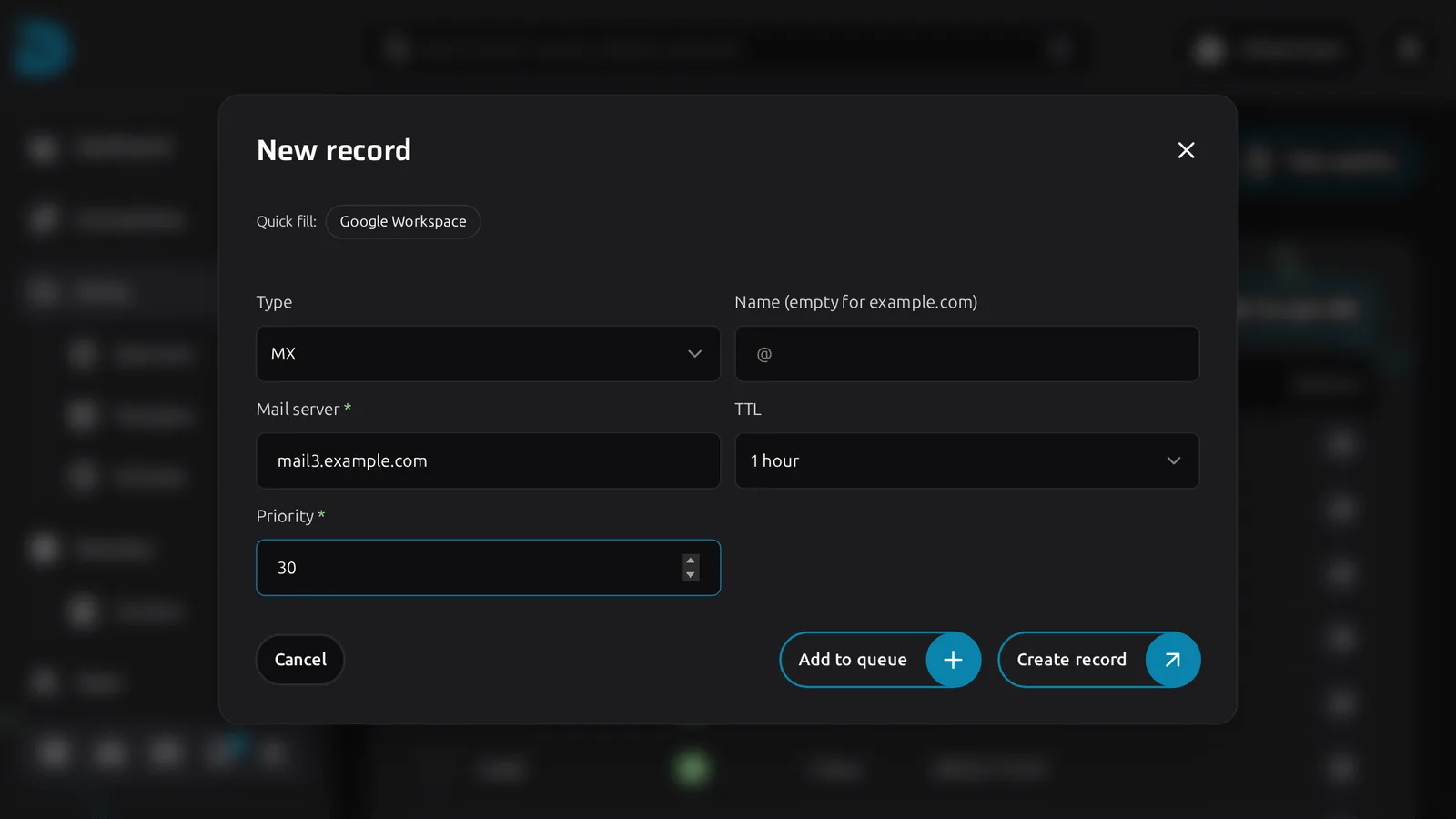
Click Create record, choose MX, leave the name empty for the root domain, and fill in the Mail server and the Priority. Google Workspace has its own quick fill. Set the TTL to 3600 or lower while you test.
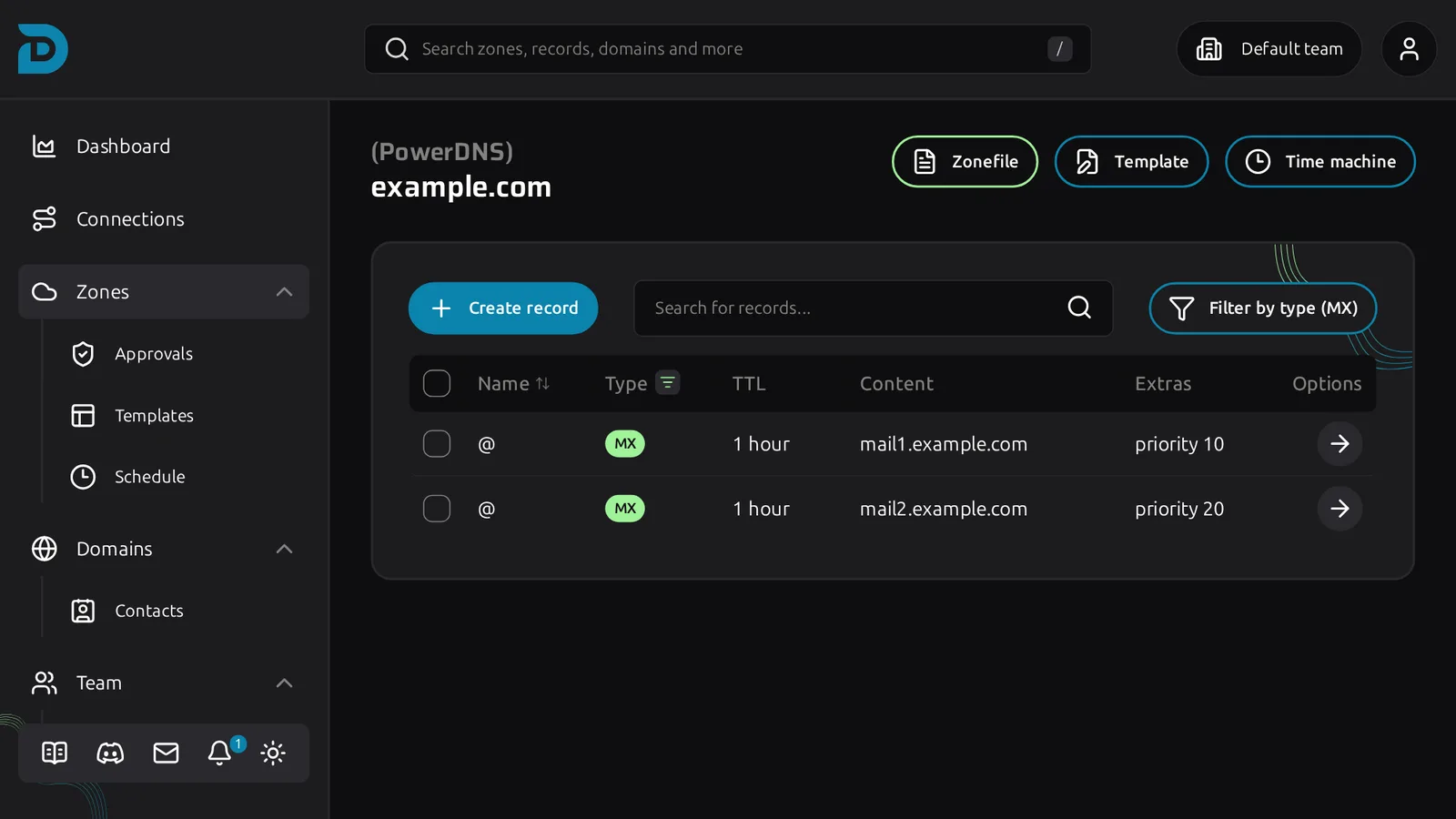
In the table the priority shows in the Extras column. Lowest wins.
After you change it
Send a test message from an outside address and check the headers, or use the MX lookup in the record menu. Mail uses its own retry rules, so a typo can take hours to show up as bounces. Test before you leave.