One API for domains and DNS, whichever provider hosts them
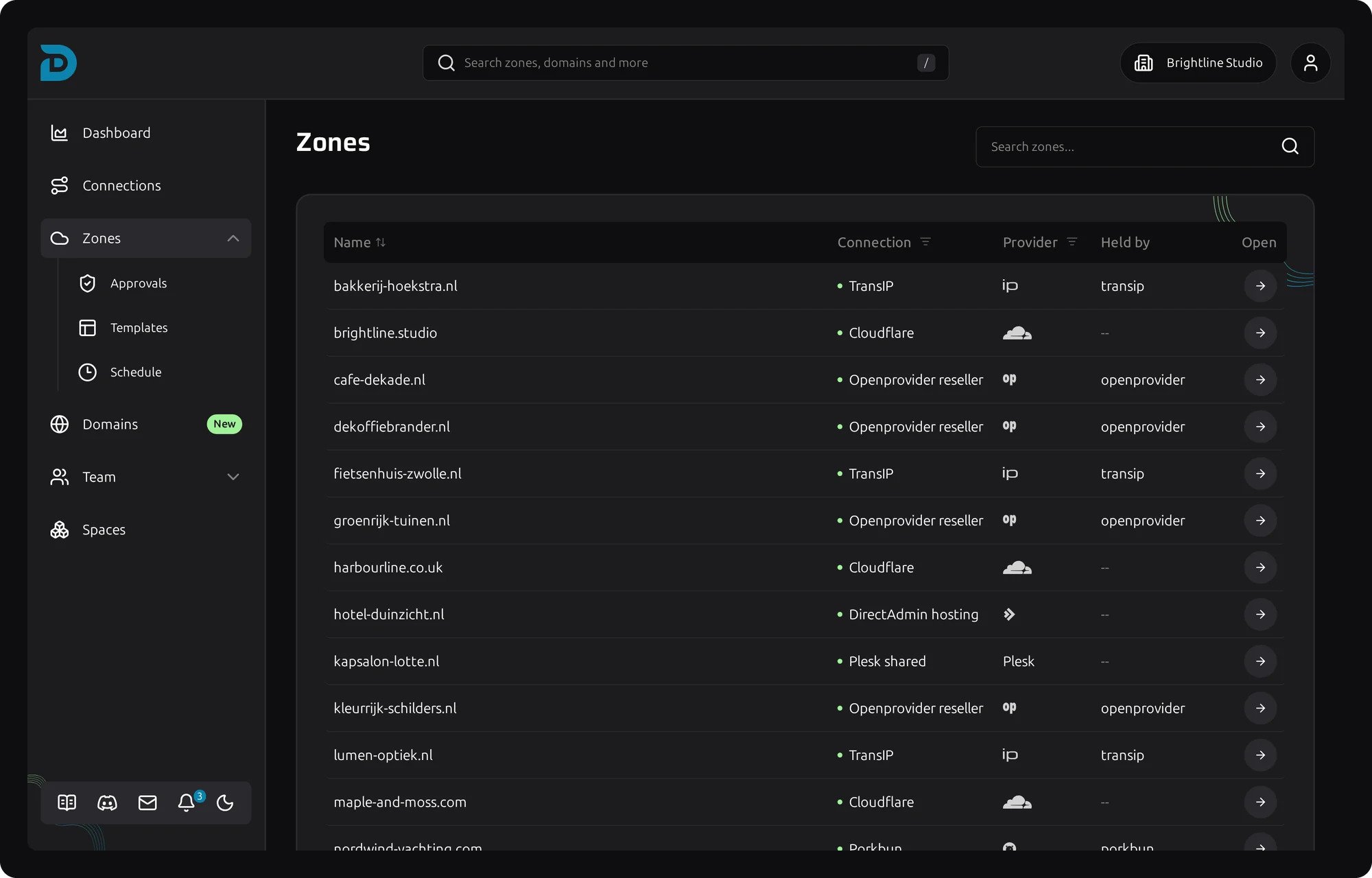
Most teams spread their domains over a few registrars and DNS hosts. Each one has its own API, its own authentication and its own idea of what a record looks like. DNSense puts a single REST API in front of all of them.
You send the same request whether the zone lives at Cloudflare, Route 53 or TransIP. DNSense applies the change at the provider that owns the zone. See the supported providers for the full list.
The reference for every endpoint is here:
https://api.dnsense.io/docs
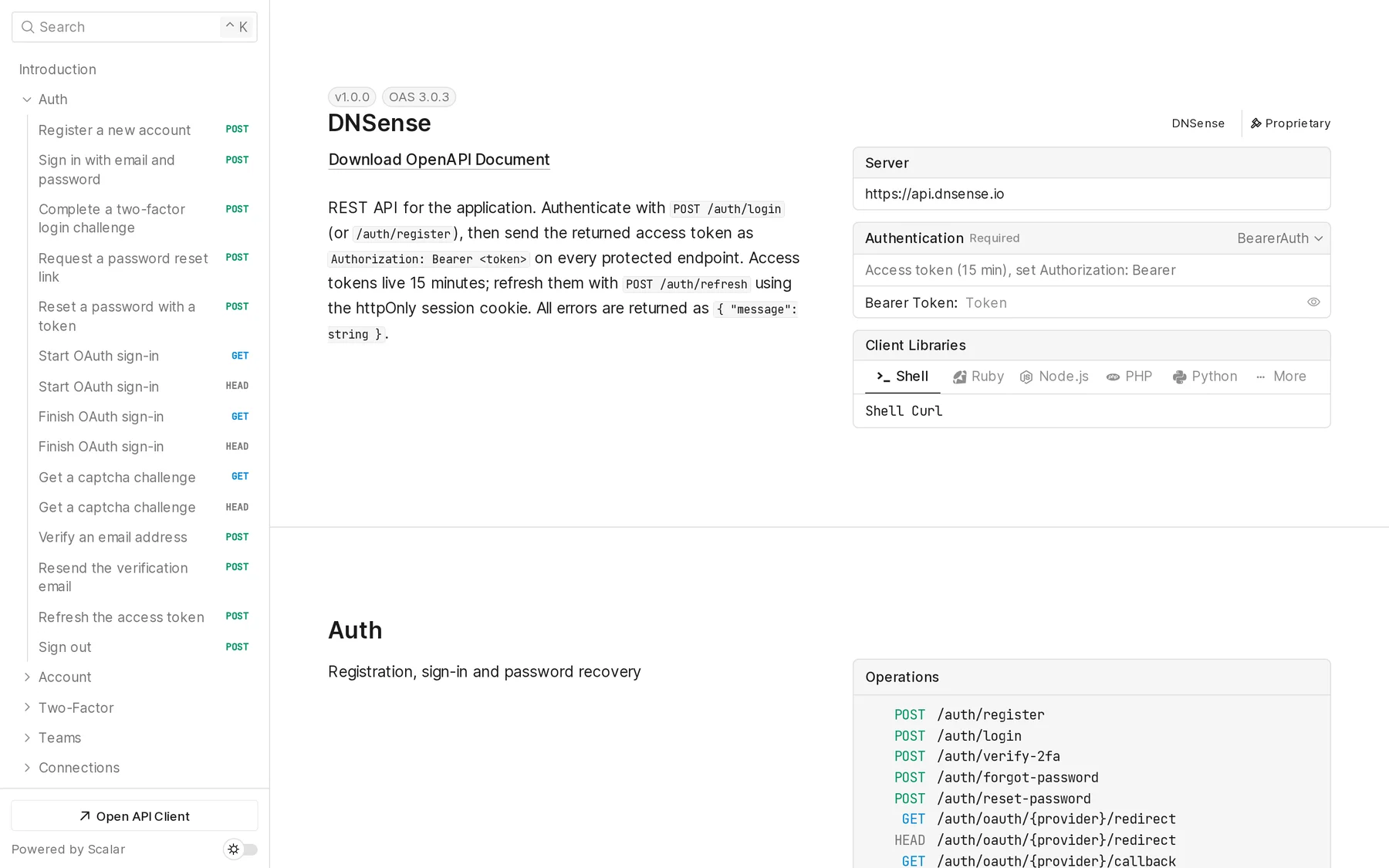
What you can manage through the API
The sidebar groups endpoints by area. The ones most people reach for first:
- Zones: list zones and add, change or delete their DNS records.
- Domains and Connections: the domains of your team and the provider accounts they come from.
- Templates: reusable sets of records you can apply to other zones.
- Teams and Spaces: members, roles and invites.
- Audit Log: every change made with a key, next to the zone history.
Anything you can do in the app, a script can do. A key acts as you, within your role, so approvals still apply.
Authenticate your requests
Create an API key first, see how to create and manage an API key. Send it as a Bearer token in the Authorization header. The Authentication panel on the reference page takes a key too, so the example requests fill it in for you.
Your first request
List the zones your key can reach:
curl -H "Authorization: Bearer <your key>" https://api.dnsense.io/zones
For a record example and the details around it, read how to use the DNSense API with an API key.
Try it, import it or generate a client
Pick a language under Client Libraries for an example in Shell, Ruby, Node.js, PHP or Python. Open API Client sends a request straight from the page.
The page also offers the OpenAPI document as JSON and YAML. Import it into Postman or Insomnia, or feed it to a code generator to get a typed client in your own language.
Frequently asked questions
Is there one API for several DNS providers?
Yes. The DNSense API works on zones from any connected provider with the same endpoints and the same record format, so you do not write a new integration per registrar.
Does the DNSense API have an OpenAPI spec?
Yes. Download it as JSON or YAML from api.dnsense.io/docs.
Which plans include API access?
All of them. Nothing in DNSense is locked behind a plan.
Can an AI assistant use the API?
Yes, through MCP. Read can I connect Claude or another AI assistant, or see API keys and MCP for the overview.
Need help?
If you need assistance with the API, reach out to our support team.