Create a key
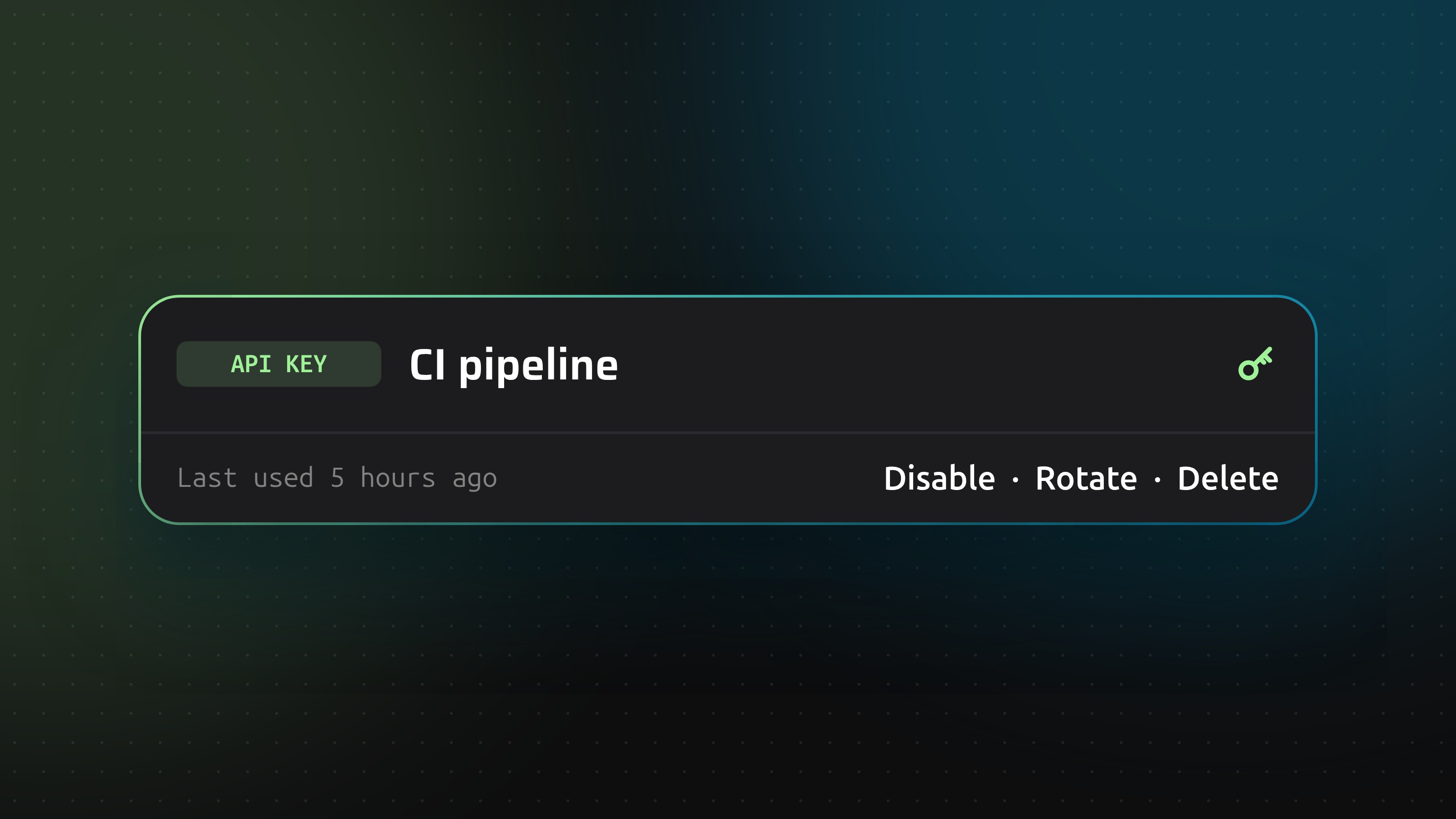
Open Account, go to API keys and click Create key. Give the key a name that says where it is used, such as CI pipeline. The name can be up to 60 characters.
DNSense shows the secret once. Copy it and store it somewhere safe, like a password manager. Send it as a Bearer token in the Authorization header of your requests.
What a key can do
A key acts as you, within your role in the team you are working in. It cannot manage your login, two-factor or API keys. Changes made with a key appear in the zone history and the audit log.
Disable, rotate or delete
- Disable pauses the key until you enable it again.
- Rotate gives the key a new secret and revokes the old one immediately. Anything still using the old secret stops working.
- Delete removes the key for good.
Each key shows when it was created and when it was last used, so you can spot keys that are no longer needed.
I lost the secret
A secret cannot be shown again. Rotate the key to get a new one, then update wherever the key is used.
Need help?
If you need assistance with API keys, reach out to our support team.