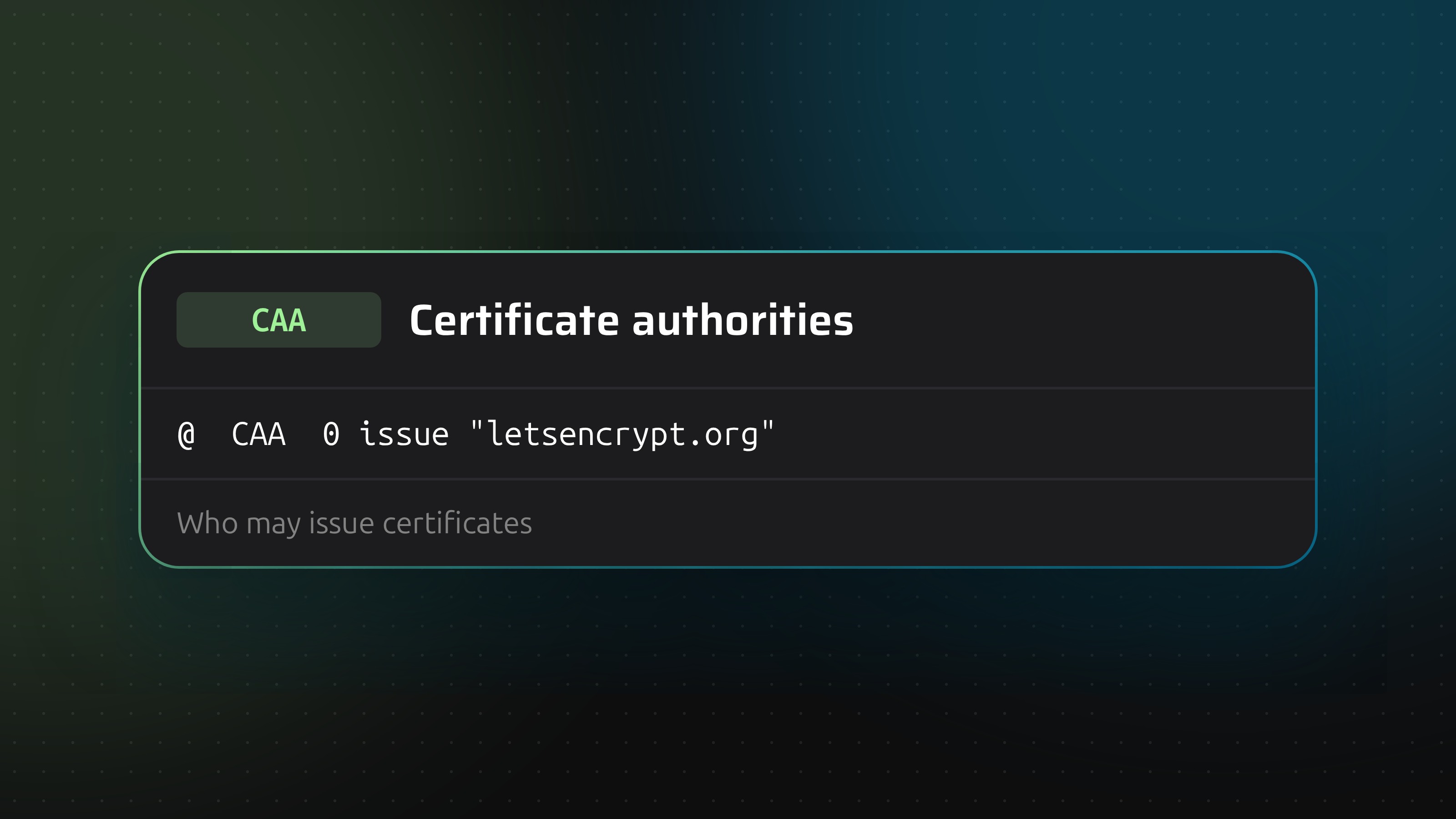
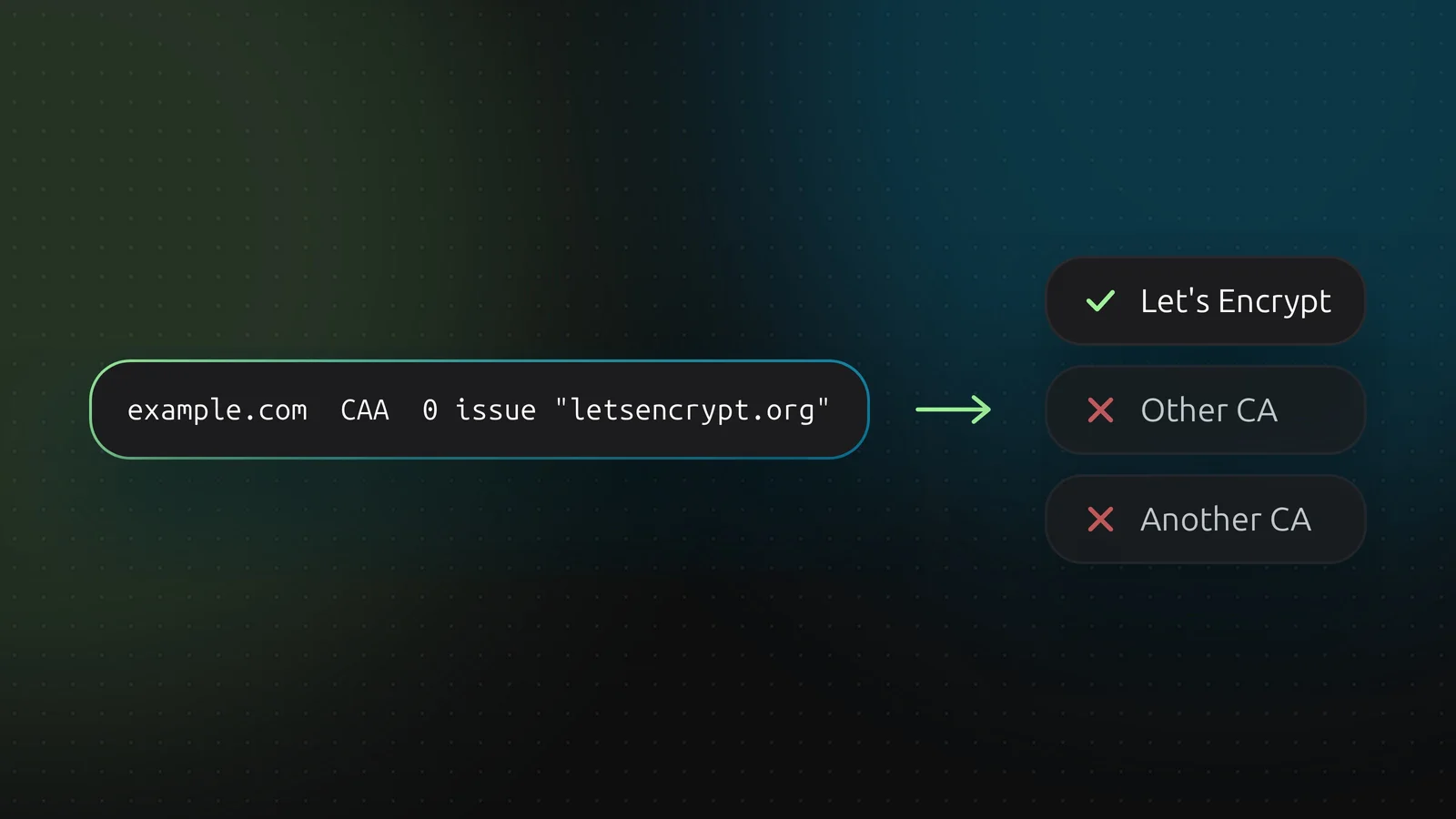
A CAA record lets you say which certificate authorities may issue certificates for your domain. Before issuing, a CA has to look for CAA records and refuse if it is not listed. It is a cheap guard against a certificate being issued for your name by a CA you never used.
No record means anyone may issue
That is the default. Adding a CAA record turns the default around: only the CAs you list can issue. So list every CA you use before you publish, or your next renewal fails.
A CAA record has three parts: flags, a tag, and a value in quotes.
0 issue "letsencrypt.org"
- Flags. Almost always
0. A value of 128 marks the record as critical: a CA that does not understand the tag must refuse to issue. DNSense accepts flags up to 255. - Tag.
issue allows a CA to issue certificates. issuewild does the same for wildcard certificates. iodef gives an address or URL to report problems to. - Value. The CA's identifier, normally its domain, in quotes.
In DNSense you fill in the three parts as separate fields, and a zone file import is checked against the same pattern.
Examples
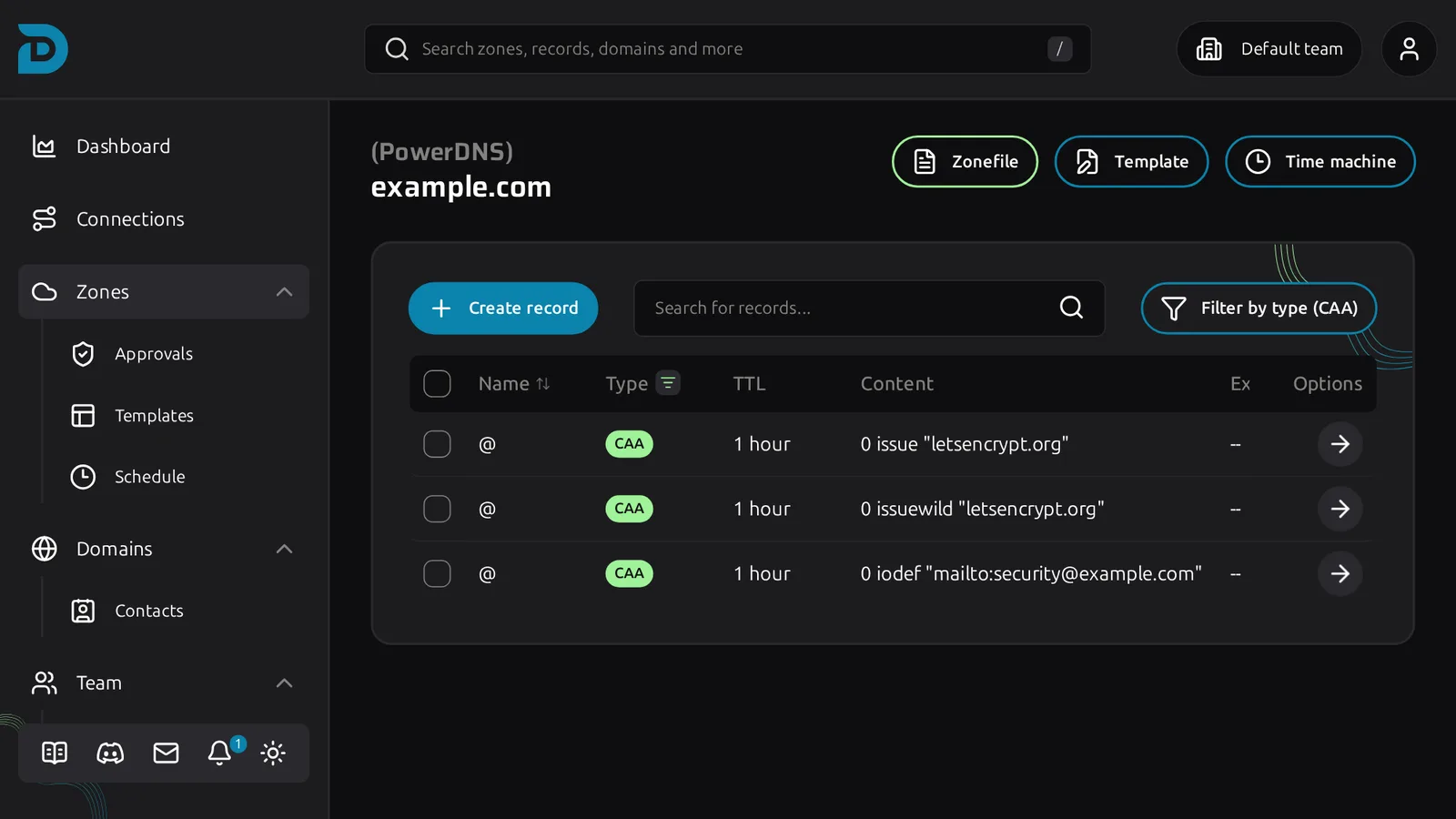
Allow Let's Encrypt for normal and wildcard certificates, and nobody else for wildcards:
0 issue "letsencrypt.org"
0 issuewild "letsencrypt.org"
Allow nobody to issue anything:
0 issue ";"
A report address, for attempts the CA refused:
0 iodef "mailto:[email protected]"
Inheritance
A CA checks the name it is issuing for, then walks up toward the root until it finds a CAA record. A record on example.com covers www.example.com, unless www has CAA records of its own, which then replace it.
Adding one in DNSense
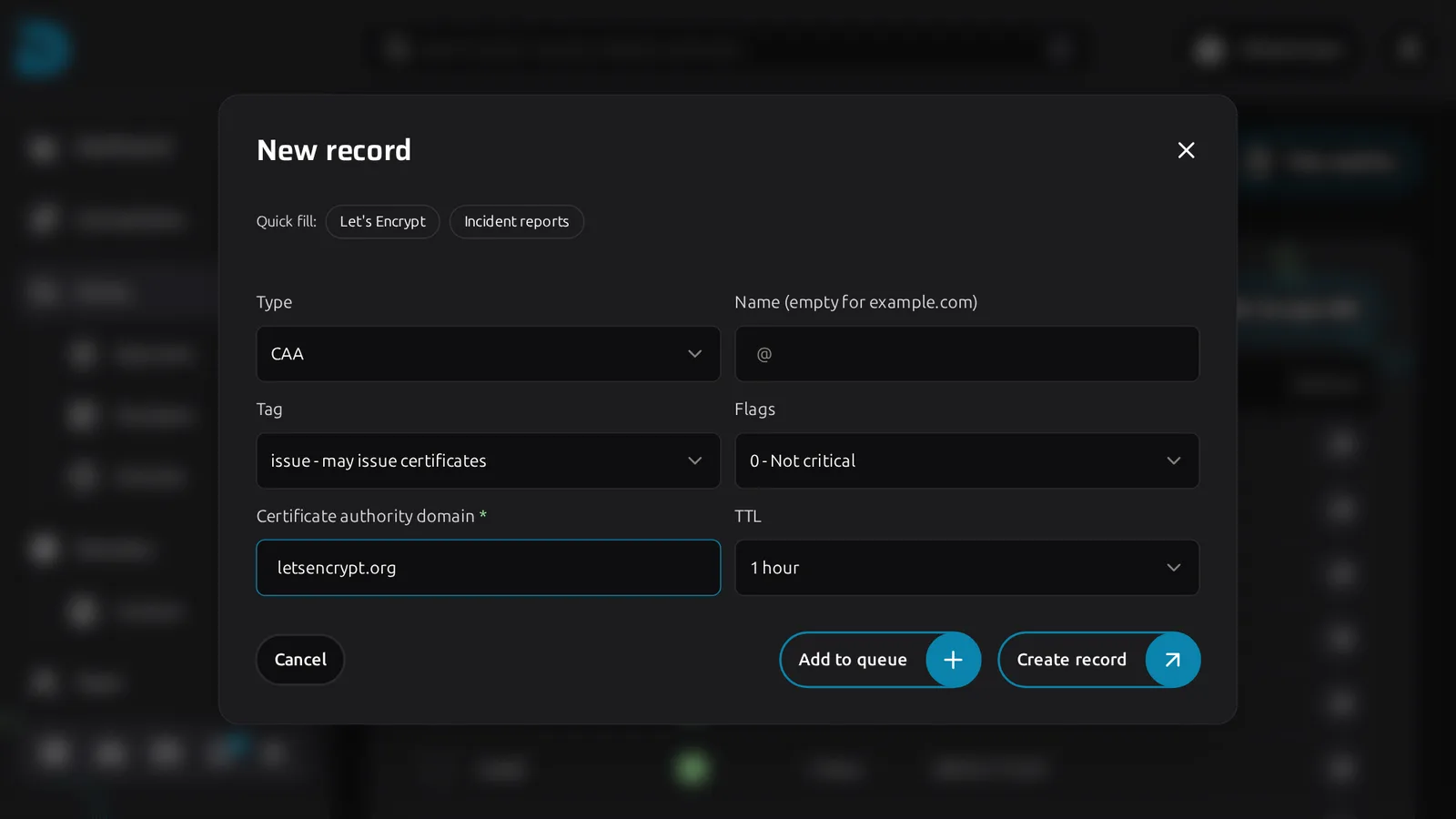
Click Create record on the zone and choose CAA. You do not type the whole line. Pick the Tag (for example "issue - may issue certificates"), the Flags ("0 - Not critical" is what you want almost always) and enter the CA's domain, such as letsencrypt.org. DNSense assembles 0 issue "letsencrypt.org" from those. There are quick fills for Let's Encrypt and for incident reports. Look up the exact identifier your CA documents. A typo here does not give an error at publish time. It gives a failed certificate renewal weeks later.