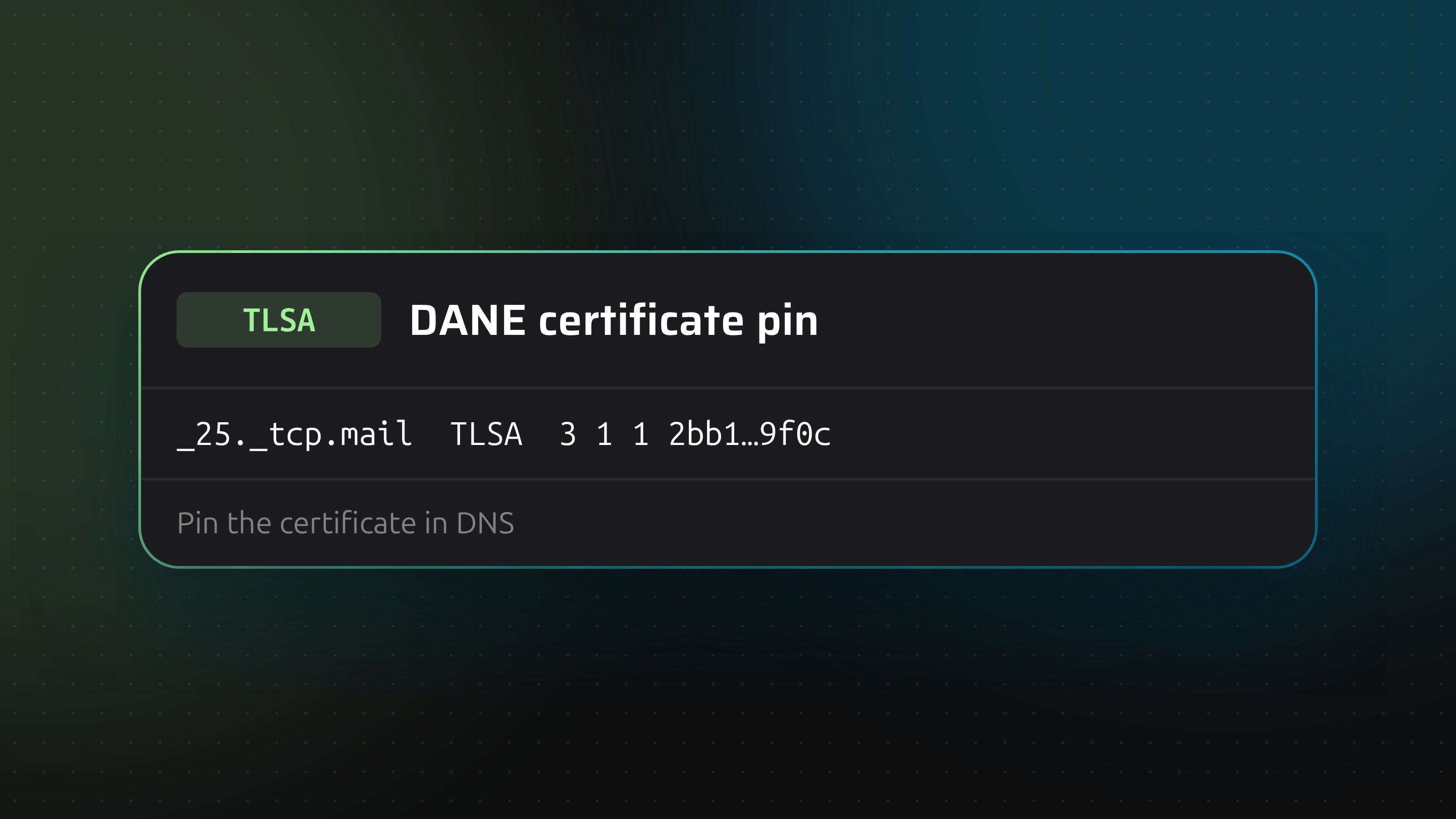
A TLSA record publishes a fingerprint of a server's certificate or public key in DNS. A client that supports DANE compares what the server presents with what DNS says, and refuses the connection on a mismatch. It is mostly used to secure server-to-server email, where there is no browser and no human to click through a warning.
DNSSEC is not optional
A TLSA record is only trustworthy if the answer cannot be forged on the way. That is what DNSSEC provides. Without it, a client that supports DANE ignores your TLSA records, or worse, you give it a false sense of safety. Sign the zone first.
The name
TLSA records live at a name built from the port and protocol of the service: _25._tcp.mail.example.com for SMTP on port 25 of mail.example.com. The port first, then the protocol, then the host.
The three numbers and the data
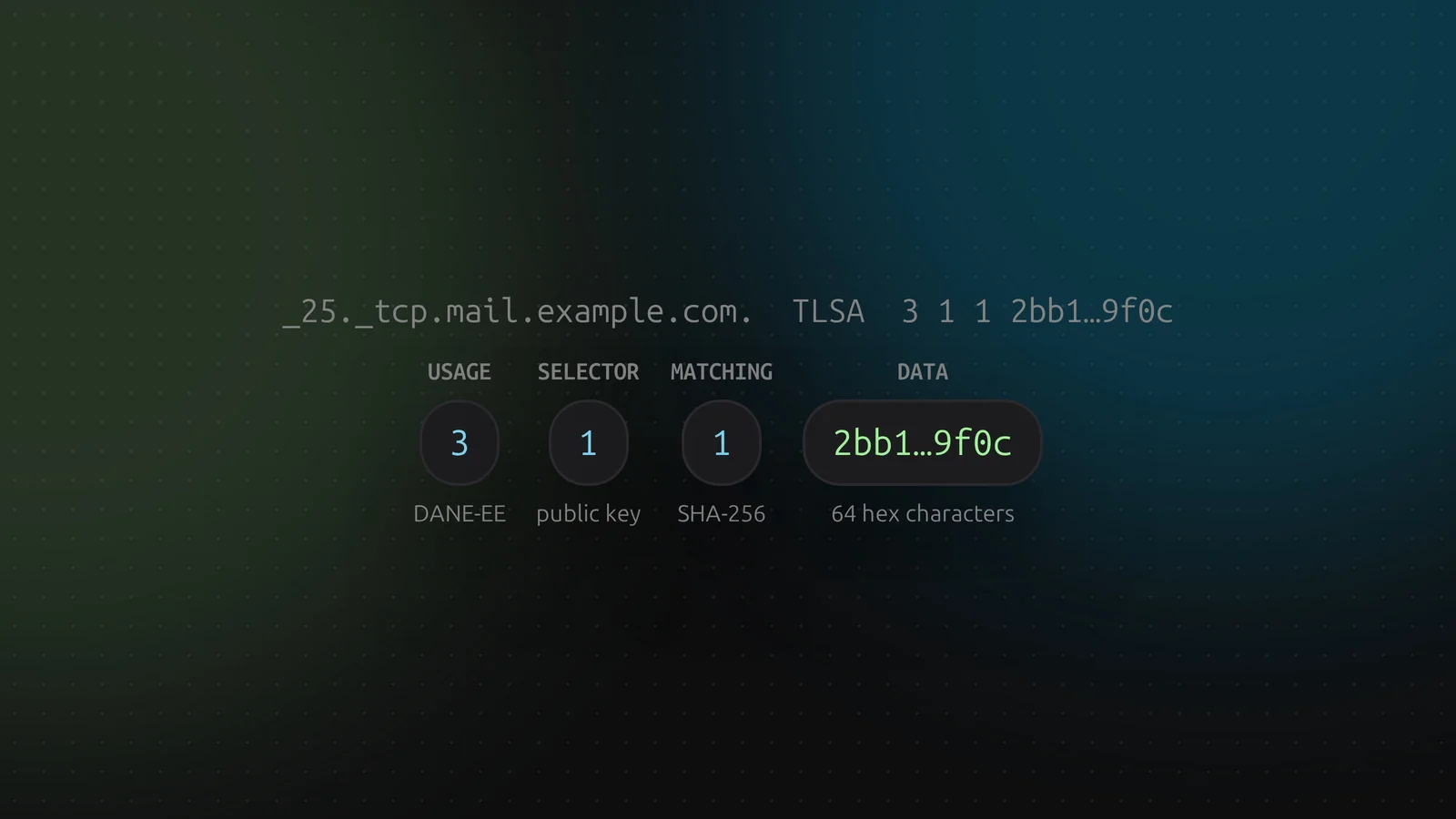
_25._tcp.mail.example.com. IN TLSA 3 1 1 2bb1...9f0c
- Usage. What is pinned.
3 (DANE-EE) pins the server's own certificate or key. 2 (DANE-TA) pins a CA you trust for that service. 0 and 1 bind to the public CA system and are rare. - Selector.
0 hashes the whole certificate, 1 only its public key. 1 survives renewals as long as you keep the key. - Matching type.
0 is the exact data, 1 is SHA-256, 2 is SHA-512. - Data. The hex digest.
The common choice is 3 1 1, DANE-EE with the public key and SHA-256. DNSense fills in those values by default.
Length checks
The data has to be hexadecimal, and for matching type 1 it must be 64 characters, for type 2 it must be 128. DNSense checks both, because a hash of the wrong length would be silently ignored by clients.
Generating the hash
With OpenSSL, for a certificate in cert.pem:
openssl x509 -in cert.pem -noout -pubkey | openssl pkey -pubin -outform DER | openssl dgst -sha256
Publish a record for the new key before you switch to it. Otherwise DANE clients reject the server during the changeover.
Adding one in DNSense
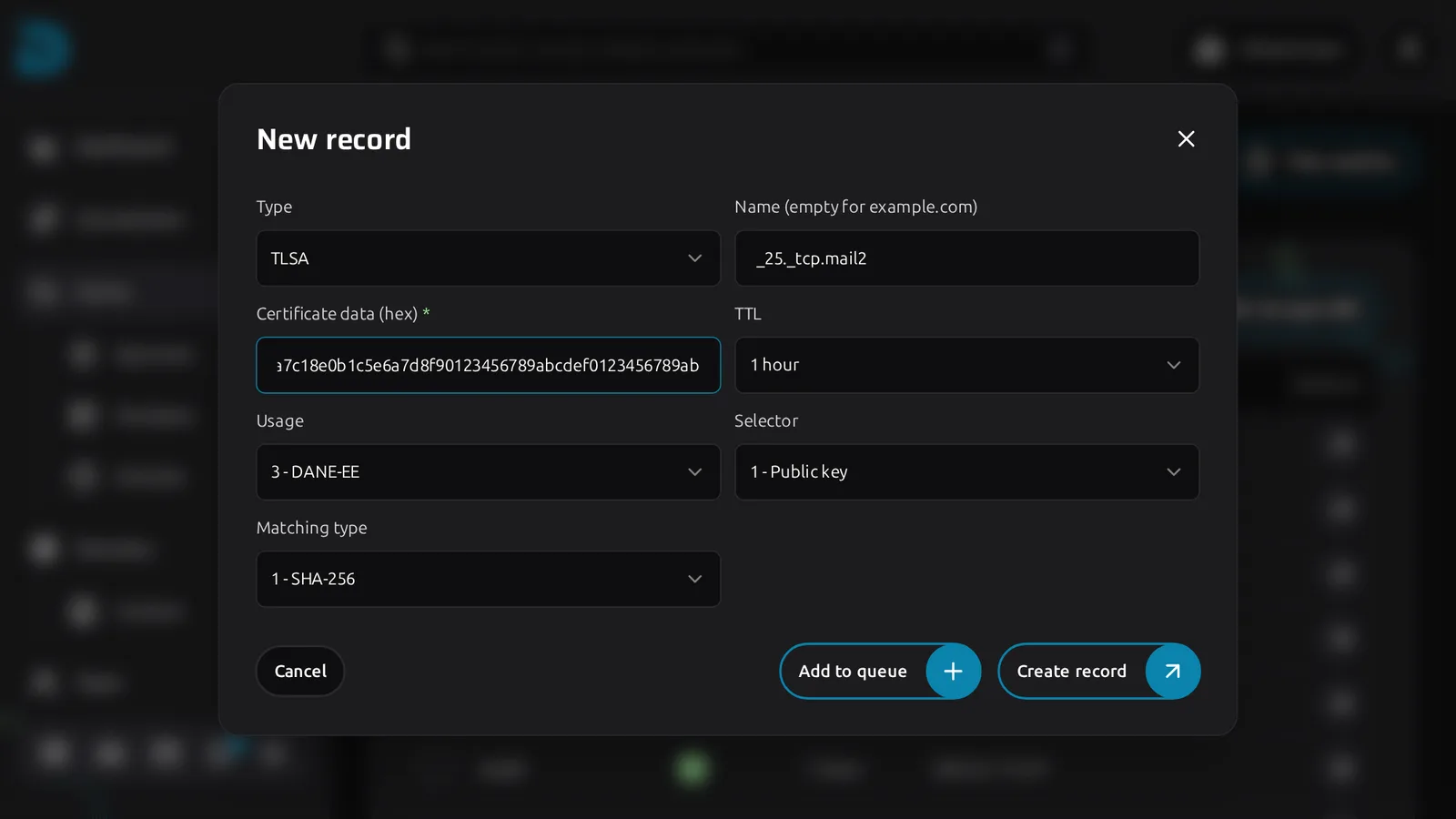
Click Create record, choose TLSA, enter the name and paste the hash as Certificate data (hex). Usage, Selector and Matching type are dropdowns with the meaning spelled out. They start on the common 3 - DANE-EE, 1 - Public key, 1 - SHA-256.
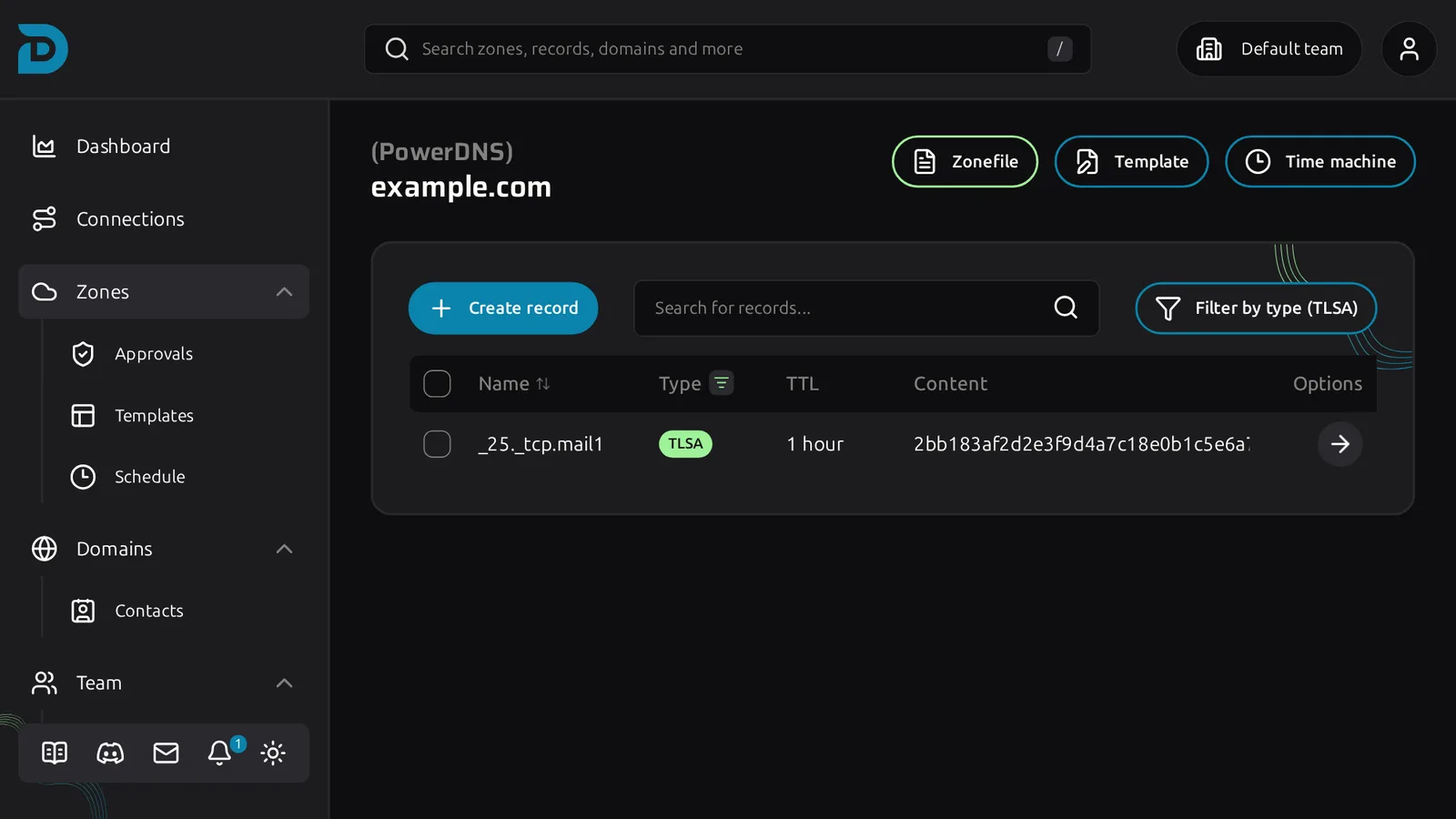
The zone page lets you filter on TLSA to see all of them.
Provider support
TLSA is not available everywhere. GoDaddy and Namecheap cannot store TLSA records through their APIs, so DNSense does not offer the type on zones hosted there. Every other supported provider accepts it.