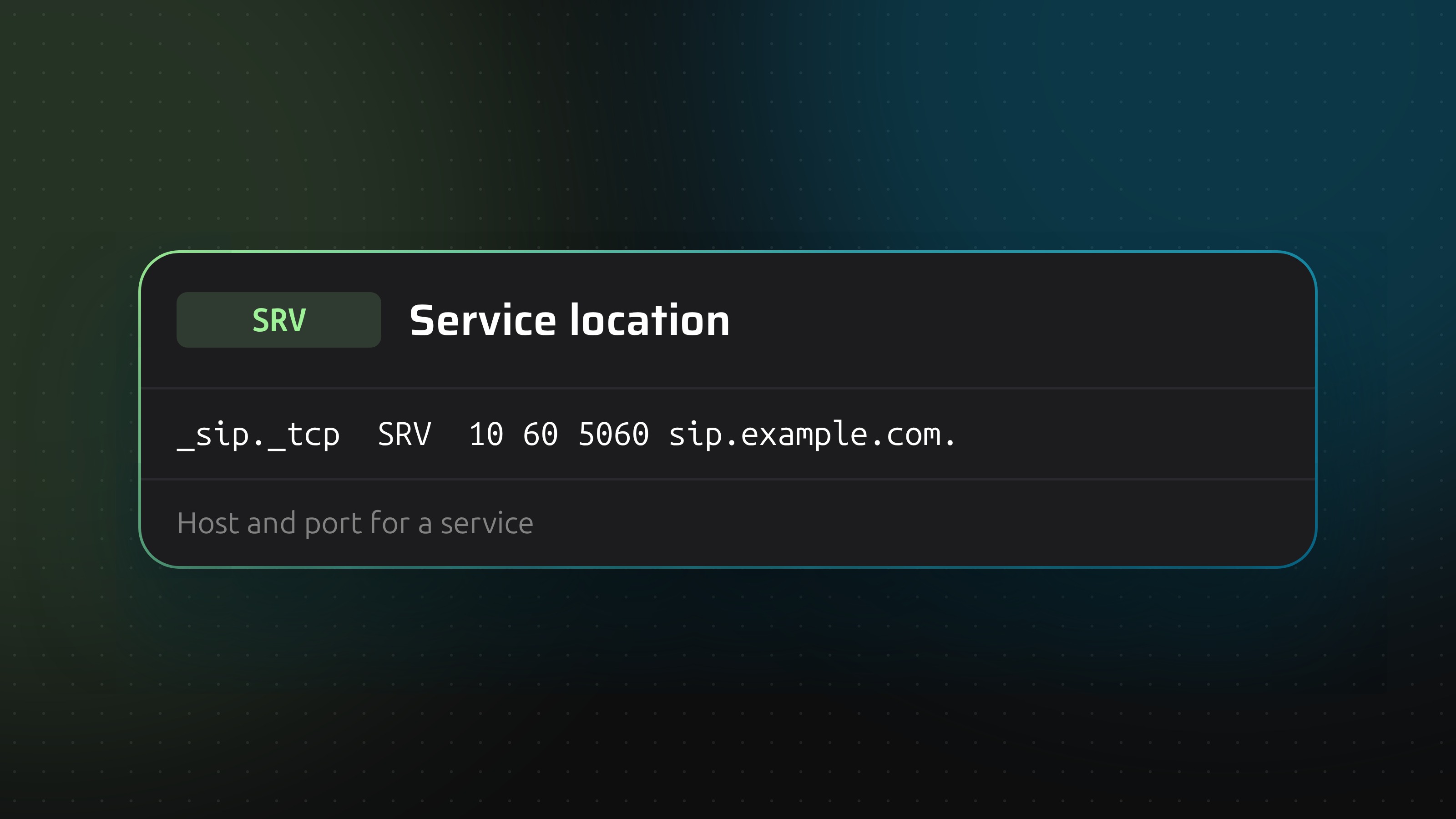
An A record gives a name an address. It says nothing about ports. An SRV record fills that gap: it tells a client which host to contact for a named service, on which port, and in which order to try the options. SIP, XMPP, Minecraft servers, Microsoft 365 and mail autodiscovery use it.
Anatomy of an SRV record
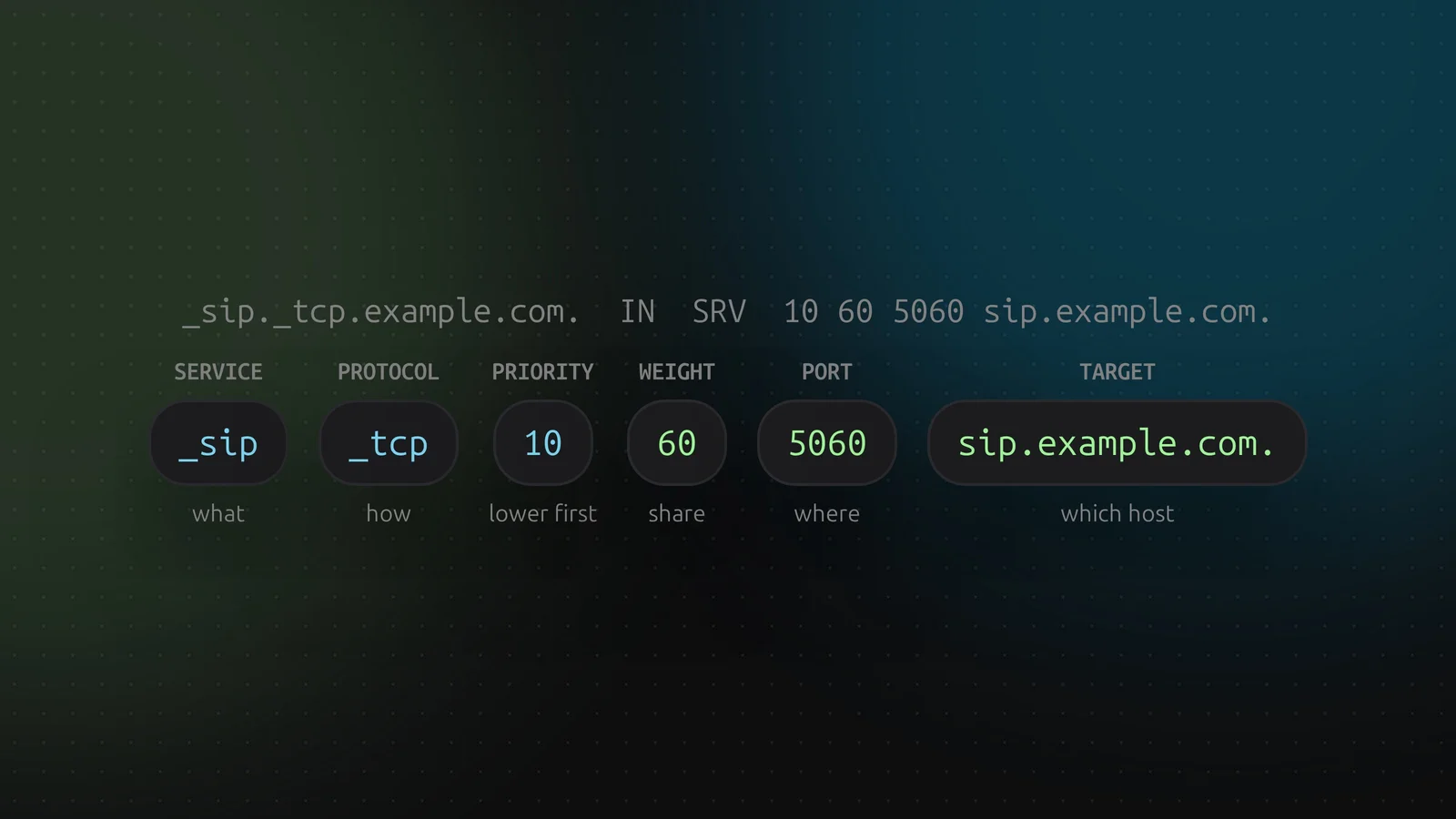
_sip._tcp.example.com. IN SRV 10 60 5060 sip.example.com.
- Name.
_service._protocol, both with a leading underscore. The service is _sip, _xmpp-client, _autodiscover and so on. The protocol is _tcp, _udp or _tls. DNSense checks this and answers "An SRV name is _service._protocol, e.g. _sip._tcp" when the form is wrong. - Priority. Lower is tried first, like MX.
- Weight. Among records with the same priority, a share of the traffic. Weights 60 and 40 send about 60% and 40% of the clients to each.
- Port. The TCP or UDP port the service listens on.
- Target. The hostname that provides the service. It needs its own A or AAAA record and must not be a CNAME.
Turning a service off
A target of a single dot, ., means the service is explicitly not available at this domain. Clients stop looking. DNSense accepts it.
Where to find the right values
Your service provider tells you. Do not make them up: the service name has to match exactly what the client software asks for. A typo gives you a record that looks right and is never queried.
Adding one in DNSense
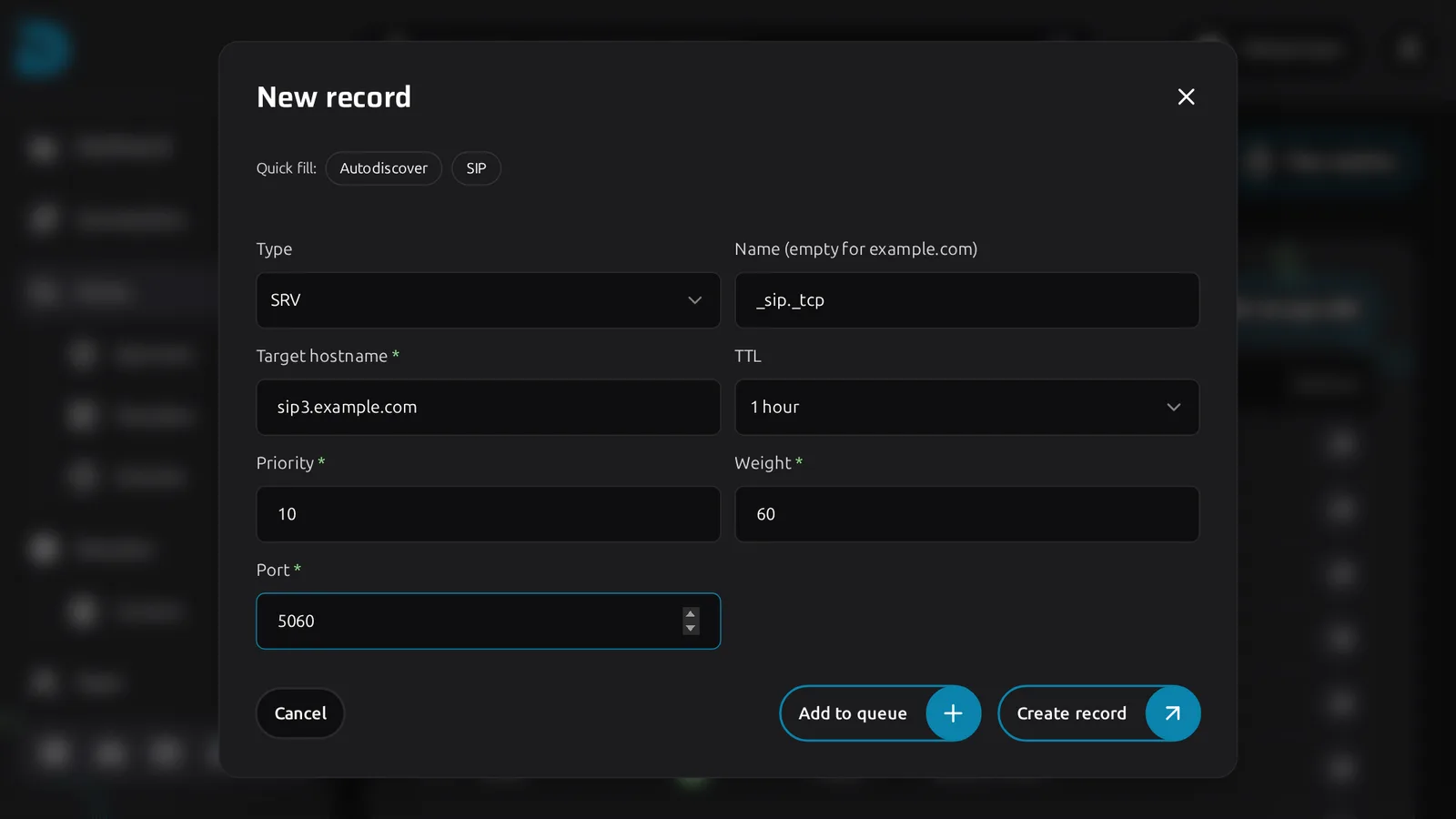
Click Create record and choose SRV. The form gains Priority, Weight and Port fields next to the target hostname, and the Autodiscover and SIP quick fills fill in the usual names.
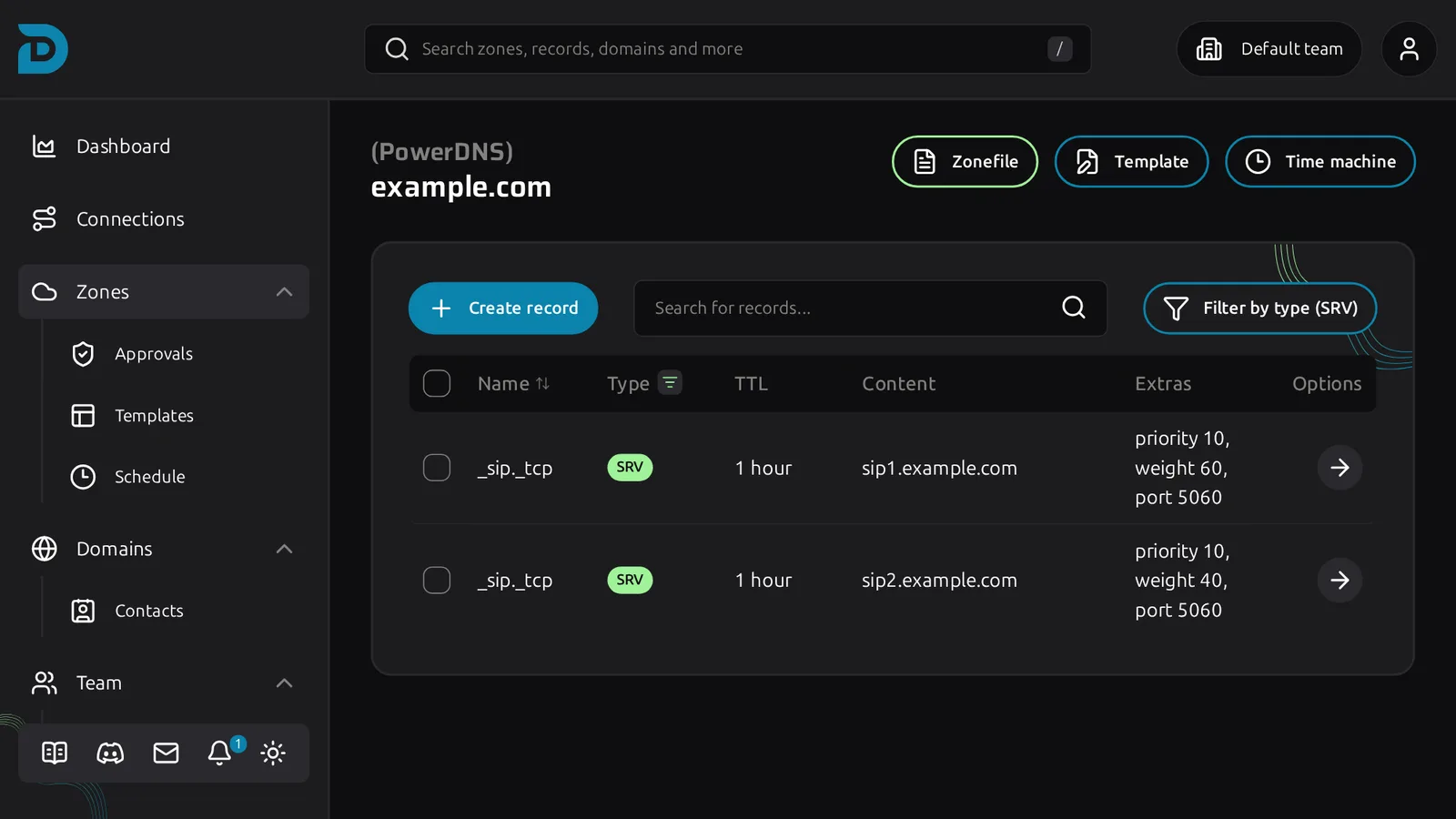
In the table, priority, weight and port show together in the Extras column.
Provider support
Not every provider stores SRV records. Namecheap does not accept them through its API, so DNSense will not offer SRV on Namecheap-hosted zones. Every other supported provider does. If the provider cannot hold SRV, the type is missing from the form's list.