How to get a Hetzner API token

Dennis Postma3 February 2026
Reading time2 minutes
Guides

Generate a Read & Write API token in the Hetzner Console and connect your Hetzner DNS zones to DNSense.

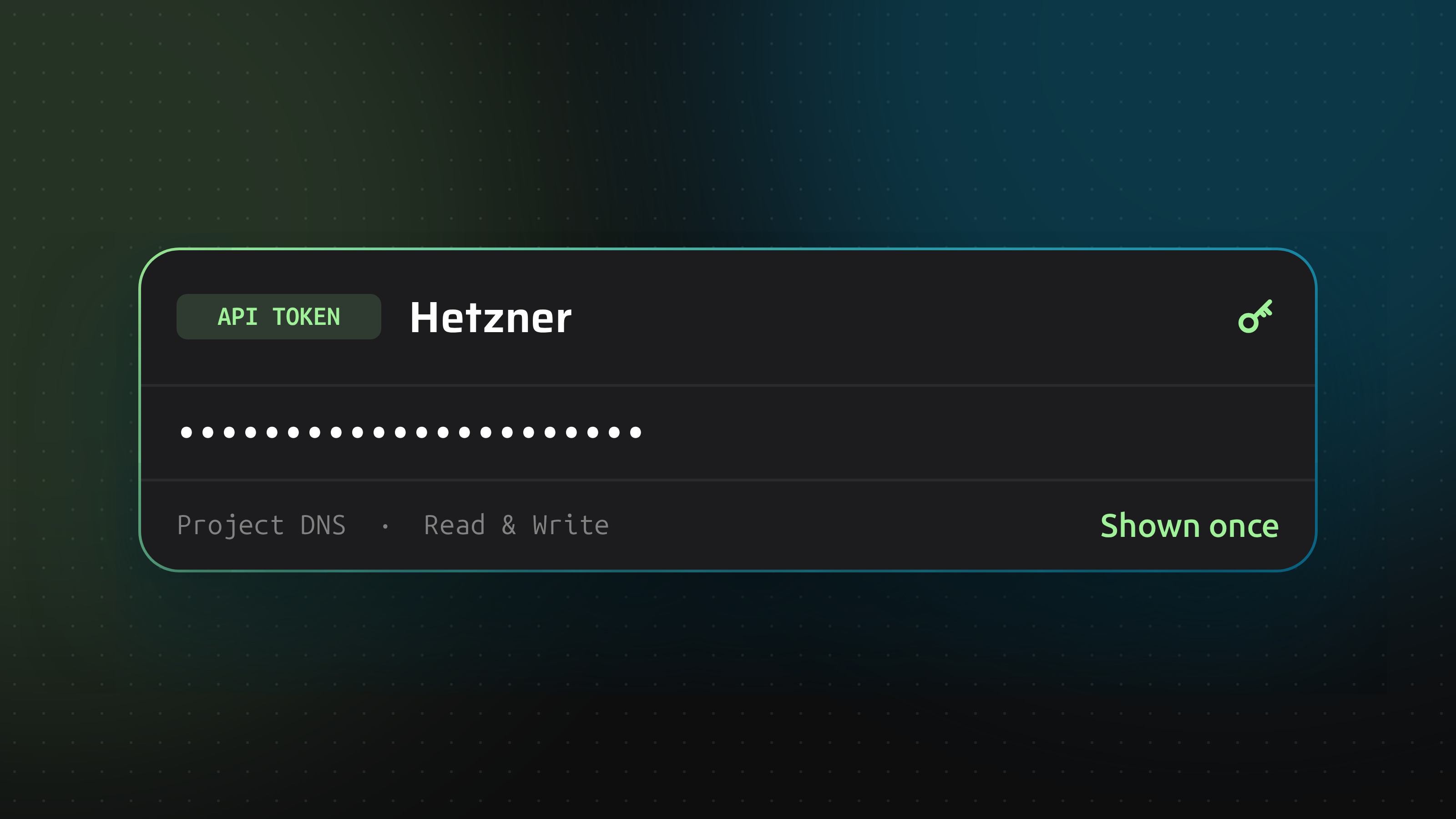
DNSense guide cover: a Hetzner API token with Read and Write access

Hetzner tokens belong to a project, not to your account. That one fact explains most failed connections: a token only sees the DNS zones that live in the same project.

Before you start

Tokens from the old Hetzner DNS console do not work. DNSense uses the Cloud API, so the token has to come from the Hetzner Console and the zones have to be managed there too.

Generate the token

  1. Open the project that holds your DNS zones in the Hetzner Console and click Security in the left menu.
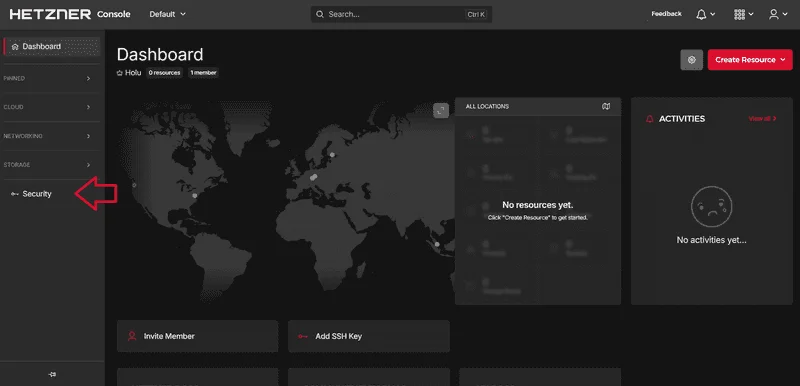
The Security entry in the Hetzner Console menu
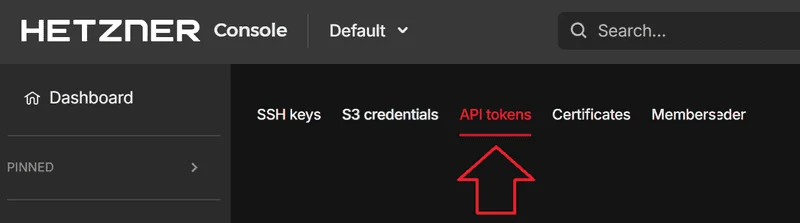
  1. Choose API tokens in the upper menu.
The API tokens tab under Security
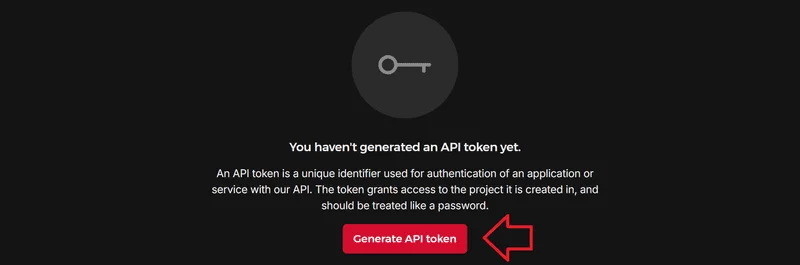
  1. Click Generate API token.
The Generate API token button
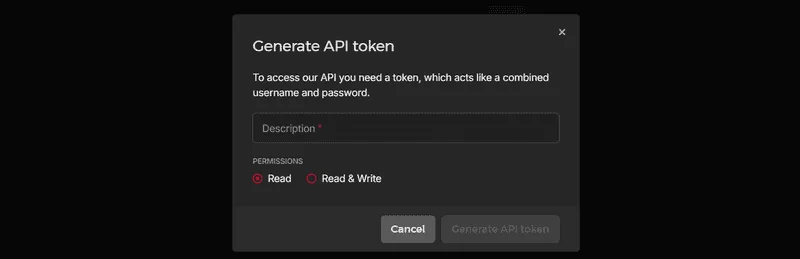
  1. Enter a description such as dnsense and select Read & Write. A Read token can list zones but every change would be refused.
The Generate API token dialog with description and permissions
  1. Copy the token. Once the window closes it cannot be shown again.
The new token, ready to copy

Connect it to DNSense

Add a connection, choose Hetzner and paste the token. If you keep zones in several Hetzner projects, repeat this per project and add one connection for each. Multiple connections at one provider are fine on every plan.