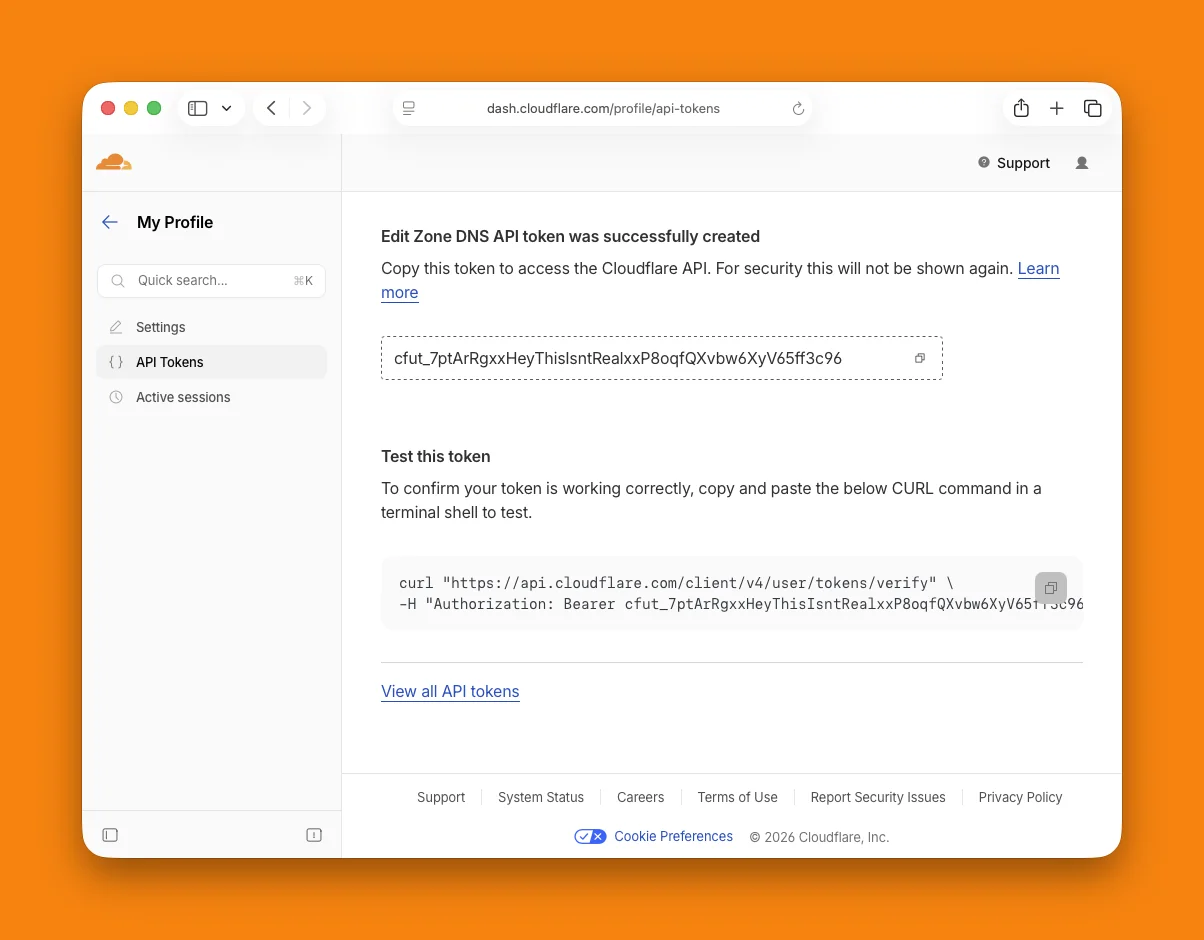
DNSense talks to Cloudflare with an API token. Make a scoped one. The legacy Global API key also works, but it carries full access to every account you belong to, and a leaked copy is a much bigger problem than a leaked token.
What the token needs
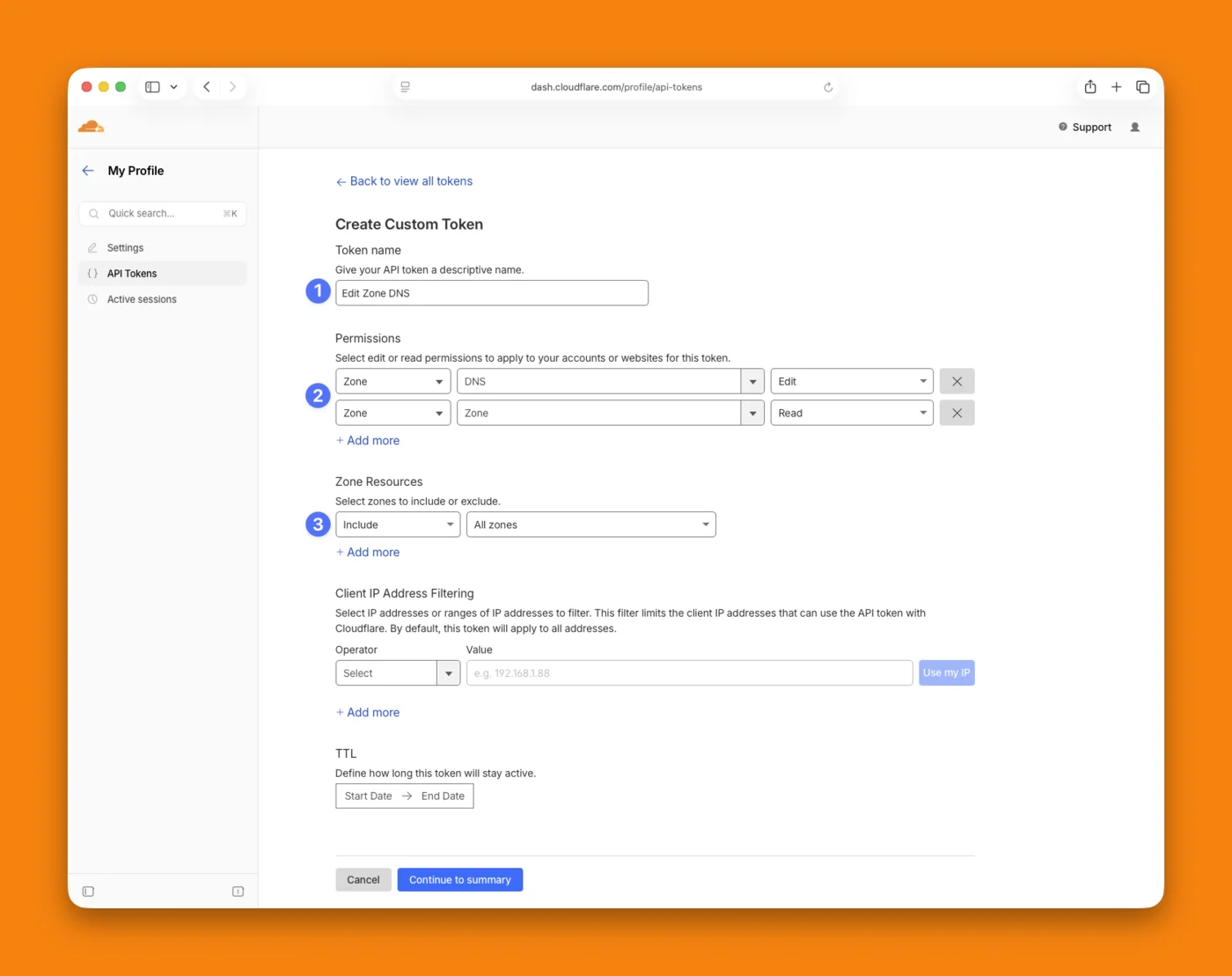
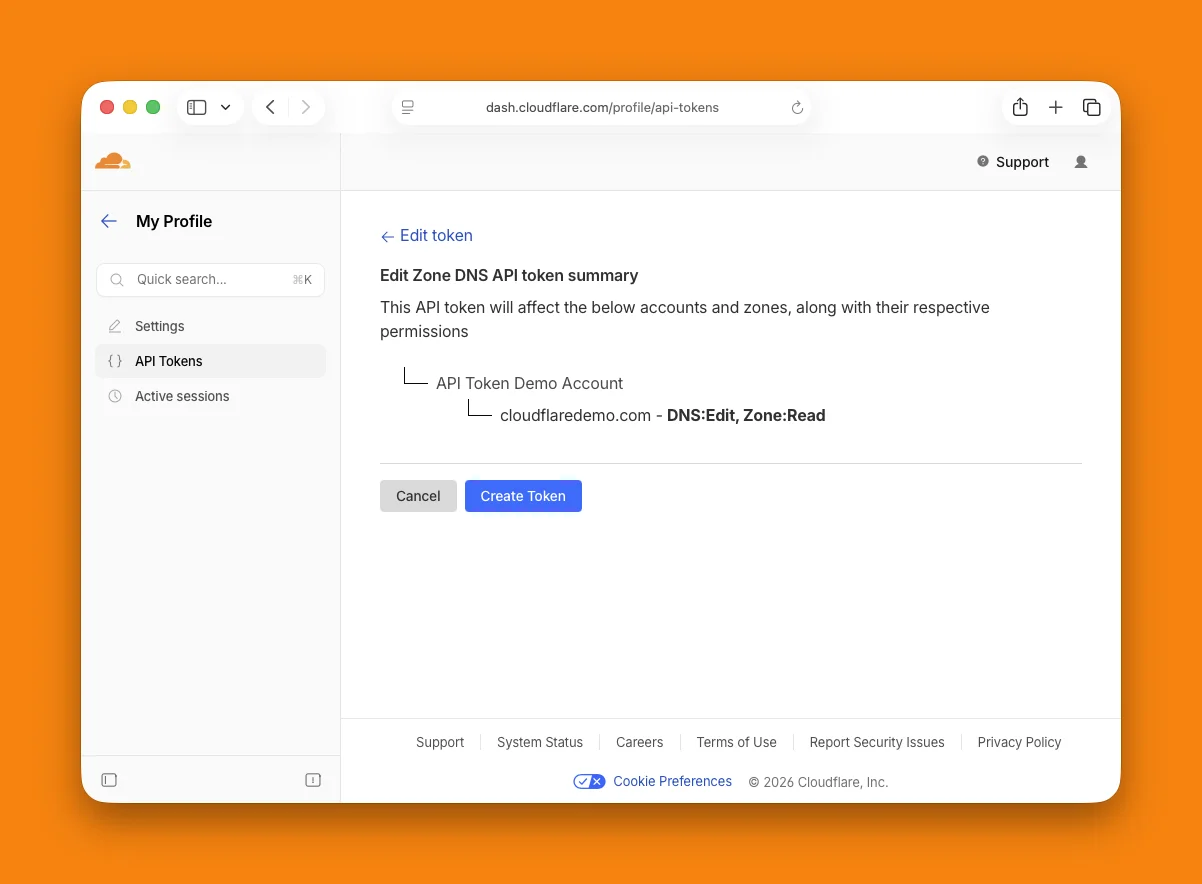
- Zone: Read so DNSense can list your zones.
- DNS: Edit so it can change records.
- Domain: Read, only if you also want to see domains registered at Cloudflare Registrar.
Create the token
- Open the Cloudflare dashboard and go to My Profile > API Tokens. Account owners can create an account-owned token under Manage Account instead, which is not tied to one person's login.
- Click Create Token. Start from the Edit zone DNS template, or pick Create Custom Token.
- Name it something you will recognise later, like
dnsense. - Check the permission list. Add Zone > Zone > Read if the template left it out.
- Under Zone Resources, choose the zones DNSense may touch. All zones is the simplest. A single zone works too, but DNSense will only see that one.