This release is aimed at people who manage a lot of zones at once: fewer round trips per record, and better tools for finding out what changed.
Add records in bulk
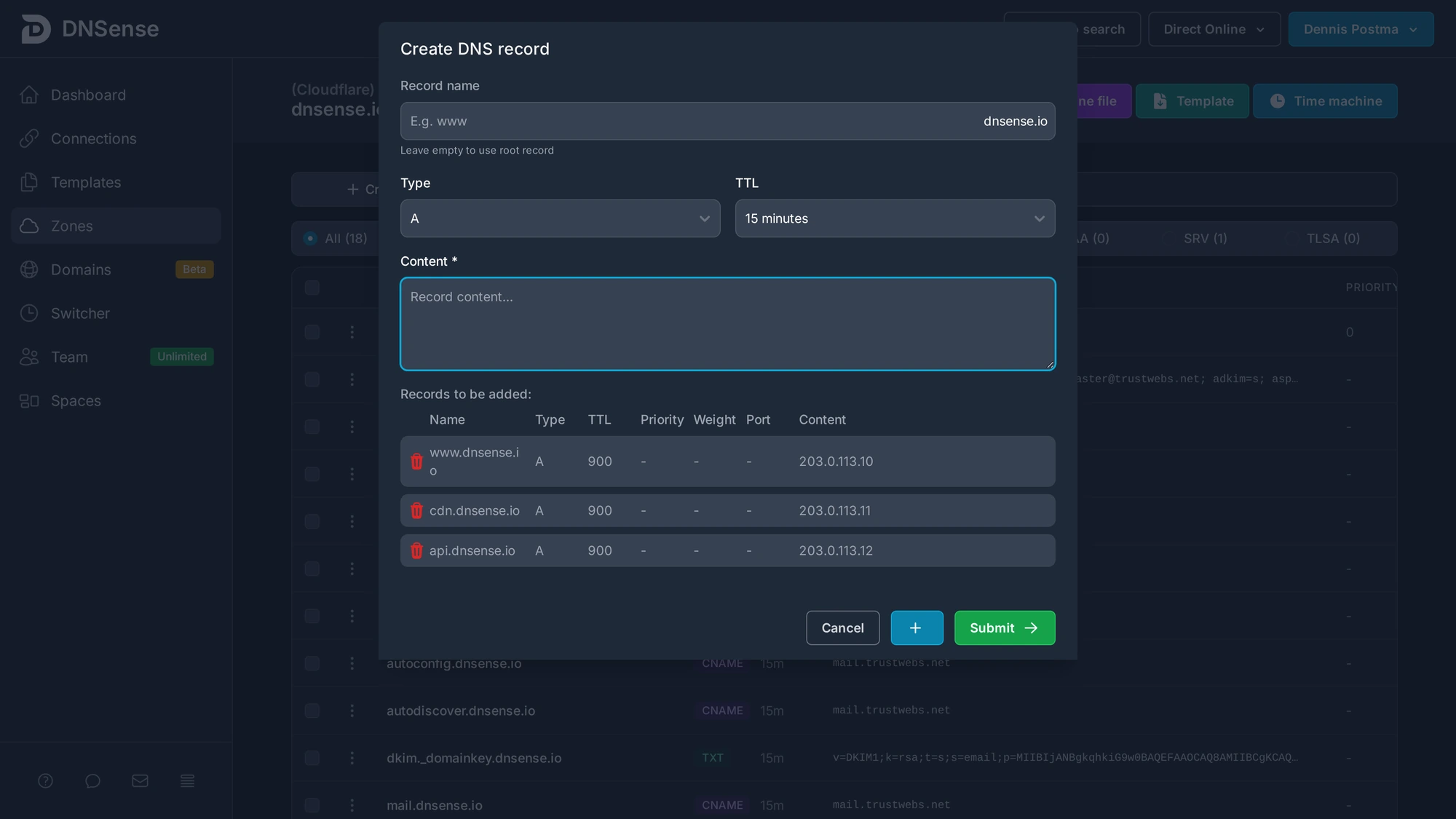
The create record dialog now keeps a queue. Fill in a record, press the plus button, and it moves to a list below the form while the fields reset for the next one. When the list looks right, submit them all in one go.
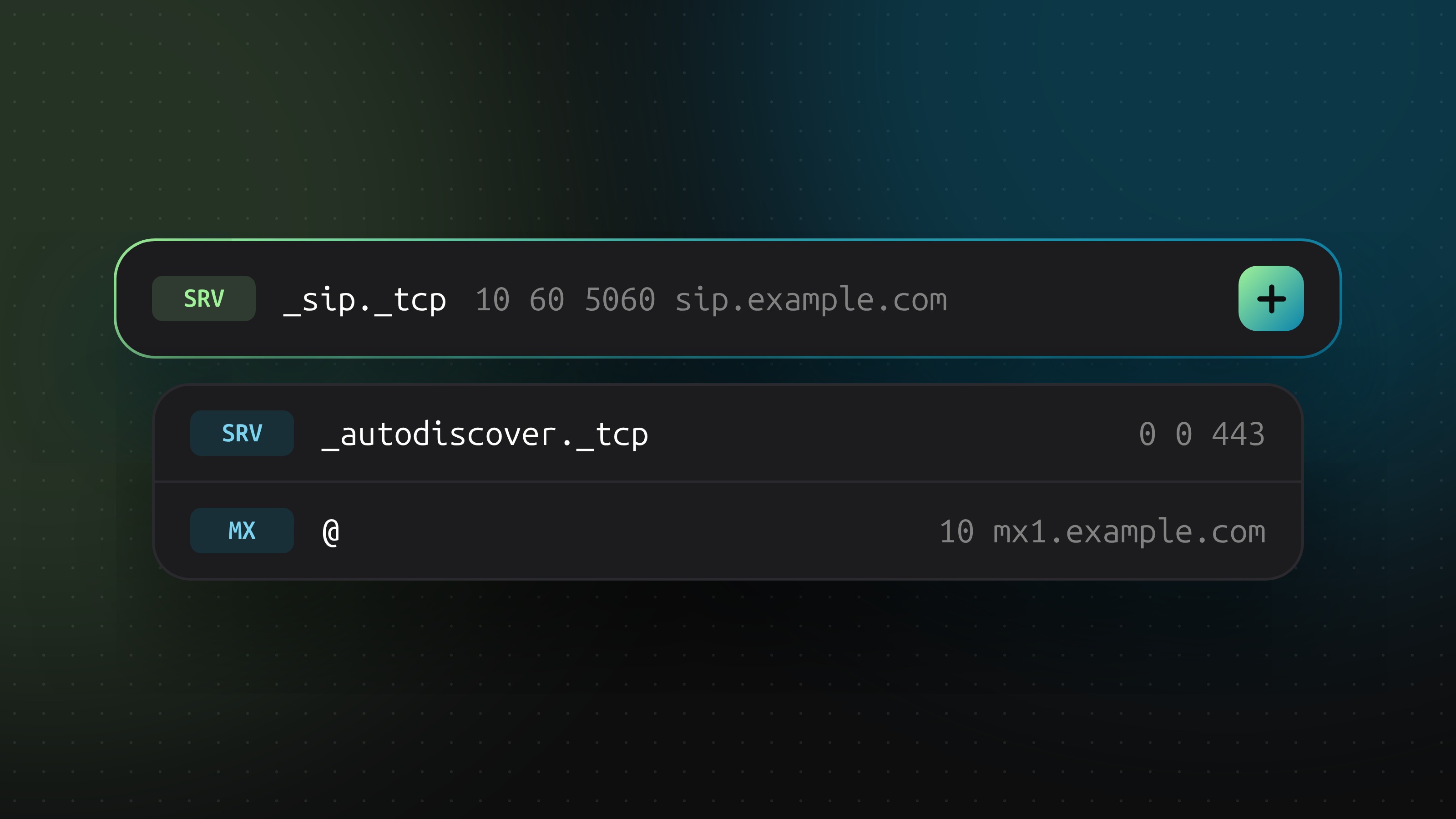
SRV records
SRV records are now supported, which covers service discovery setups like autodiscover for mail clients and SIP.
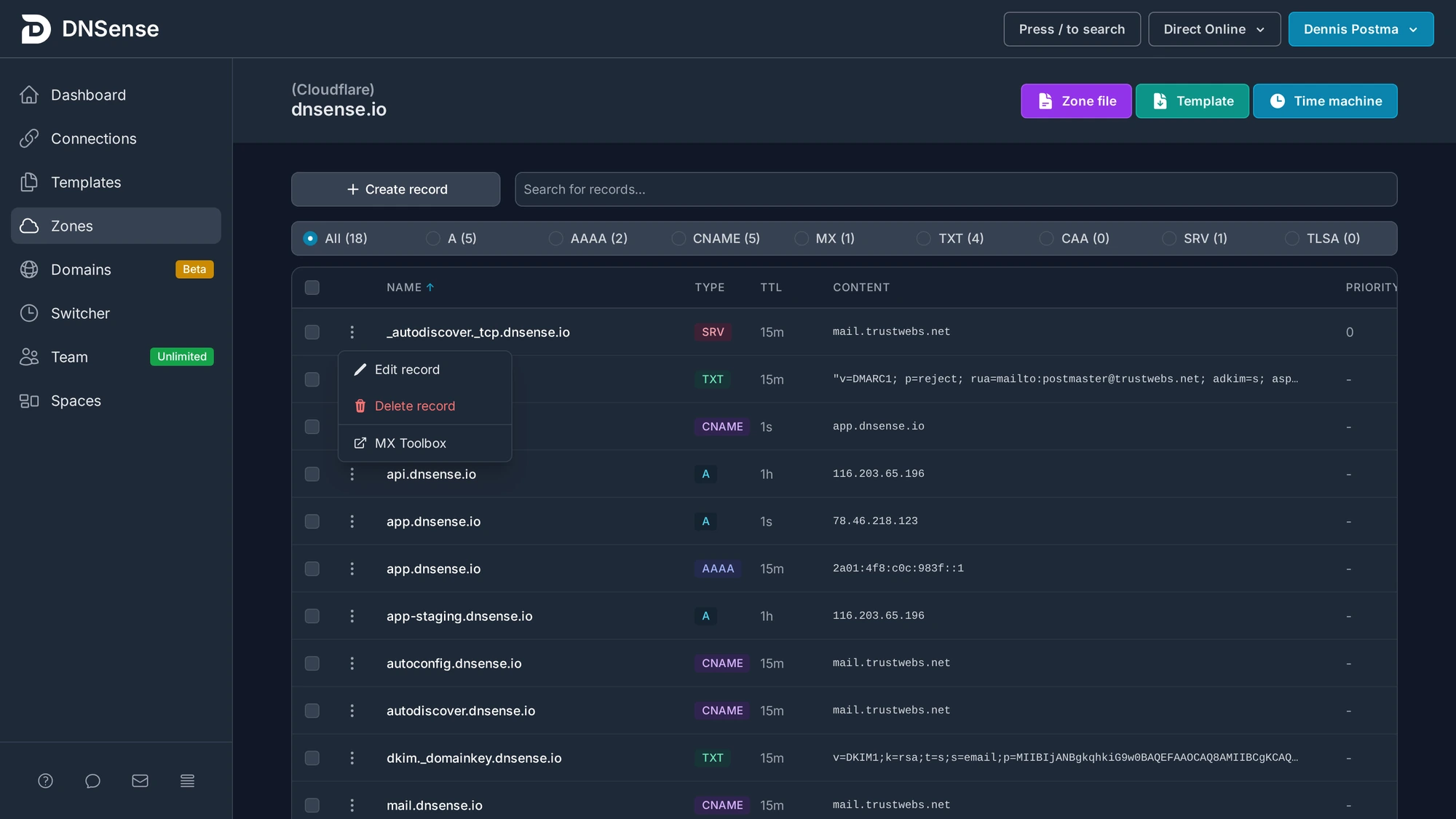
Every record row has a menu with an MX Toolbox lookup. It opens the external check for that record, which saves copying hostnames into a separate tab when you are debugging mail.
DirectAdmin connections
DirectAdmin servers can now be connected like any other provider. Zones on the server are imported and managed from the same overview as your registrar and Cloudflare zones.
Scheduled changes with a preview
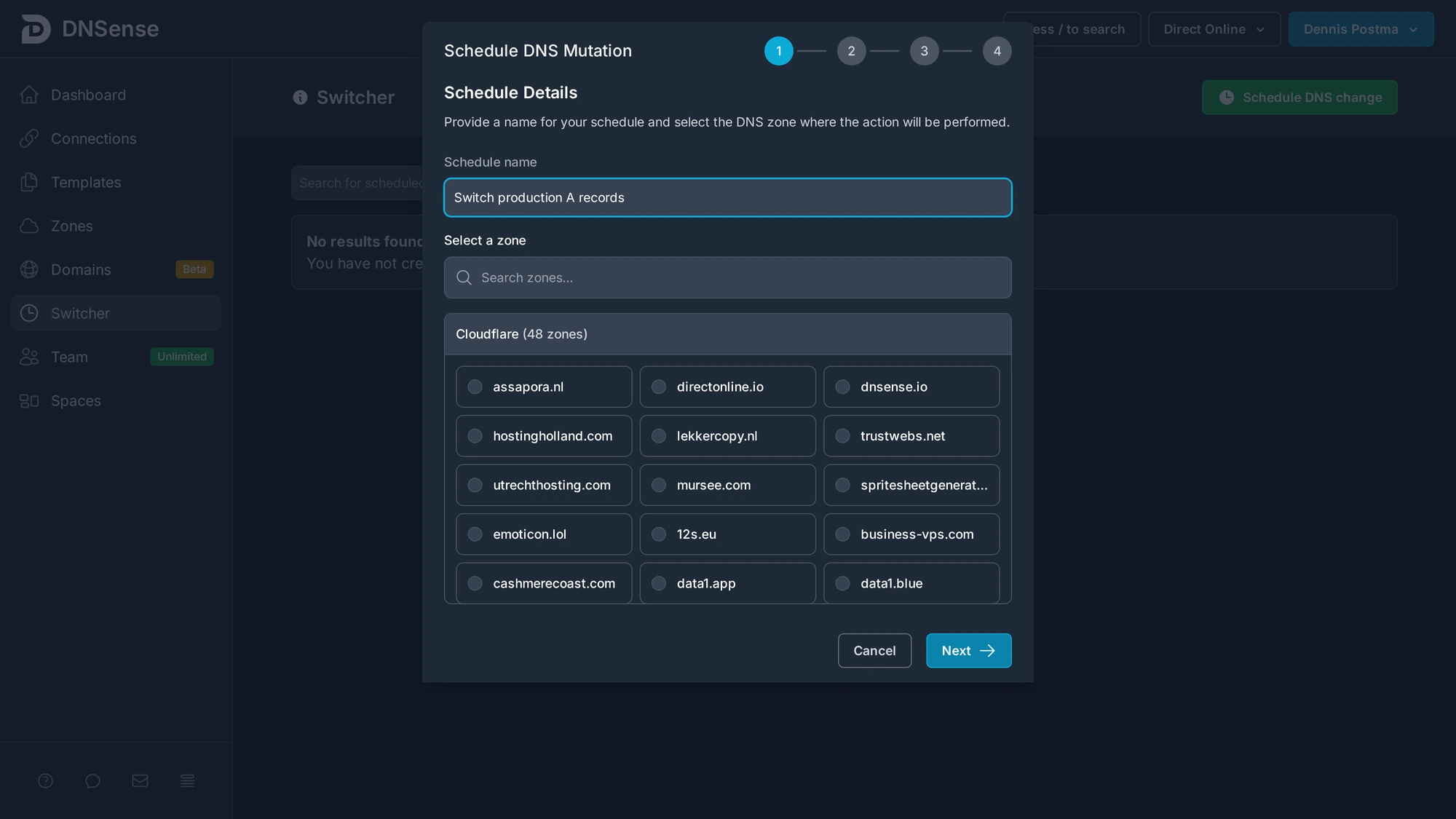
The scheduler walks you through naming a change, picking the zone, defining the mutation and confirming it. You see exactly what will happen before it is queued, and the change runs at the moment you set.
Time machine search
Zone history can be searched, so finding one change in a busy zone no longer means scrolling through months of entries.
Spaces
Sub-users now see the zones they have access to at the top of the list instead of buried in the full overview, which makes a difference for whitelabel environments with a lot of client domains.