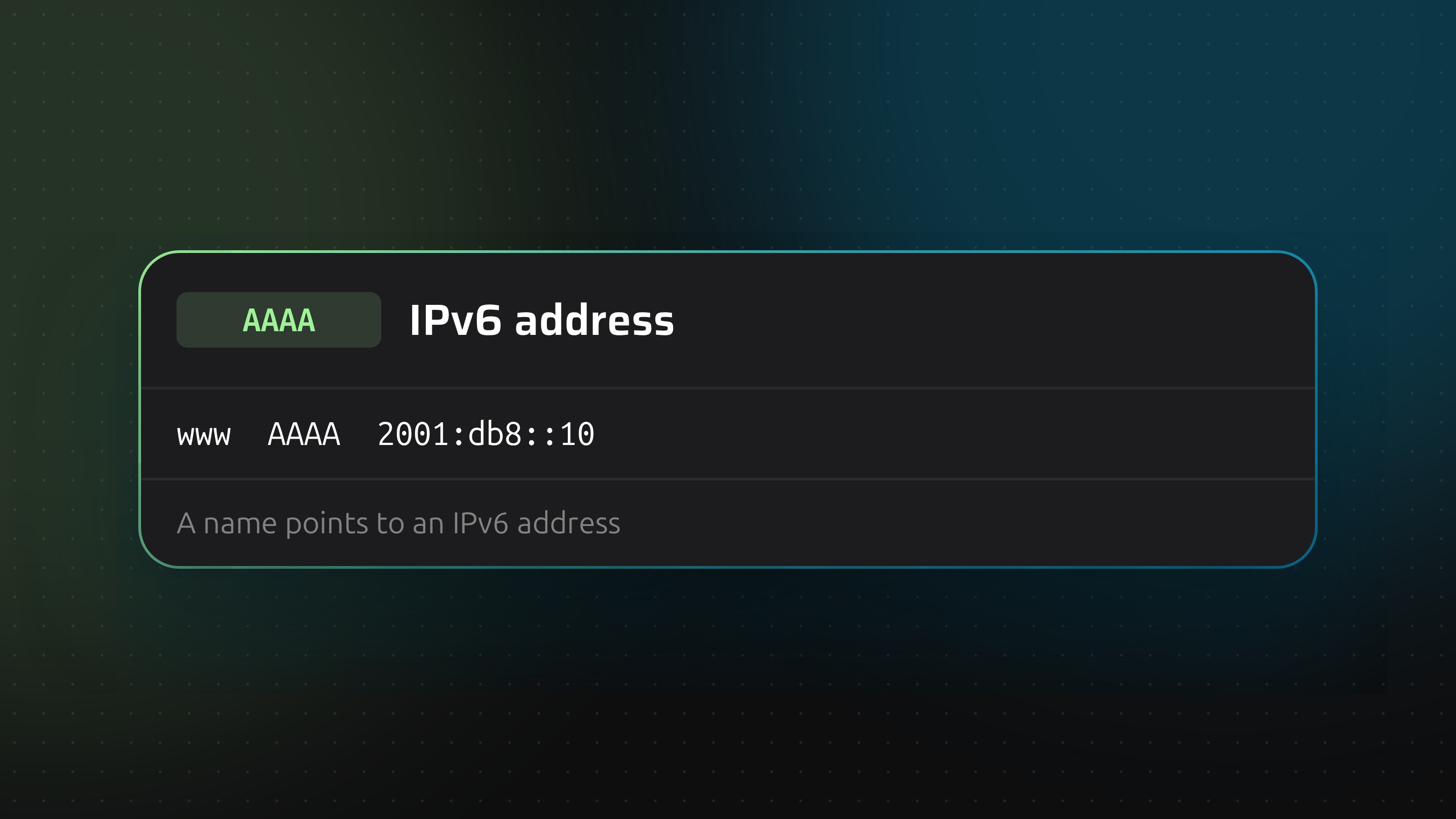
An AAAA record does for IPv6 what an A record does for IPv4. The name is odd because an IPv6 address is four times as long as an IPv4 address, so four As.
Reading an IPv6 address
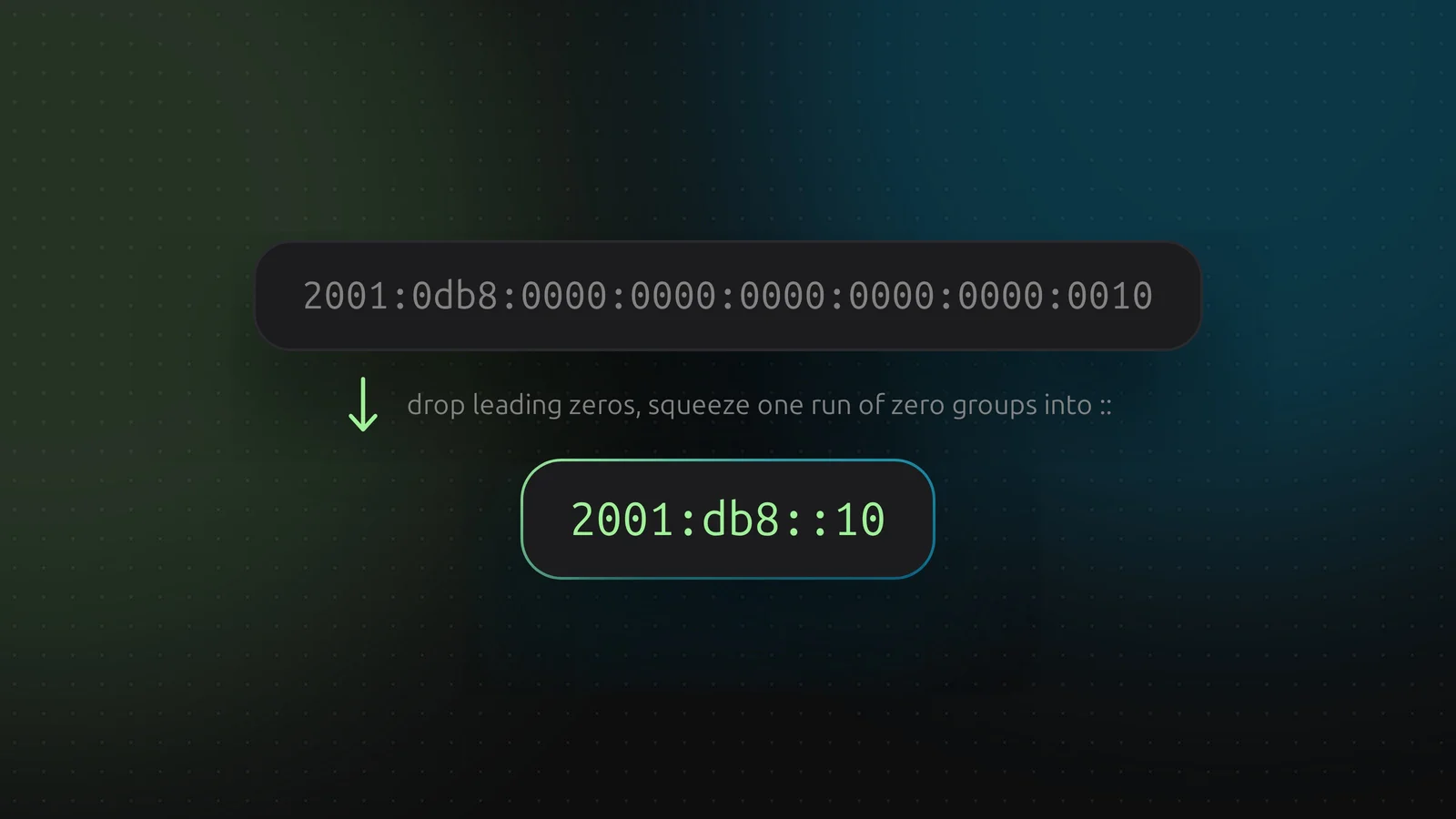
A full address has eight groups of four hex digits. Nobody types that. Two rules shorten it:
- Drop the leading zeros in each group.
- Replace one run of all-zero groups with
::. Only one run, once.
So 2001:0db8:0000:0000:0000:0000:0000:0010 becomes 2001:db8::10. Both mean the same address. DNSense accepts either form and checks that it is a valid IPv6 address before saving.
Dual stack
Most sites publish an A and an AAAA record under the same name. Clients with IPv6 use the AAAA record and fall back to the A record if it fails. That fallback is quick in modern browsers, but not instant, and mail servers and some API clients are less forgiving.
The trap: an AAAA record that points nowhere
If you publish an AAAA record, the server really has to answer on that address. A common mistake is adding AAAA for a hostname whose web server only listens on IPv4. Visitors on IPv6 networks then hit timeouts, and you only hear about it from the ones who bother to complain. Test before you publish:
curl -6 https://www.example.com
If that fails, fix the server first or leave the AAAA record out.
Adding one in DNSense
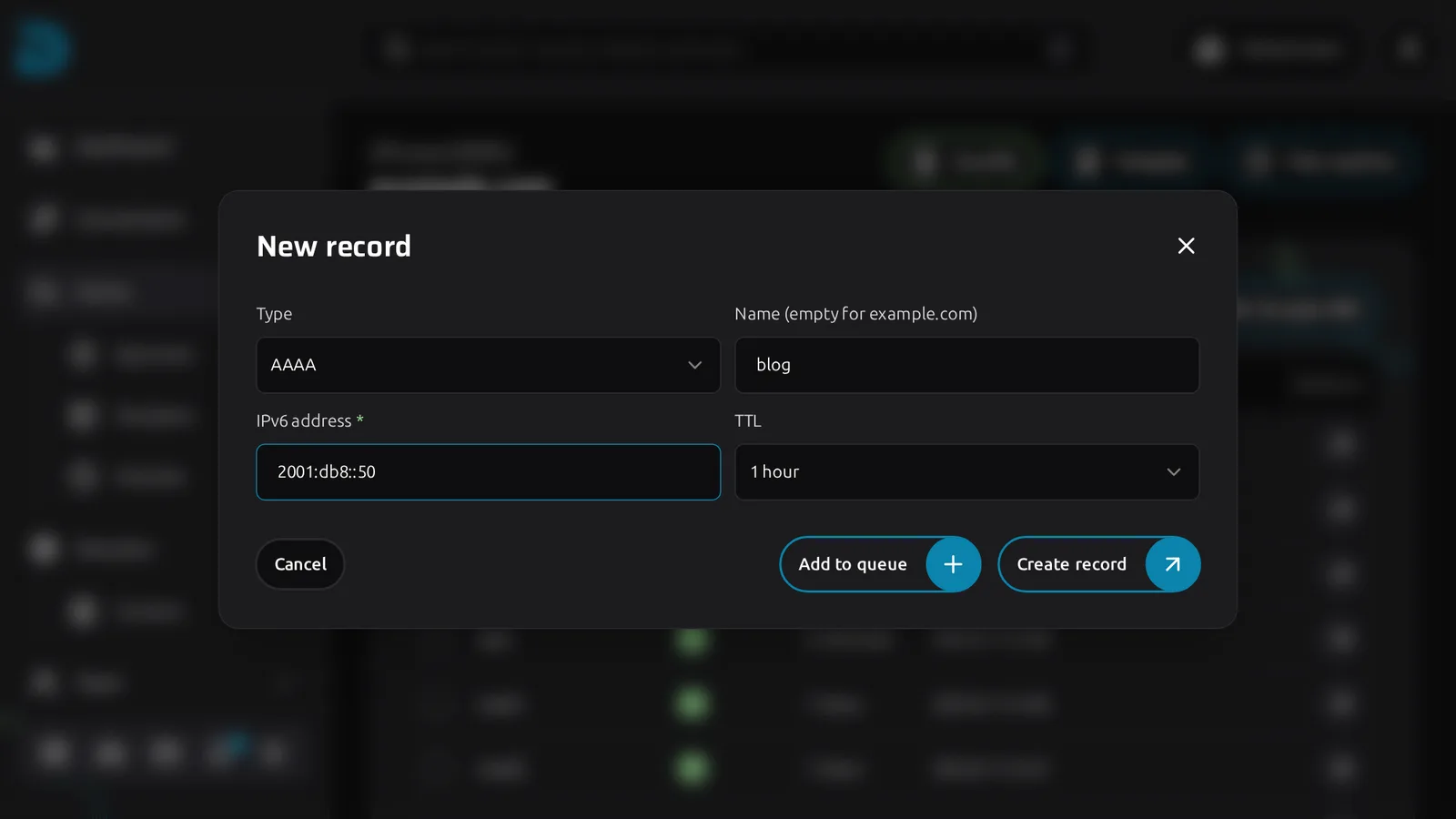
Click Create record, choose AAAA, enter the name and TTL and paste the address.
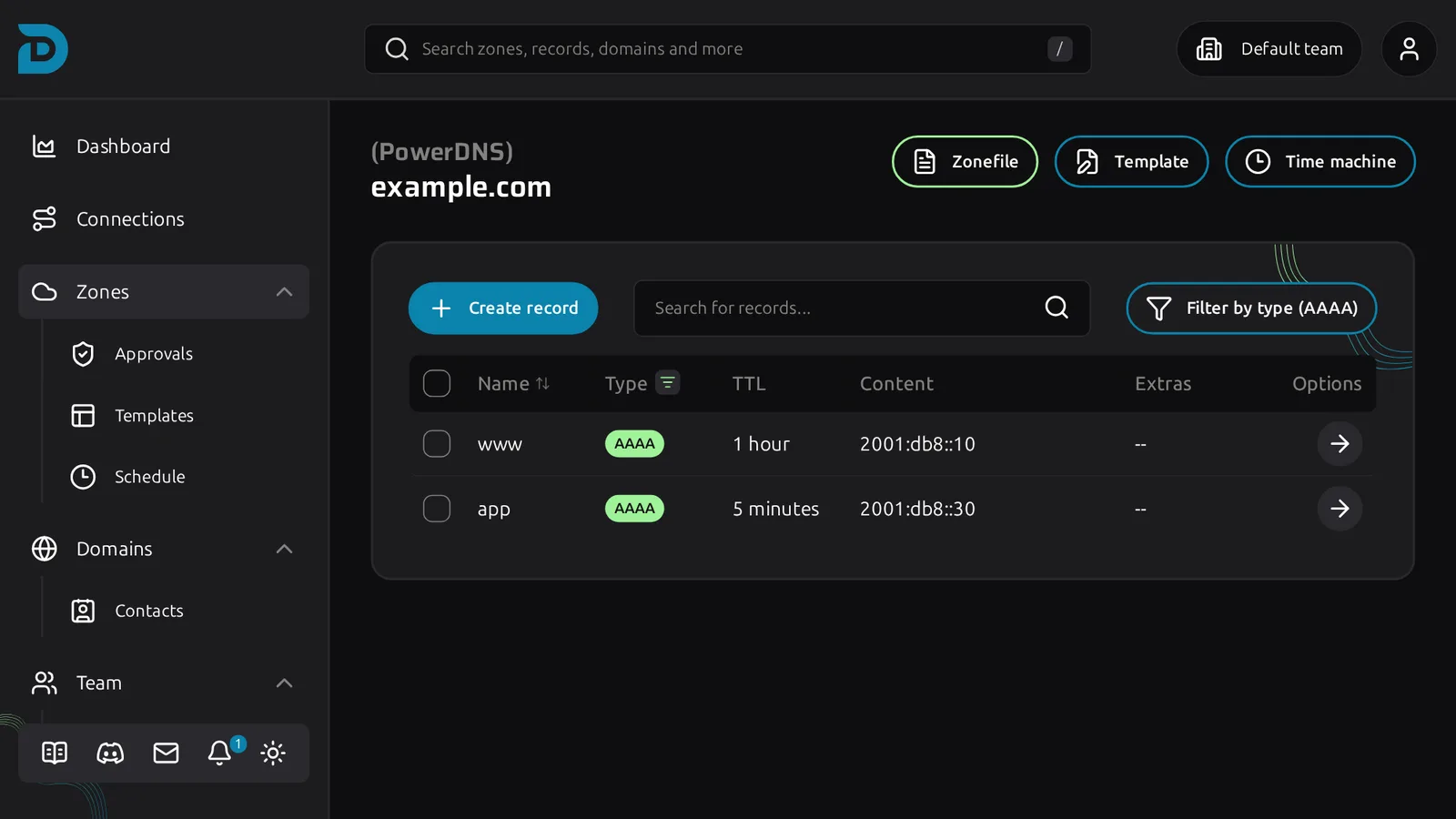
Use Filter by type to show only the AAAA records. Comparing that list with the A records tells you which hostnames have no IPv6 yet, and whether that is on purpose.
One more thing
Reverse DNS for IPv6 is set at whoever owns the address block, usually your hosting provider, not in your zone. If a mail server sends over IPv6, ask them to set it. Receiving servers check it.