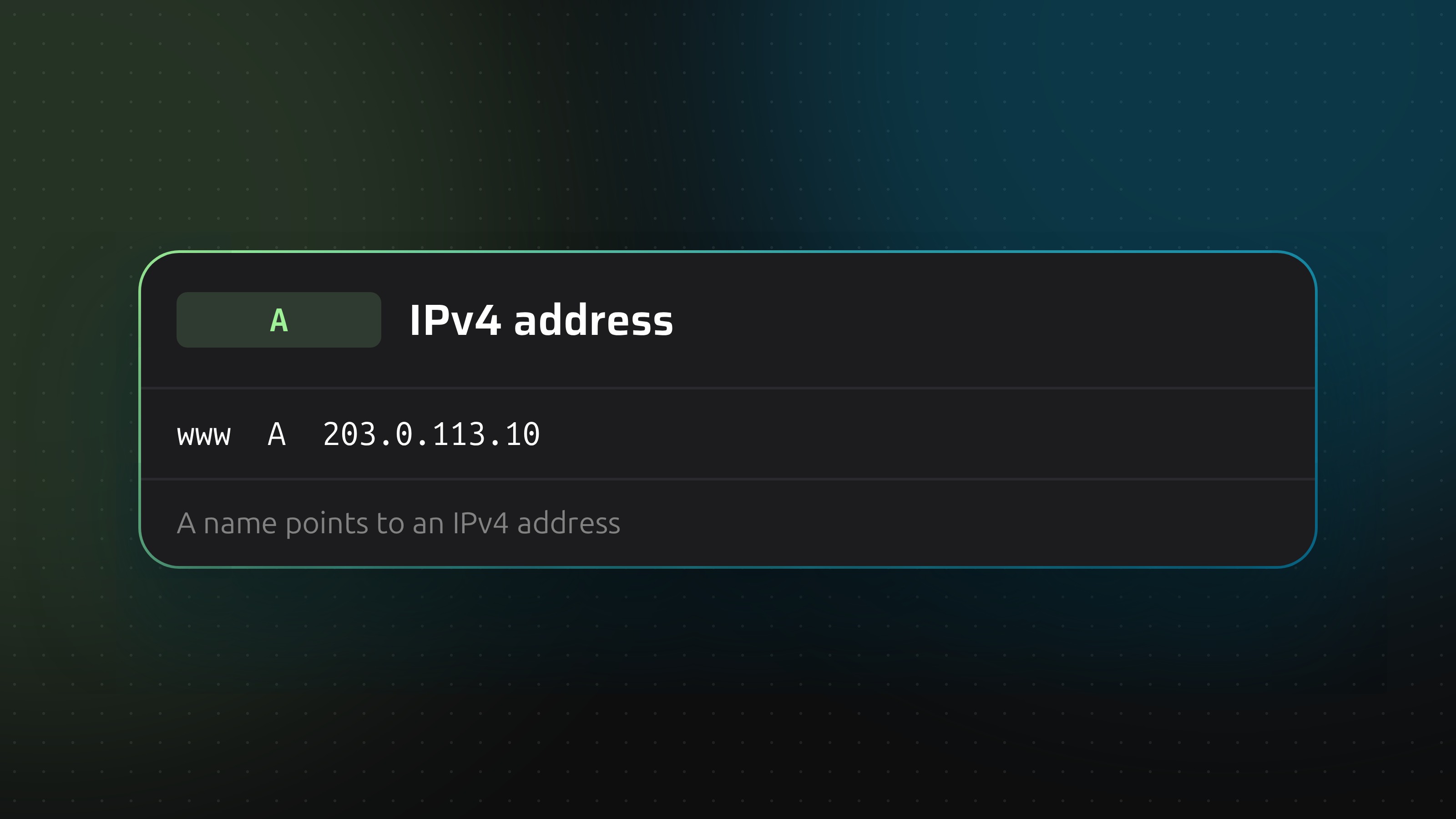
An A record is the oldest and most common DNS record. It answers one question: which IPv4 address belongs to this name? Everything else on a website, from the certificate to the CDN, comes after that answer.
How it works
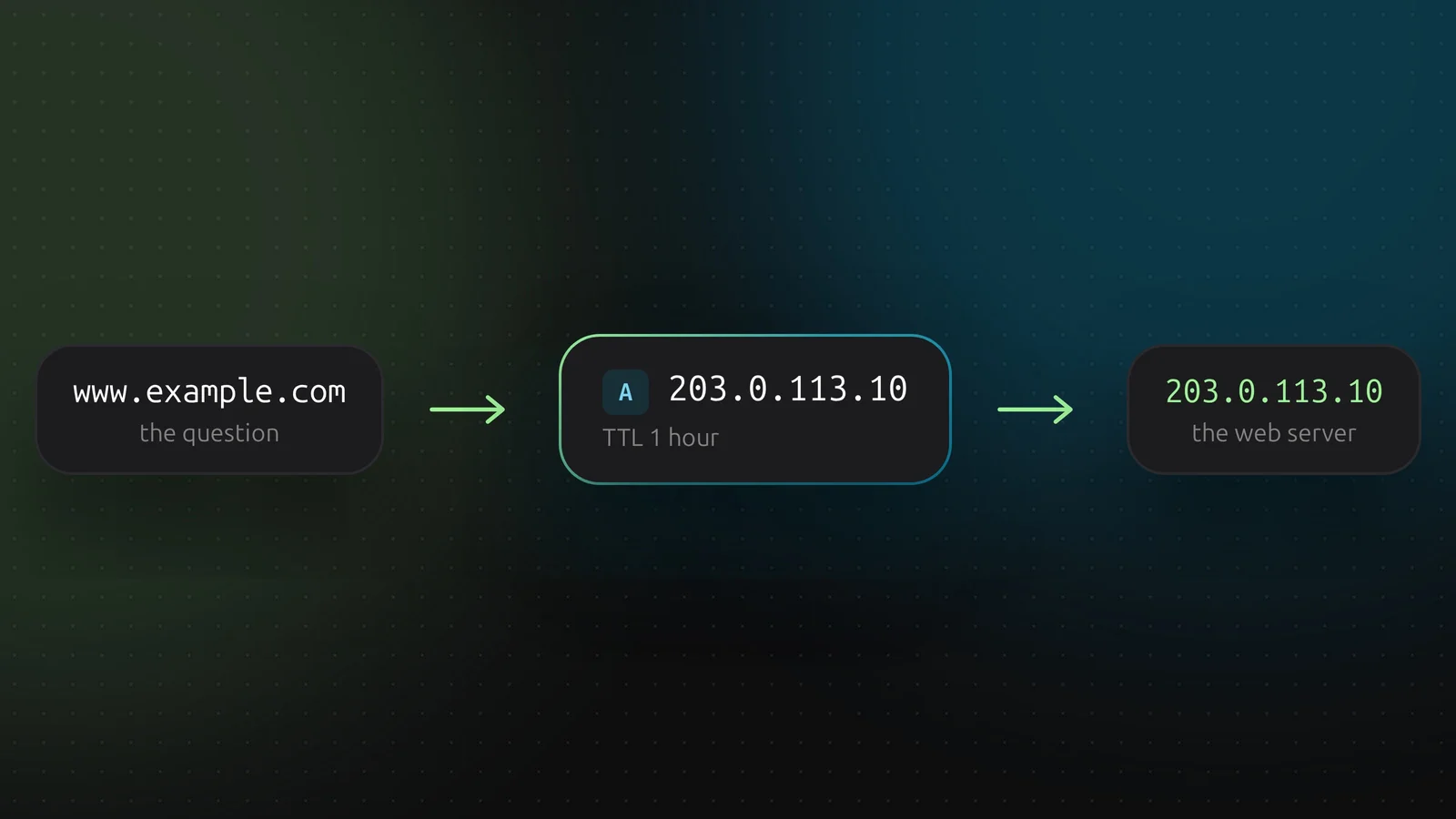
A browser asks a resolver for www.example.com. The resolver asks the nameservers of the zone and gets an A record back, 203.0.113.10 for example. The browser connects to that address.
What is in the record
- Name.
www, api, or empty for the bare domain, called the apex or root. - Content. One IPv4 address in dotted form. Not a hostname, not a URL.
- TTL. How long resolvers may cache the answer, in seconds. 3600 (one hour) is a sane default. 300 suits a change you expect to redo soon.
More than one A record
Give a name several A records and resolvers return all of them, usually in rotating order. That is round-robin DNS: cheap load spreading, but it does not notice a dead server. If one of the addresses stops answering, some visitors still get sent there until you remove the record. For real failover you want a load balancer or health checks at the provider.
Changing an A record safely
The old answer lives in caches for as long as the TTL says. So lower the TTL a day before a migration, change the address, then raise the TTL again. Changing the address first and the TTL second does nothing for the visitors who already cached it.
Adding one in DNSense
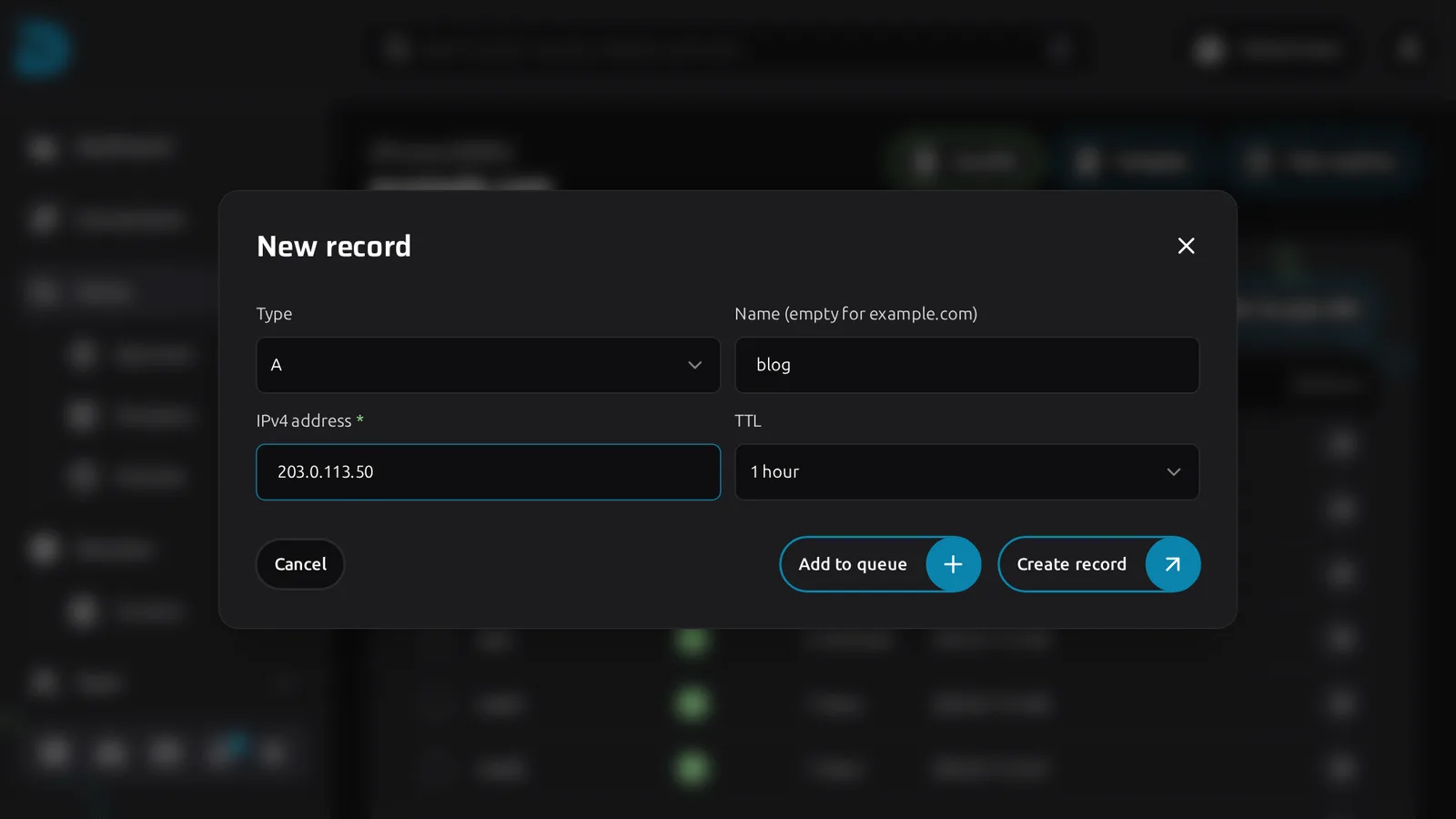
Open the zone and click Create record. The type is A by default. Enter the name (empty for the apex), paste the IPv4 address and pick a TTL. DNSense refuses anything that is not a valid IPv4 address before it reaches your provider. Add to queue collects several records so you can send them together.
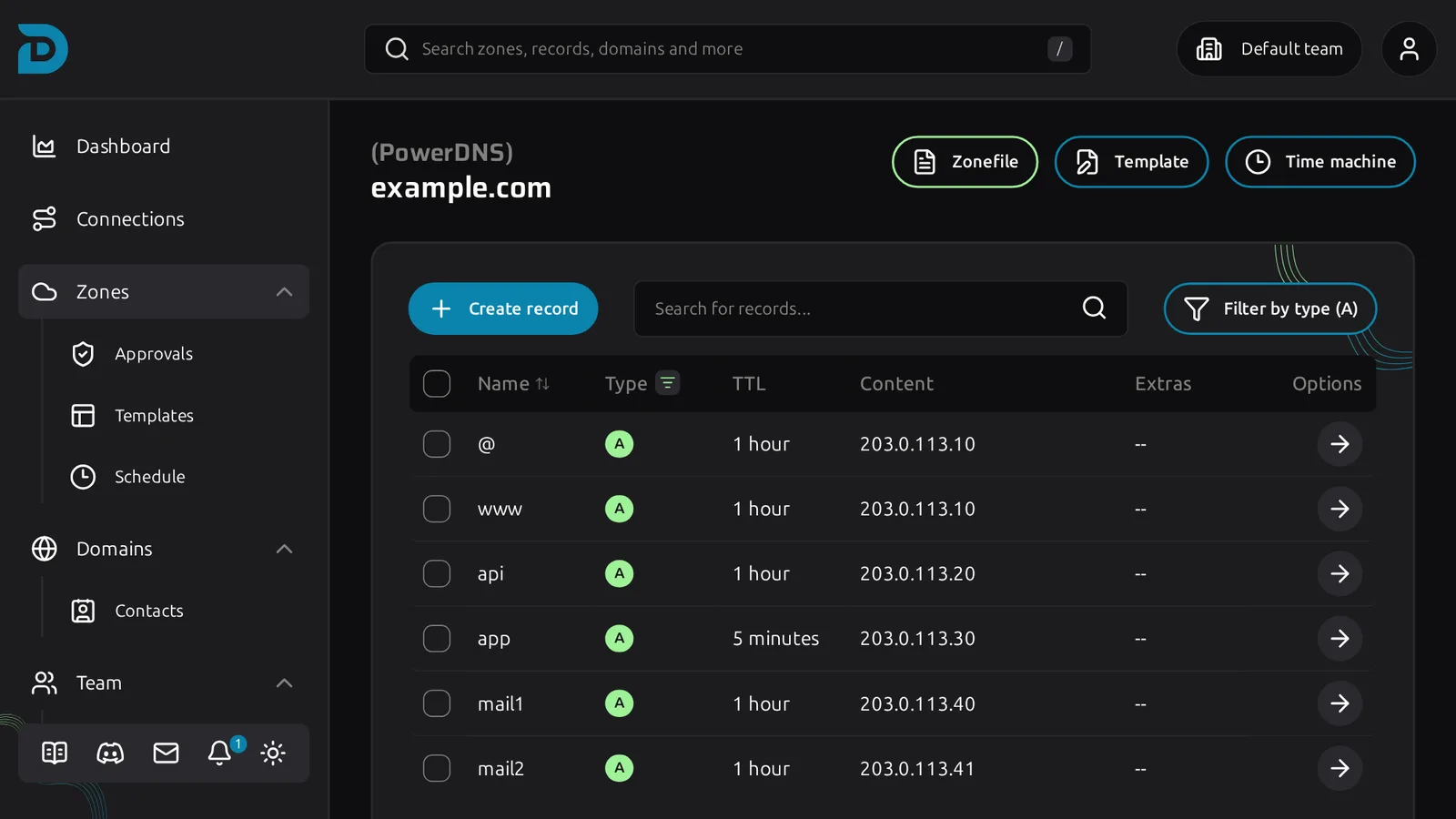
Filter the table on type A afterwards to check the result.
Every change lands in Time machine, so a wrong address is one click from undone. Mind the provider limits: Porkbun and GoDaddy have a minimum TTL of 600 seconds, and Openprovider only keeps a fixed list of TTL values.
A or AAAA?
An A record only covers IPv4. If your server also has an IPv6 address, add an AAAA record next to it. That is the next article in this series.