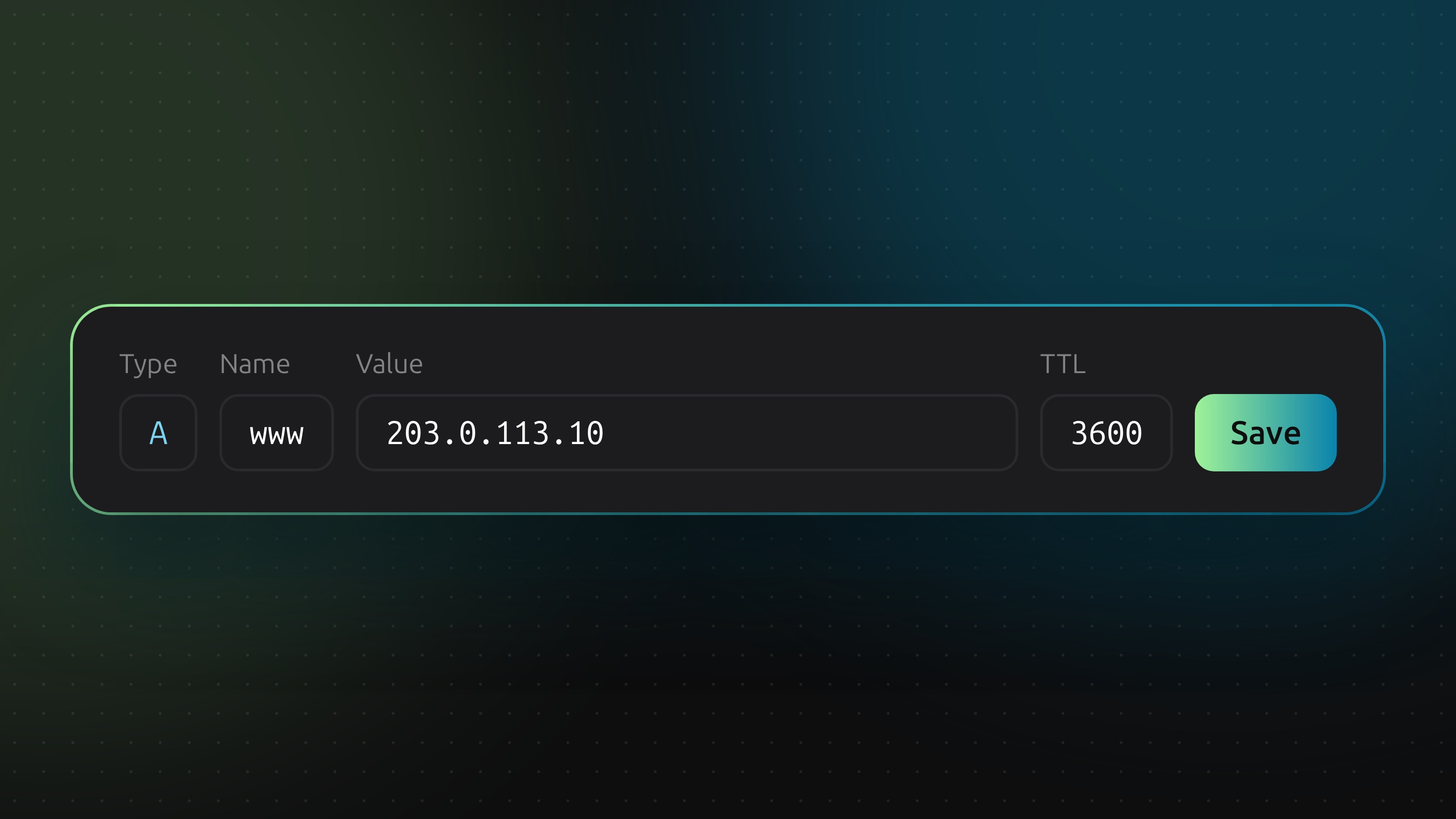
Add the record
Open the zone you want to change in the DNS manager, add the record with its type, name, value and TTL, and save. DNSense pushes the change to the provider that hosts the zone.
Undo a change
Every change appears in Time machine, so you can revert it with one click.