
DNS, the Domain Name System, turns names people can remember into the addresses computers use. Type example.com into a browser and DNS tells it which server to ask. Mail works the same way: DNS says where mail for your domain goes.
What happens in a lookup
Your browser asks a resolver, usually run by your ISP or a public service. If the resolver has no cached answer, it asks the root servers, then the servers for the top-level domain (.com, .nl), and finally the authoritative nameservers for your domain. Those hold the zone: the list of records you manage. The answer travels back and every step may cache it.
The record types you will meet
A zone is a set of records. Most domains need only a handful.
| Record | What it does |
|---|---|
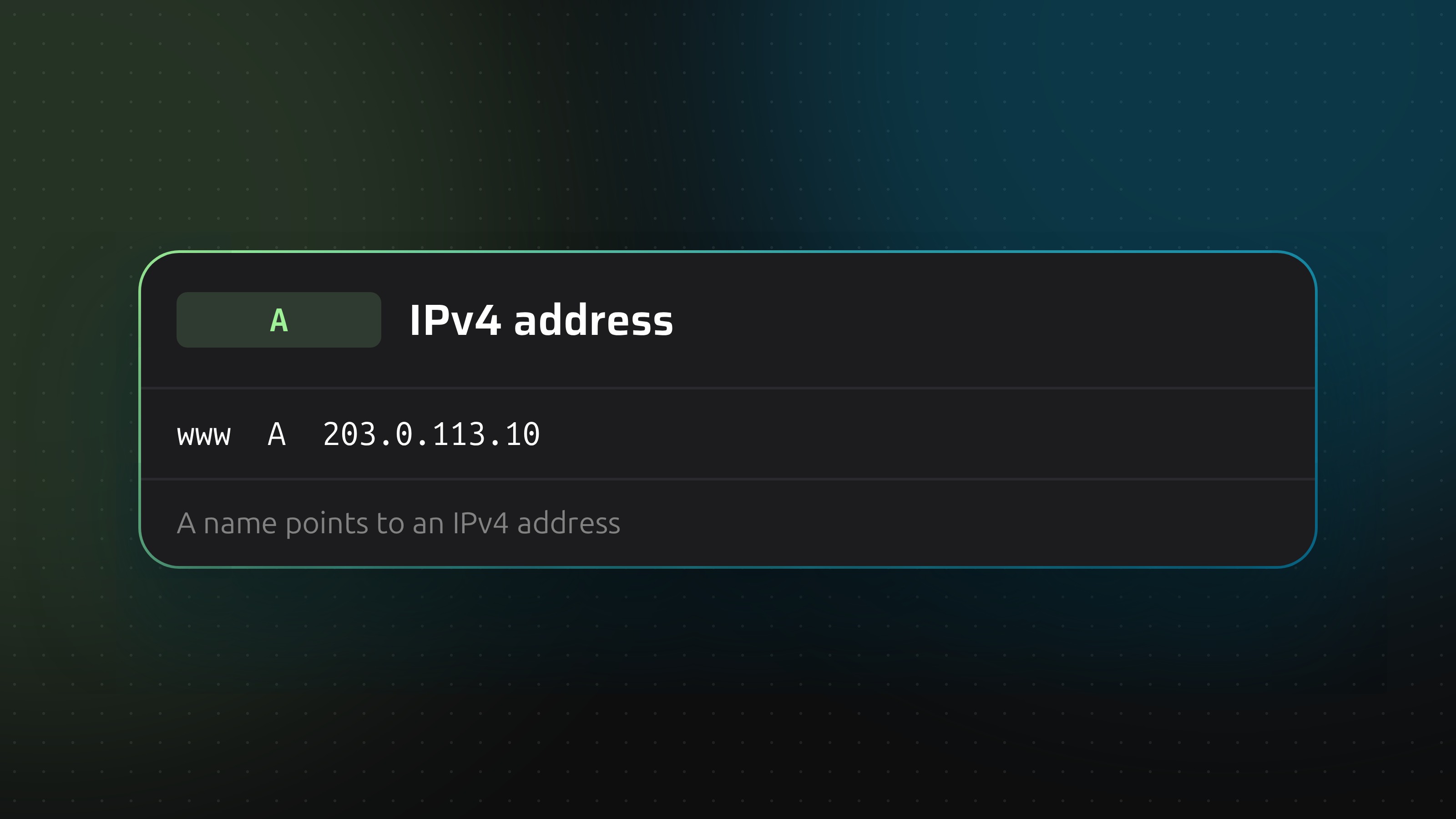
| A | Points a name to an IPv4 address |
| AAAA | Points a name to an IPv6 address |
| CNAME | Makes one name an alias of another |
| MX | Says which servers accept mail for the domain |
| TXT | Free text, used for SPF, DKIM, DMARC and domain verification |
| SRV | Gives the host and port of a service |
| CAA | Limits which certificate authorities may issue certificates |
| TLSA | Pins a server certificate in DNS, for DANE |
| NS | Names the servers that answer for the zone |
| SOA | Holds the zone serial and timers, one per zone |
TTL: why changes are not instant
Every record has a TTL, the number of seconds a resolver may keep the answer. A record with a TTL of 3600 can stay cached for an hour after you change it. That is why a migration feels slow: you are waiting for caches to expire, not for the change to spread. The details are in how long DNS changes take.
Registrar, DNS host and nameservers
Three things get mixed up. The registrar is where you registered the domain. The nameservers are the servers the registry points the domain to. The DNS host runs those nameservers and holds your records. They can be three different companies, and only the DNS host's records count. Edit a record at your registrar while the nameservers point to Cloudflare and nothing changes.
Where it goes wrong
- Editing at the wrong provider. The record looks right but the zone is not live there.
- Deleting a record you did not recognise. An old TXT record may be the SPF policy that keeps your mail out of spam.
- No history. Most panels do not tell you who changed what, so a broken mail setup on Friday afternoon turns into guesswork.
Managing DNS across providers
Teams often have domains spread over a registrar, a hosting panel and Cloudflare. DNSense connects to those accounts, shows every zone in one table, keeps a history of each change and lets you undo one in a click. Your domains stay where they are. The DNS manager page shows how it works, and the first 50 domains are free.